Slide 3 of 11 from Pixel Perspective PowerPoint Template
Three Section Content Layout for Pixel Perspective
Content Layout with Icons for Presentations
- Text Layout
- Other
- Context Slide
- 16:9
- 100% Editable
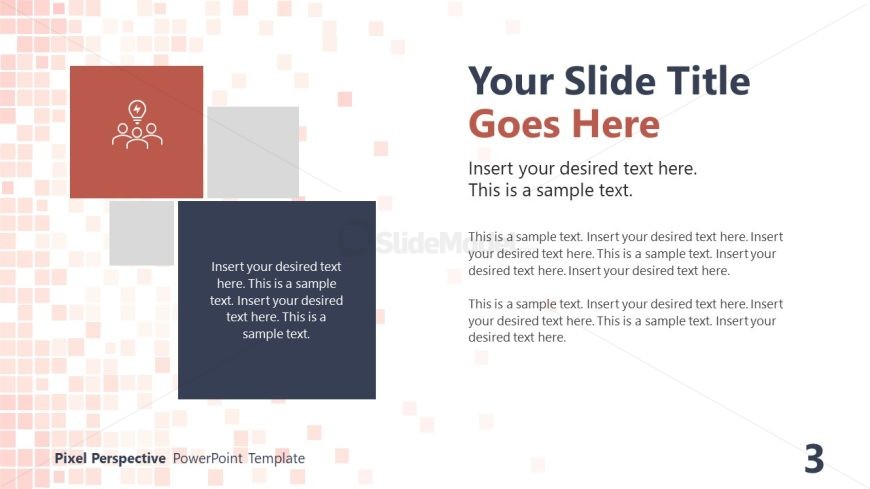
The Content Layout with Icons slide from the Pixel Perspective PowerPoint Template offers a balanced design combining editable shapes and text areas, ideal for team introductions, project overviews, or brainstorming sessions. This slide layout integrates vector icons with spacious text sections, making it a practical choice for business presentations requiring clear communication and visual engagement within a professional slide deck.
What’s on This Slide
The layout features a large title area at the top left, with a bold title placeholder. Below this, three square containers are arranged in a grid format. The leftmost square contains an icon of three people with a lightbulb, while the other two squares are empty for text. The right side has a larger text area for detailed content, with sample text placeholders aligned to the left. The background consists of a light pixel pattern, creating a subtle texture. The overall composition balances visual elements and text areas.
How to Use It
This layout serves as a content presentation format, ideal for introducing concepts or themes. It fits well after an introductory slide, providing a visual structure for discussing ideas or project details. Scenarios include team introductions, project overviews, or brainstorming sessions. The layout allows for a mix of visual and textual information, making it suitable for various business contexts where clarity and engagement are essential.
Text Placeholders & Capacity
Keep your copy within these limits so it fits without resizing. Body slots can hold approximately 25-30 words each.
| Placeholder | Count | Max characters (approx.) |
|---|---|---|
| Slide title | 1 | 40 |
| Body paragraph | 3 | 150 |
Slide Keywords
Download unlimited PowerPoint templates, charts and graphics for your presentations with our annual plan.
DOWNLOADReturn to Pixel Perspective PowerPoint Template.