Slide 4 of 7 from Animated 3D Multi-step Stair Concept PowerPoint Template
Stairway Rest PowerPoint Slide
3D Multi-step Stair Diagram for Presentations
- Diagram
- Process Flow
- Process Slide
- 16:9
- 100% Editable
What’s on This Slide
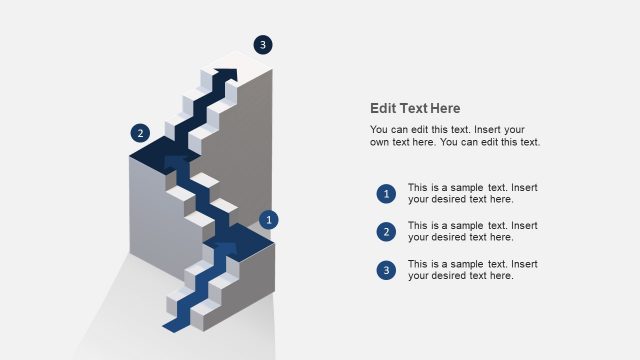
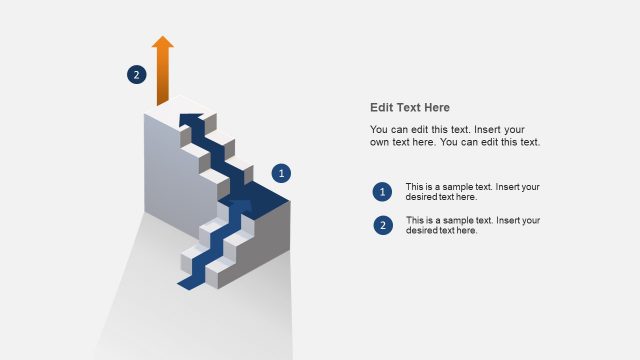
The layout features a 3D stair diagram positioned on the left side, with two steps visible. An arrow flows from the bottom left to the top right, indicating progression. The diagram includes two numbered nodes, each represented by circles, with the first node larger than the second. On the right, there is a text area containing placeholders for a title and two body text sections, aligned vertically. The overall composition emphasizes the stair diagram while maintaining a clear visual hierarchy between the diagram and text.
How to Use It
This layout serves as a multi-step process diagram, ideal for illustrating sequential actions or stages. It fits well in a presentation sequence following a problem statement and leading into solutions or strategies. Suitable for business scenarios such as project planning, process mapping, or strategic initiatives, it effectively communicates progression and steps involved in achieving objectives.
Text Placeholders & Capacity
Keep your copy within these limits so it fits without resizing. Text slots can accommodate concise content, roughly 8-10 words each.
| Placeholder | Count | Max characters (approx.) |
|---|---|---|
| Slide title | 1 | 40 |
| Item heading | 2 | 30 |
| Item body | 2 | 100 |
Slide Keywords
Download unlimited PowerPoint templates, charts and graphics for your presentations with our annual plan.
DOWNLOADReturn to Animated 3D Multi-step Stair Concept PowerPoint Template.