Share your achievements and experiences in the executive presentations with the Personal Journey Presentation Template.
At corporate meetups or board presentations, new joint-venture partners can use this personal-journey slide deck to highlight their vision and goals.
Strategy leaders can use this slide template to outline their key challenges faced and important lessons learned during their business growth process. They can also display their future objectives, so other members can understand their capabilities and build trust.
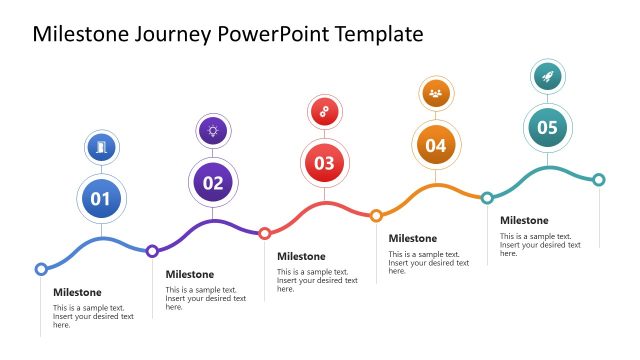
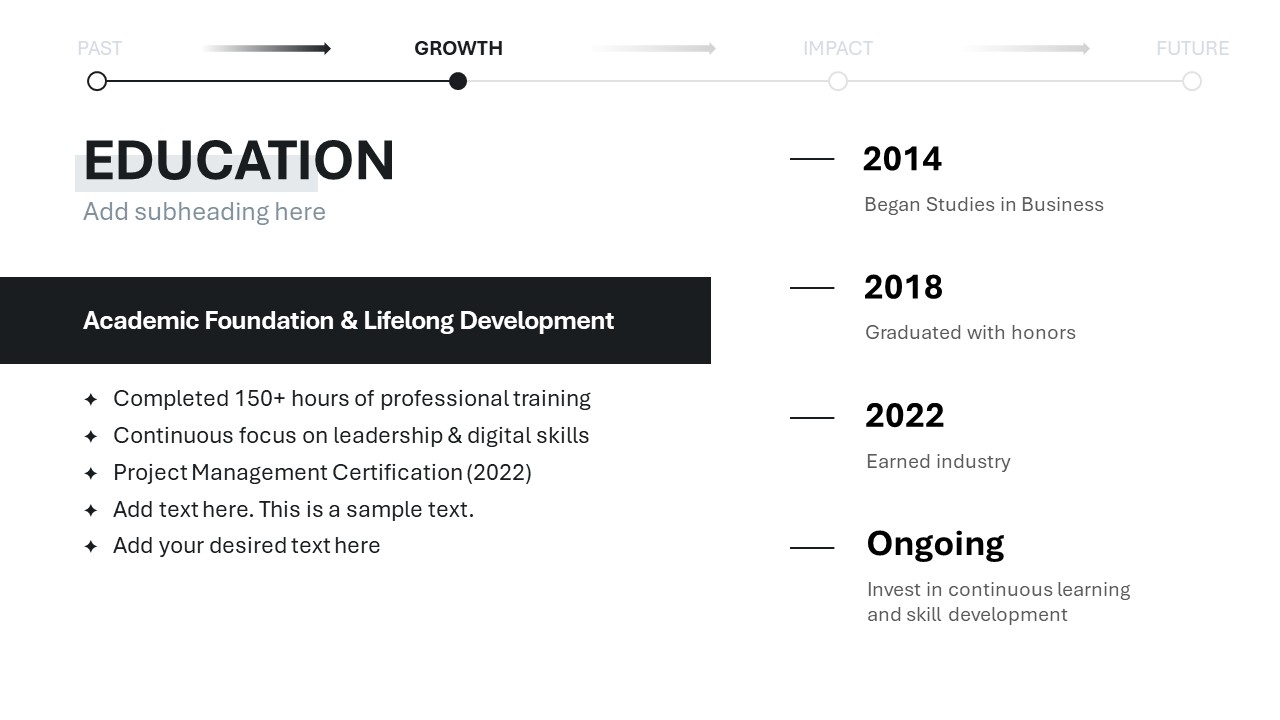
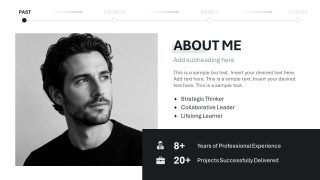
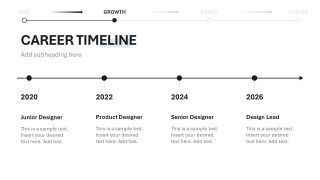
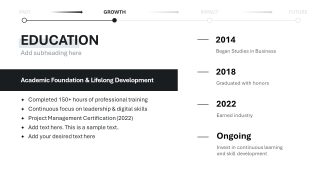
In the beginning, users discuss themselves; for instance, they can review their strengths, weaknesses, goals, and thoughts. Next, a timeline diagram showcases the career history, work experience, and initial stages of development. The education slide enables users to provide an overview of their educational background, the institutions they attended, and the degrees they earned. There is a segment to present the academic foundation and lifelong development.
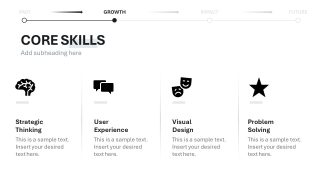
Moreover, the four-section infographic slide is useful for communicating a person’s core skills. Furthermore, you can customize the following slides to include in your personal journey presentation:
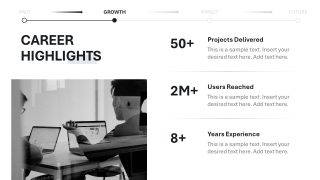
- Career Highlights
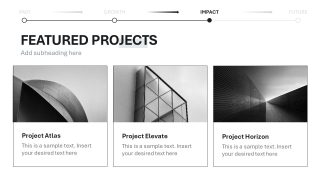
- Featured Projects
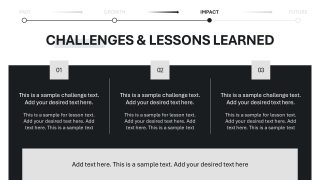
- Challenges & Lessons Learned
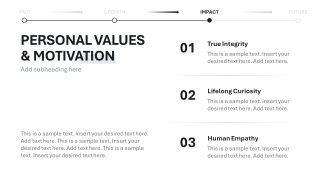
- Personal Values & Motivation
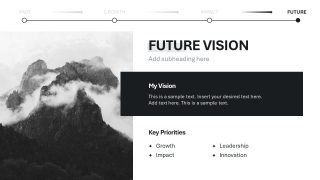
- Future Vision
- Thank You
The Personal Journey Presentation Template features a minimalist yet comprehensive design that lets business leaders present their successful startups or entrepreneurial failures in business presentations. Mentors share the roadmap for developing leadership skills and advancing careers in employee training presentations. We enable users to modify the color scheme, change PPT shapes, and edit the template design to accurately match their theme needs. Job seekers present their personal journey profiles in the HR presentations using this layout.
Download the personal journey template slide layout and discuss your values or motivation in a compelling style. Alternatively, you can download other journey PPT templates and slide diagrams to showcase your personal journey or edit the presentation with Copilot in PowerPoint.
What’s inside this template
Example presentation scenarios
- A founder can use the career timeline, featured project cards, and future vision slide to introduce their professional path before a partner or investor discussion.
- A job candidate can present the about me profile, core skills columns, and career highlights slide to explain experience and fit during an interview or HR review.
- A mentor or career coach can use the education timeline, challenges and lessons slide, and values layout to teach a reflective career development session.
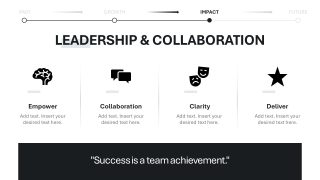
- A business leader can use the personal values, leadership and collaboration, and future vision slides to build trust during an internal leadership introduction.
Features
- 100% editable presentation template
- Compatible with Microsoft PowerPoint and Google Slides
- 16:9 aspect ratio slides
- Scalable vector shapes, icons and illustrations
- AI-Ready for Microsoft Copilot and Claude
- Instant access and download
Frequently asked questions
Q: How should I structure the story so it feels credible rather than self-promotional?
A: Start with the about me slide to define the speaker's role, then use the career timeline and education slide to give context. Move into proof through career highlights and featured projects before discussing challenges and lessons. This sequence shows growth, evidence, and reflection before asking the audience to accept the future vision.
Q: Who gets the most value from this personal journey format?
A: This deck fits presenters who need to explain personal credibility, not just list credentials. Founders, executives, mentors, and job candidates can use the timeline, skills columns, project cards, and values slide to connect background with current strengths. It works best when the audience needs to understand both experience and motivation.
Q: Why does the repeated past, growth, impact, and future navigation help the message?
A: The top stage line acts as a journey map, reminding the audience where each slide sits in the speaker's story. It reduces the risk of a scattered biography by grouping content into growth phases. The metaphor is simple: the presenter is moving from past context toward future direction.
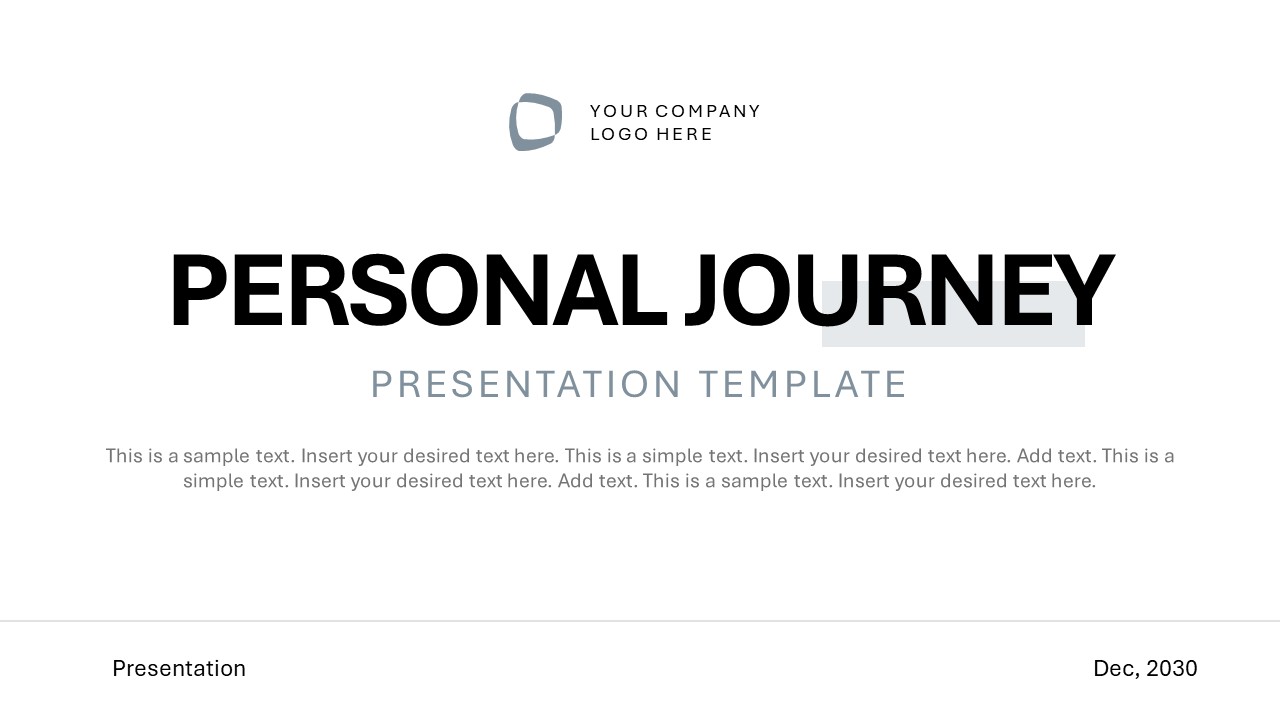




Personal Journey Presentation Template
12-slide presentation template for career timeline, personal values, and future vision storytelling
The Personal Journey Presentation Template is a 12-slide deck for presenting a professional growth story in Microsoft PowerPoint and Google Slides. Visible layouts include an about me profile, career timeline, education timeline, core skills columns, featured project cards, challenges and lessons, personal values, future vision, and contact close.
- Category
- Timelines & Planning
- Rating

 Loading...
- Aspect ratio
- 16:9
- Item ID
- 94233-02
- Colors
 Microsoft PowerPoint
  Microsoft Copilot
  Claude for PowerPoint
 Other formats supported
Subscribe today and get immediate
access to download our PowerPoint templates.