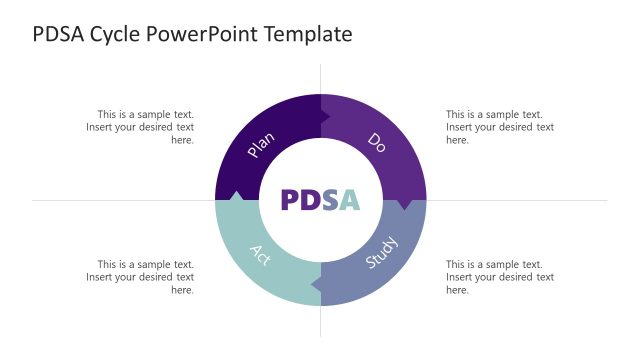
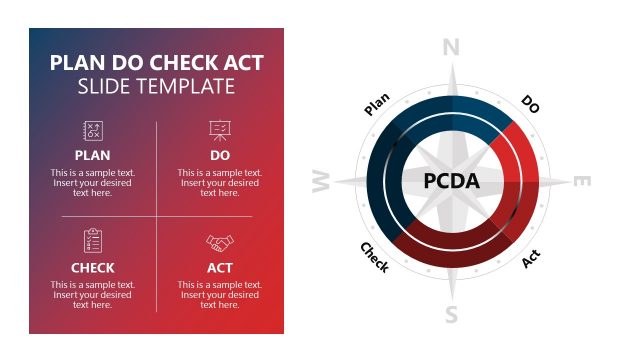
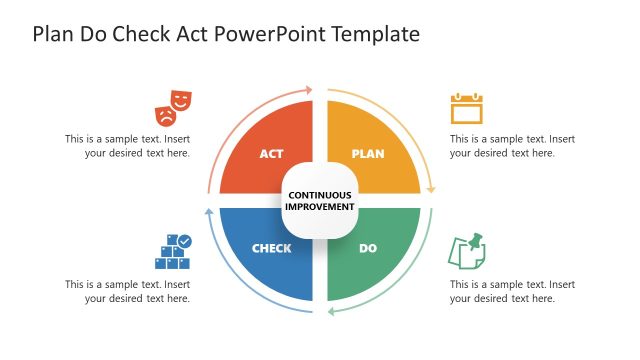
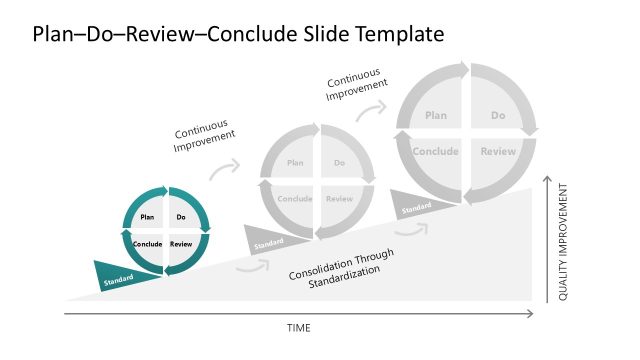
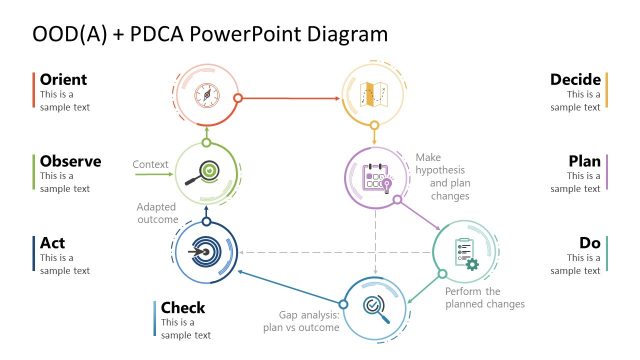
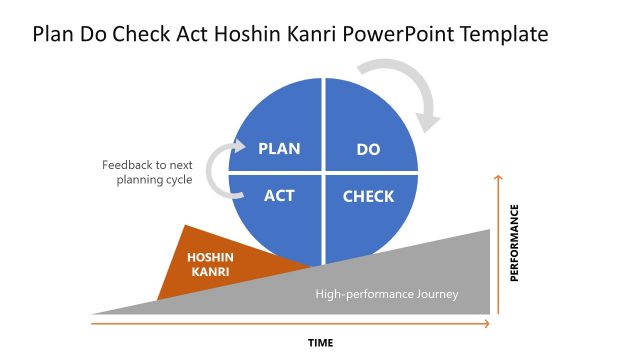
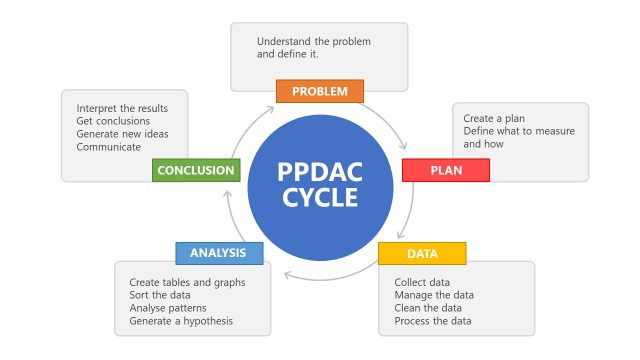
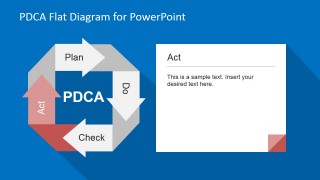
PDCA Flat Diagram for PowerPoint is a template based on the PDCA (Plan, Do, Check, and Act) cycle developed by W. Edwards Deming. The PDCA diagram, commonly referred to as the Deming cycle, is a strategic four-step management tool used in the ceaseless improvement of products and systems.
The Plan-Do-Check-Act cycle was first used in Japan and resulted to the implementation of “Kaizen” (good change) in the country. The cycle begins with the planning phase (Plan), then it goes to the production or doing phase (Do), after which the results are evaluated (Check) in order to provide better satisfactory results (Act).
During the year the PDCA was renamed to PDSA (Plan-Do-Study-Act) to change the approach of the method to focus on analyzing situations instead of controlling.According to Deming, the PDCA cycle is designed for teams working on problems at the local level. The PDSA cycle, on the other hand, is a quality control program for management. The PDCA cycle is sometimes called the Shewhart cycle, named after Walter Shewhart, the father of statistical quality control and pioneer of the cyclical concept.
Shewhart’s three-step process–specification, production, inspection–inspired Deming to develop the PDSA cycle which resulted to the development of the PDCA cycle in Japan, where Deming conducted lectures of the subject.
The PDCA model is, therefore, a methodical approach to problem solving with an emphasis on assessing feedback to improve goods. Companies like Toyota are using the PDCA cycle to improve their products. Apart from manufacturing, the PDCA Flat Design PowerPoint Diagram can be used in the medical industry as well as social services and schools.
Our PDCA Flat Diagram for PowerPoint is completely created with PowerPoint objects allowing the user to fully customize its appearance (size, color, effects, etc.) Impress your audience with this professional PowerPoint Business Template that appeals to executive audiences.
What’s inside this template
Example presentation scenarios
- A quality manager can use the PDCA cycle overview to introduce a corrective-action meeting and show how planning, execution, review, and adjustment connect.
- An operations leader can use the Plan and Do detail slides to align supervisors on the intended process change and the work required during rollout.
- A project manager can use the Check and Act slides to review pilot results, document lessons learned, and define the next improvement cycle.
- A training facilitator can use the four phase-focused slides to teach new employees how PDCA supports continuous improvement decisions.
Features
- 100% editable presentation template
- Compatible with Microsoft PowerPoint and Google Slides
- 16:9 aspect ratio slides
- Scalable vector shapes, icons and illustrations
- AI-Ready for Microsoft Copilot and Claude
- Instant access and download
Frequently asked questions
Q: How should a presenter explain the PDCA cycle without making the four phase slides feel repetitive?
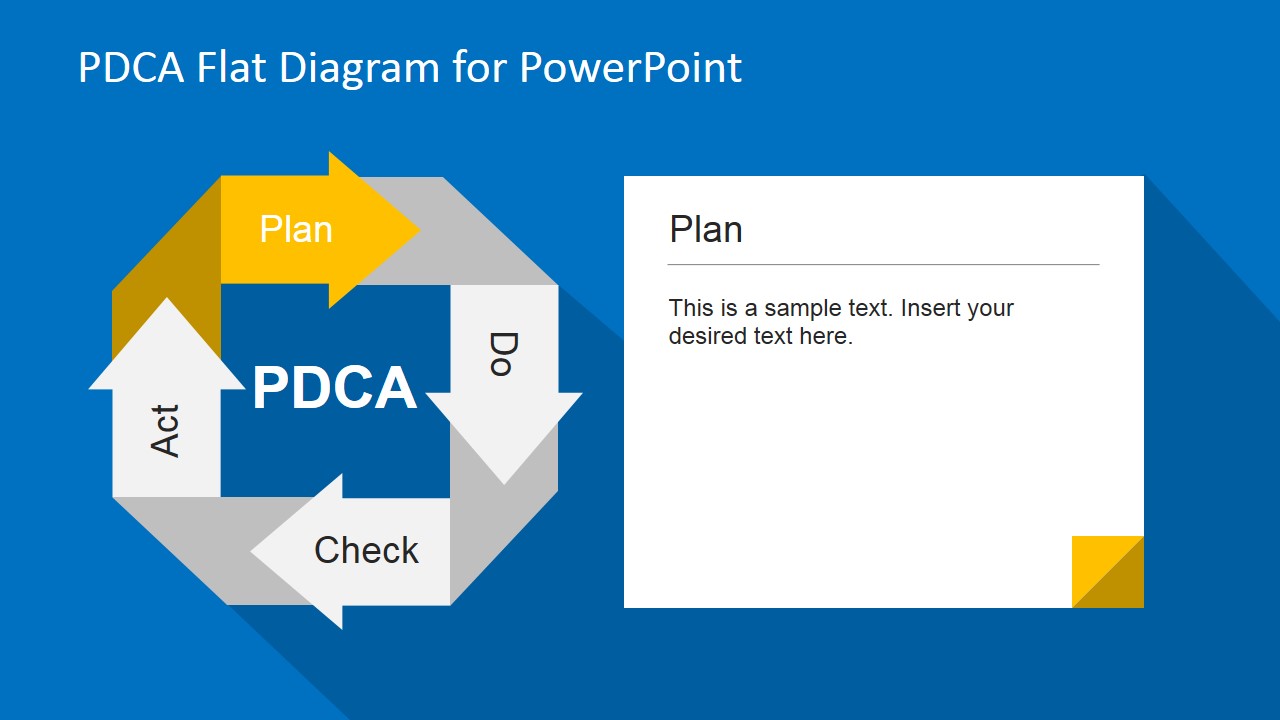
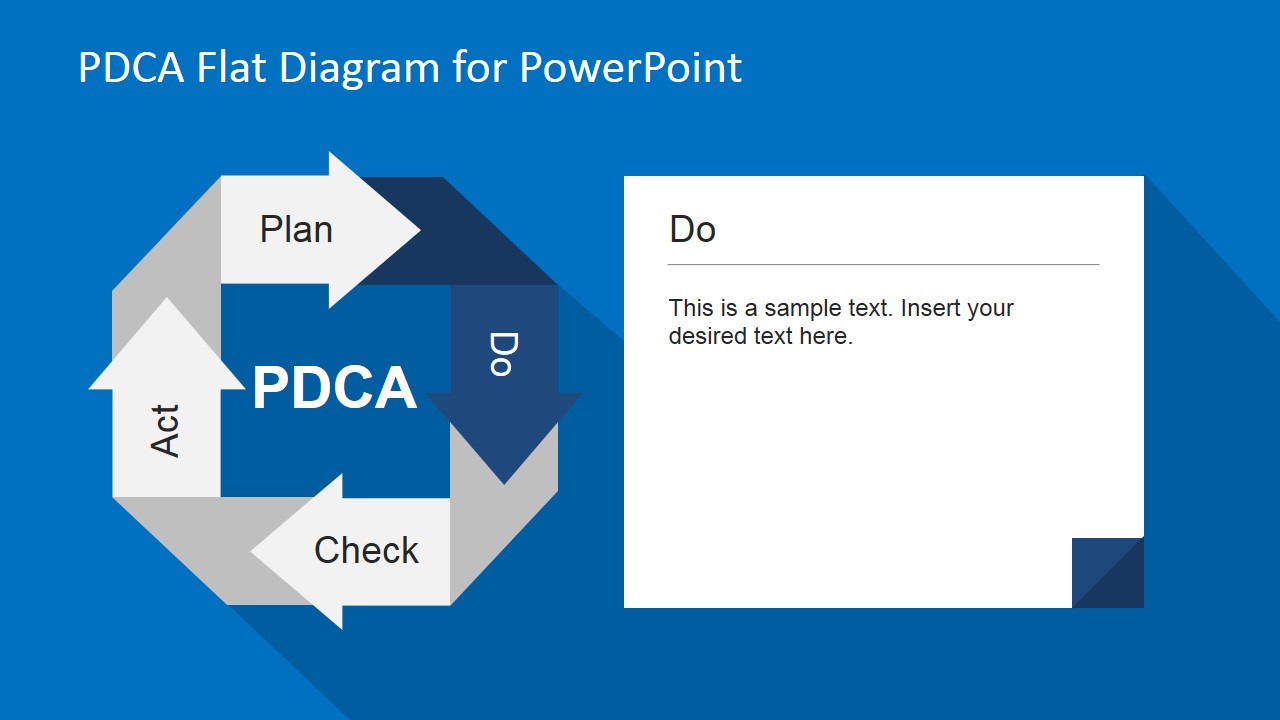
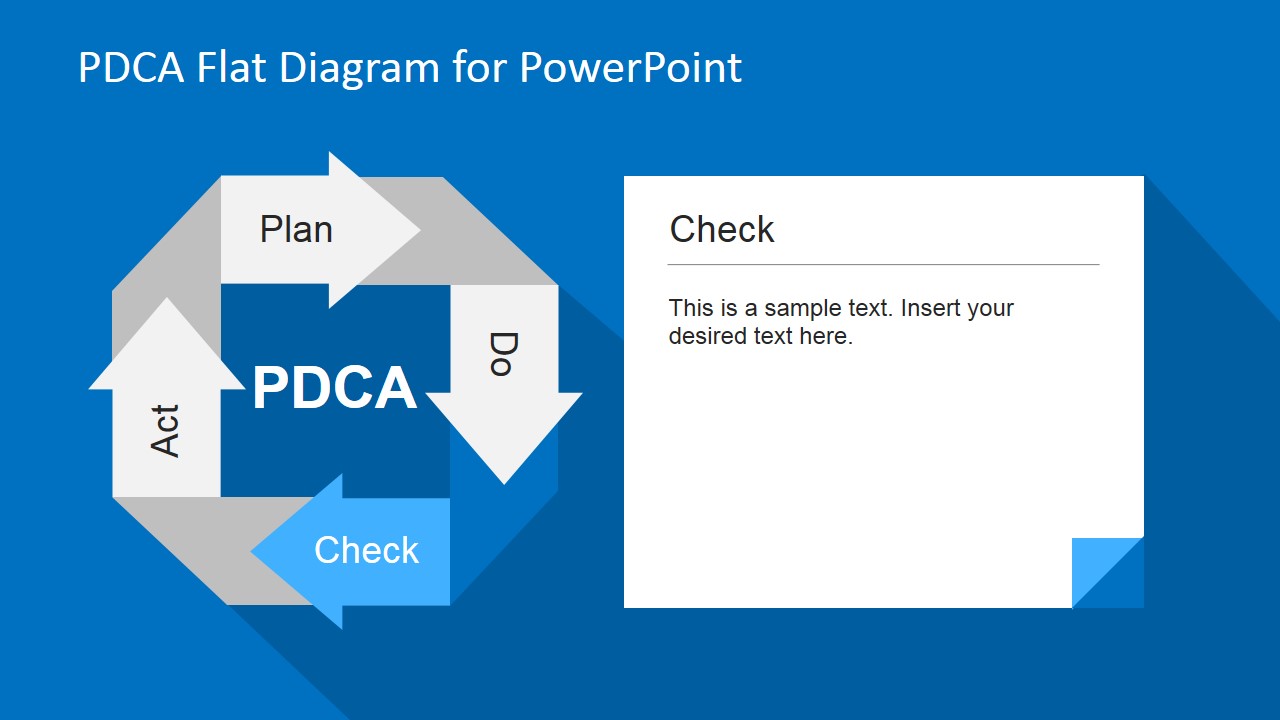
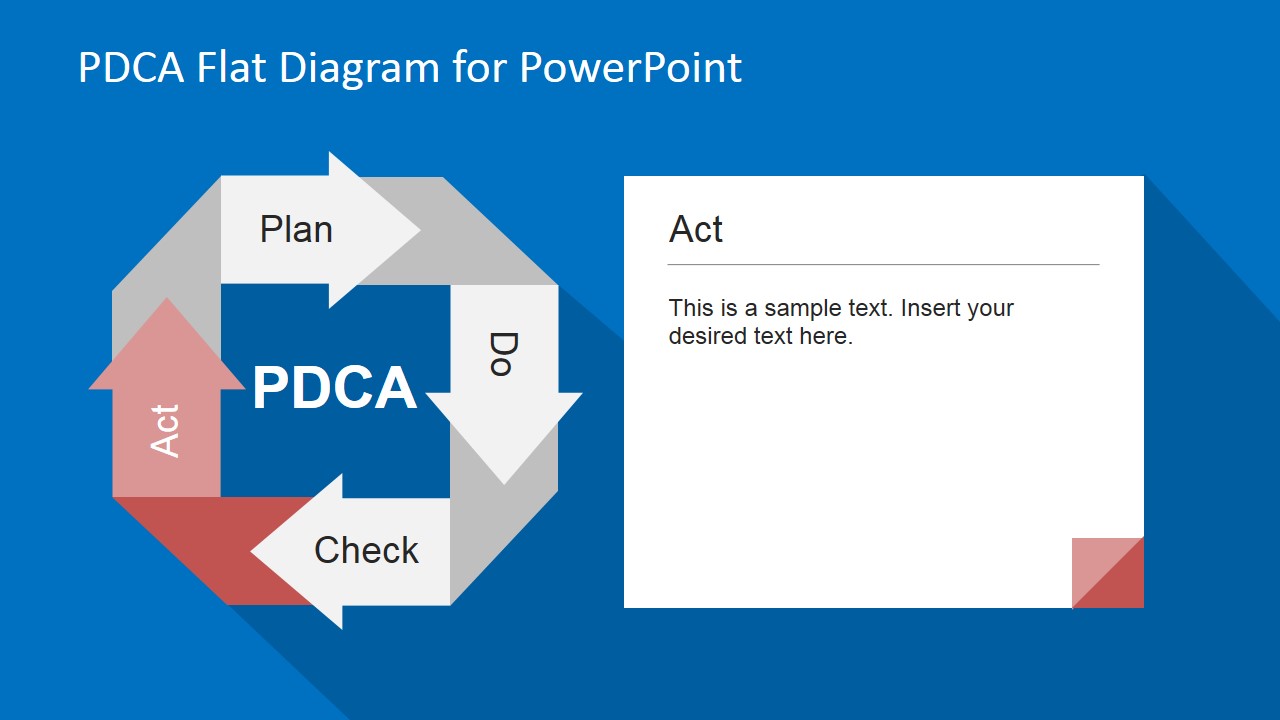
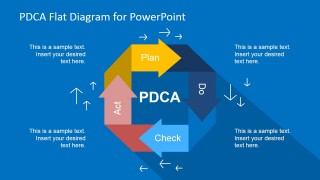
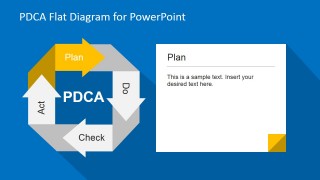
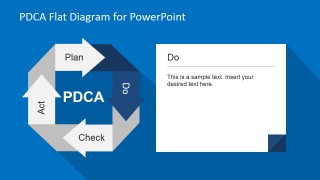
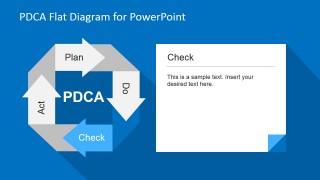
A: Start with the full loop on Slide 1 to frame PDCA as a repeating improvement cycle. Then treat each phase slide as a decision point: Plan states the hypothesis, Do shows the action, Check compares outcomes, and Act defines the adjustment. Keep the right-side text card to one main point and two supporting notes.
Q: Who is this PDCA diagram best suited for in a business presentation?
A: This template fits quality, operations, project, and training presenters who need to teach or structure a continuous improvement discussion. It is strongest when the audience already has a process problem or pilot initiative in mind, because the Plan, Do, Check, and Act slides guide them from intent to follow-up action.
Q: Why does the circular arrow layout help communicate process improvement?
A: The arrow loop works as a visual metaphor for continuous learning rather than a one-time task list. The overview slide shows the full cycle, while the phase slides keep the loop visible and highlight one step at a time. That design reminds the audience that each decision feeds the next iteration.
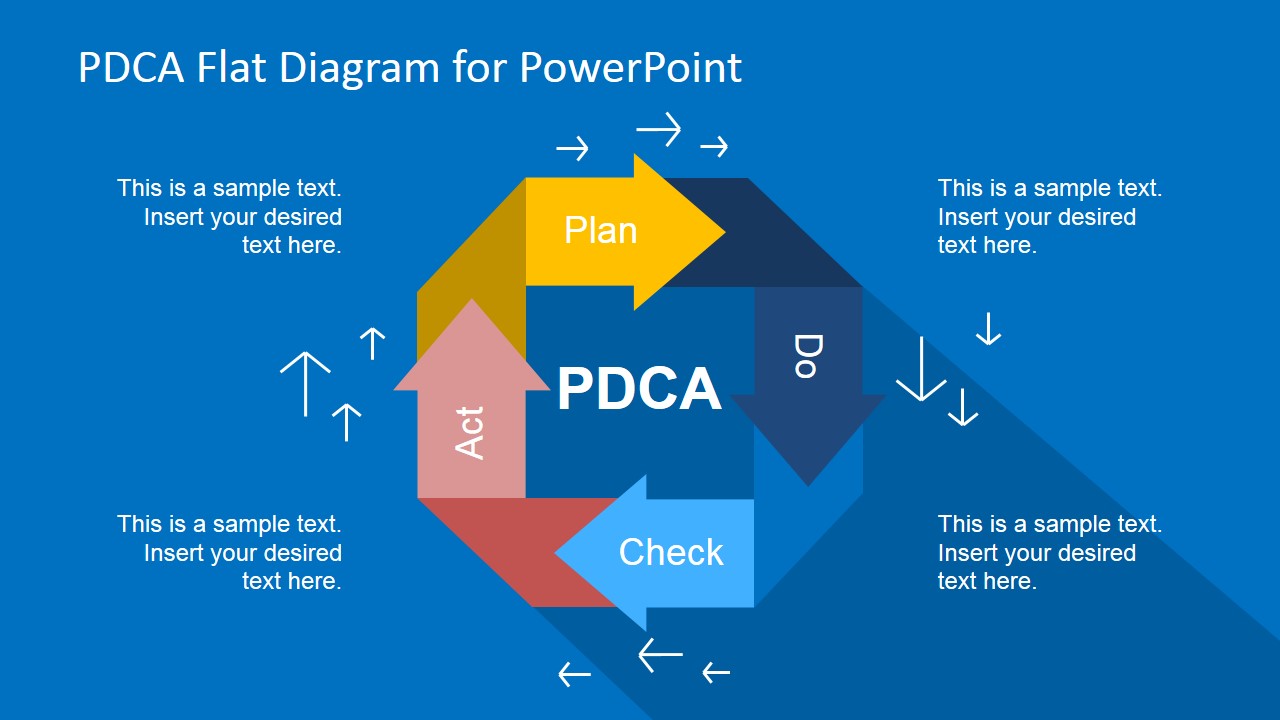
PDCA Flat Diagram for PowerPoint
5-slide presentation template with PDCA cycle diagrams for Plan, Do, Check, Act process improvement
PDCA Flat Diagram for PowerPoint is a 5-slide diagram template for explaining the Plan, Do, Check, Act improvement cycle. It includes a full PDCA cycle overview and four phase-focused detail slides with text cards, arrow loops, and step labels for quality, operations, and project teams in Microsoft PowerPoint and Google Slides.
- Category
- Process Diagrams
- Rating


 Loading...
- Aspect ratio
- 16:9, 4:3
- Item ID
- 6684-01
- Colors
 Microsoft PowerPoint
  Microsoft Copilot
  Claude for PowerPoint
 Other formats supported
Subscribe today and get immediate
access to download our PowerPoint templates.