Slide 2 of 6 from Overlapping Hexagon Diagram PowerPoint Template
Editable Overlapping Hexagon Diagram PPT Template
Overlapping Hexagon Diagram Template
- Diagram
- Other
- Concept Explanation Slide
- 16:9
- 100% Editable
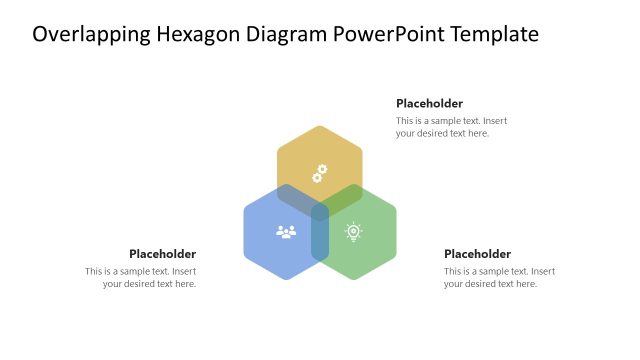
The Overlapping Hexagon Diagram slide from the Overlapping Hexagon Diagram PowerPoint Template offers a clear and organized layout ideal for business presentations. Featuring four color-coded hexagons with centered icons and text placeholders, this slide template supports project planning, brainstorming, and strategy discussions. Its design enhances the presentation of interconnected concepts, making it a useful addition to professional slide decks that require editable shapes and vector icons for clarity and impact.
What’s on This Slide
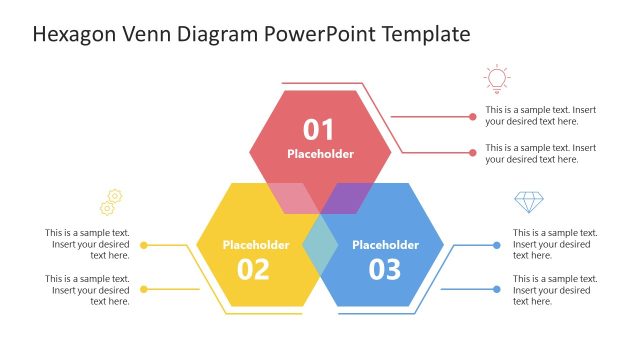
The layout features four overlapping hexagons arranged in a grid pattern. Each hexagon is a different color: yellow, green, purple, and blue. Icons are centered within each hexagon, representing distinct concepts. Text placeholders are positioned below each hexagon, aligned centrally, allowing for easy text insertion. The hexagons overlap slightly, creating a cohesive visual flow. The background is plain, enhancing the focus on the hexagons and their content. The overall structure emphasizes clarity and organization, making it easy to present interconnected ideas.
How to Use It
This layout serves as a visual representation of interconnected concepts or categories, suitable for illustrating relationships in a presentation. It fits well after introductory slides, allowing for a deeper exploration of topics. This design is ideal for business scenarios such as project planning, brainstorming sessions, or strategy discussions. It can effectively showcase how different elements contribute to a larger goal or theme, making complex information more digestible for the audience.
Text Placeholders & Capacity
Keep your copy within these limits so it fits without resizing. Each node can hold about 10 words comfortably.
| Placeholder | Count | Max characters (approx.) |
|---|---|---|
| Item body | 4 | 50 |
Slide Keywords
Download unlimited PowerPoint templates, charts and graphics for your presentations with our annual plan.
DOWNLOAD