Outline the key components of a problem-solving framework using this customizable OSAR Model PowerPoint Template. It is a framework to solve business problems. It involves setting a specific business objective and formulating a strategy for it. After that, analysis helps understand the impact, and then the resolution parameters are identified. This business model helps companies establish a uniform framework for solving complex problems and making effective decisions. In reporting meetings, consultants can use a horizontal layout to visualize how the problem was perceived, the observed action plan, and the approach that helped them overcome the challenge.
The OSAR Model PowerPoint Template is compatible with Google Slides. Strategy directors can use the vertical or horizontal layout to communicate the OSAR model components in the executive presentations. The PPT template has three layout styles, which professionals can choose based on their use case or preference:
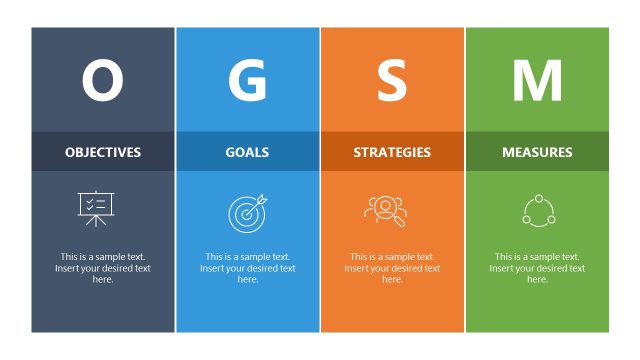
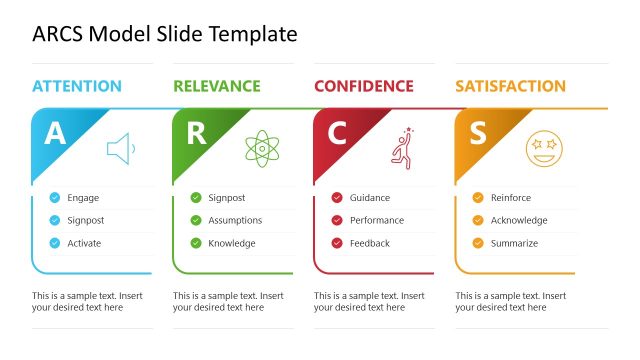
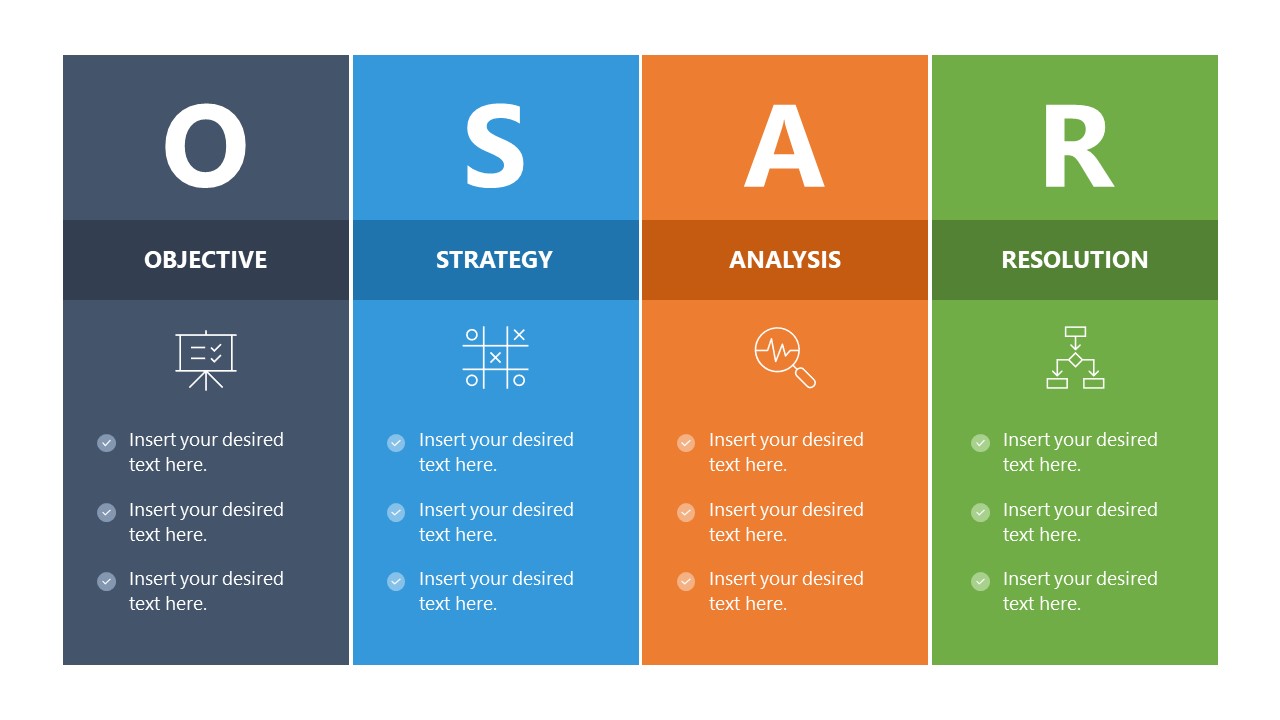
- Vertical Layout: This format has four columns, one for each model component. Each column comprises a large letter at the top so that users can recognize the point immediately. The label, a relevant infographic icon, and a text placeholder follow it vertically.
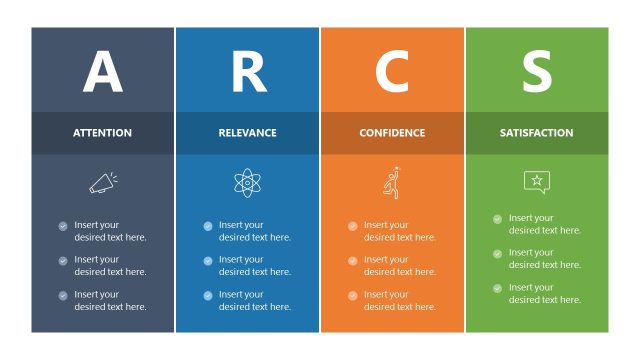
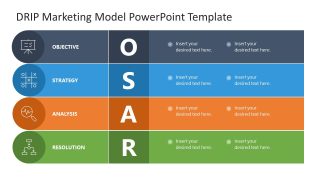
- Horizontal Layout: Compared to slide one, the second slide uses a horizontal format. There are four rows with the same elements as in one, but arranged differently: icon, title, letter, and bullets.
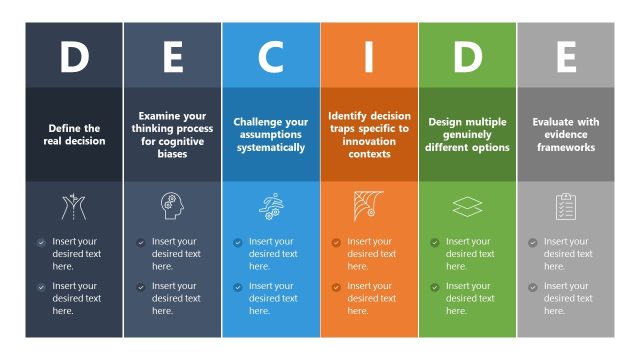
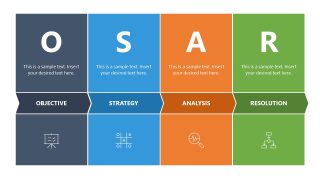
- Vertical with Arrows Layout: This slide doesn’t have bullets, but the labels are placed in arrow shapes in the columns.
Also, you can easily change the distinctive colors assigned to each column or parameter, or repurpose them for other business models. Download the OSAR model PPT slide template for your next strategy presentation and discuss the three-week resolution strategy with your stakeholders.
What’s inside this template
Example presentation scenarios
- A strategy director can use the vertical four-column framework to define the business objective, strategy, analysis, and resolution during an executive planning meeting.
- A consultant can use the horizontal row matrix to summarize how a client issue was assessed, what actions were considered, and which resolution path was recommended.
- A project manager can use the arrow-band layout to align stakeholders on each OSAR component before moving into a workstream plan.
- An operations leader can use the icon-based sections to compare problem-solving steps across teams and keep discussion focused on decision criteria.
Features
- 100% editable presentation template
- Compatible with Microsoft PowerPoint and Google Slides
- 16:9 aspect ratio slides
- Scalable vector shapes, icons and illustrations
- AI-Ready for Microsoft Copilot and Claude
- Instant access and download
Frequently asked questions
Q: How should a presenter explain the OSAR model without making it feel like four disconnected topics?
A: Treat the four blocks as a cause-and-decision sequence, not as separate labels. Start with the Objective as the business intent, move to Strategy as the planned path, use Analysis to explain evidence or impact, and close with Resolution as the decision. The horizontal row matrix works well when each OSAR step needs supporting details.
Q: Who is this template best suited for in a business presentation?
A: This template fits consultants, strategy directors, project managers, and operations leaders who need to frame a business problem in a repeatable way. It is most useful in decision meetings, planning reviews, and recommendation sessions where the audience must understand how the objective, action plan, analysis, and resolution connect.
Q: Why use the large OSAR letters, color blocks, and icons instead of a plain bullet slide?
A: The large letters make the model memorable, while the color-coded blocks separate each thinking mode for faster scanning. Icons add quick recognition cues for presentation, planning, analysis, and workflow resolution. The arrow-band slide also suggests progression, helping the audience see the model as a path from intent to outcome.


OSAR Model PowerPoint Template
3-slide presentation template for OSAR problem solving with objective, strategy, analysis, and resolution layouts
The OSAR Model PowerPoint Template is a 3-slide business model presentation template for explaining Objective, Strategy, Analysis, and Resolution. Visible layouts include a vertical four-column framework, a horizontal row matrix, and a vertical arrow-band variation with icons and text placeholders. It is built for strategy, consulting, and decision meetings in Microsoft PowerPoint and Google Slides.
- Category
- Models
- Rating

 Loading...
- Aspect ratio
- 16:9
- Item ID
- 23658-01
- Colors
 Microsoft PowerPoint
  Microsoft Copilot
  Claude for PowerPoint
 Other formats supported
Subscribe today and get immediate
access to download our PowerPoint templates.