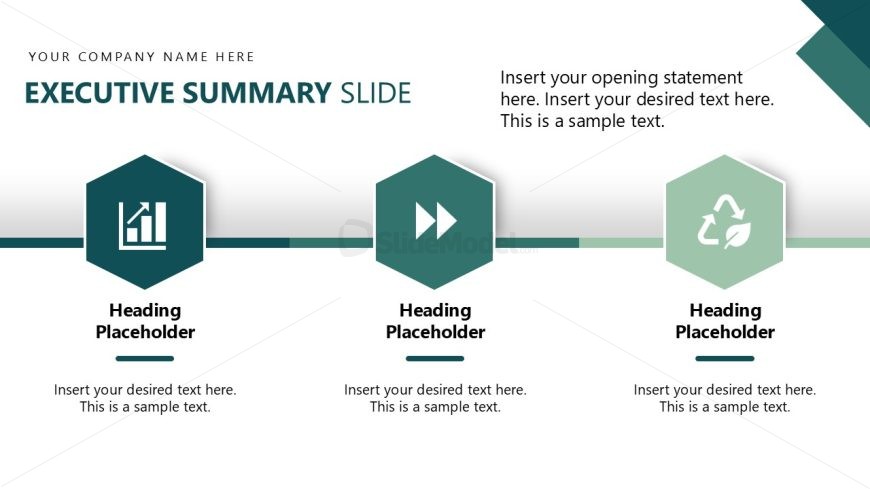
Slide 3 of 14 from Operational Excellence PowerPoint Template
Executive Summary Slide with Infographics
Executive Summary Slide for Presentations
- Text Layout
- Other
- Context Slide
- 16:9
- 100% Editable
The Executive Summary Slide from the Operational Excellence PowerPoint Template offers a structured layout ideal for summarizing project goals and strategic objectives. This slide uses editable shapes and vector icons to clearly present key performance metrics, making it a practical choice for business presentations and corporate slide decks. Its clean design supports concise communication within pitch deck templates and Google Slides templates.
What’s on This Slide
The layout features a central title area at the top, labeled 'EXECUTIVE SUMMARY SLIDE.' Below, three hexagonal icons are arranged horizontally, each representing a section with a heading placeholder. The first icon depicts a bar chart, the second shows arrows, and the third features a recycling symbol. Each icon has a corresponding text placeholder beneath it for detailed content. A horizontal line runs between the icons, contributing to the visual separation. The background is predominantly white with teal accents, creating a clean and structured appearance.
How to Use It
This layout serves as an executive summary, suitable for presenting key points or highlights in a concise manner. It fits well after introductory slides, providing a snapshot of essential information. Common scenarios include summarizing project goals, outlining strategic objectives, or presenting performance metrics. The structured format allows for easy comprehension, making it effective in business meetings and stakeholder presentations.
Text Placeholders & Capacity
Keep your copy within these limits so it fits without resizing. Node body slots can hold roughly 25-30 words each.
| Placeholder | Count | Max characters (approx.) |
|---|---|---|
| Slide title | 1 | 30 |
| Item heading | 3 | 20 |
| Item body | 3 | 150 |
Slide Keywords
Download unlimited PowerPoint templates, charts and graphics for your presentations with our annual plan.
DOWNLOADReturn to Operational Excellence PowerPoint Template.