Slide 2 of 14 from Operational Excellence PowerPoint Template
Editable Agenda Slide – Operational Excellence Template
Agenda Slide for Operational Excellence Presentation
- Text Layout
- List Blocks
- Agenda Slide
- 16:9
- 100% Editable
The Agenda Slide with Steps from the Operational Excellence PowerPoint Template provides a clear, structured layout ideal for project kick-offs and strategic planning sessions. This slide template features editable shapes and numbered steps to guide audiences through key topics, enhancing corporate presentations with a professional design. It integrates seamlessly into business presentation slide decks, supporting effective communication of agenda points.
What’s on This Slide
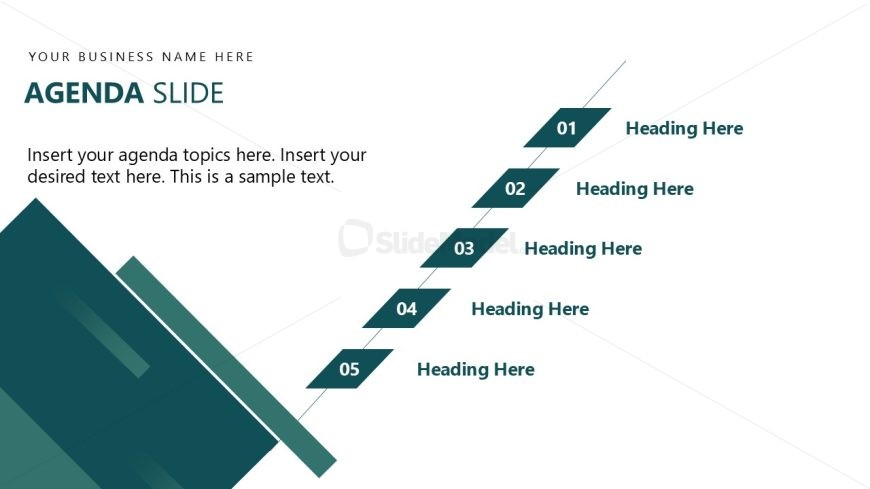
The slide features a left-aligned title labeled 'AGENDA SLIDE' at the top, with a placeholder for a business name above it. Below, a diagonal arrangement of five steps is displayed, each marked with a number from 01 to 05. Each step has a corresponding placeholder for a heading. The background is predominantly white, with a dark green triangular shape at the bottom left, creating a visual anchor. The visual hierarchy emphasizes the numbered steps, guiding the viewer's eye down the slide. Text placeholders are present for agenda topics and additional text.
How to Use It
This layout serves as an agenda slide, effectively outlining topics for a presentation. It fits within a sequence that introduces the main points to be discussed. This structure is useful in business contexts where clarity of agenda is essential, such as project kick-offs, team meetings, or strategic planning sessions. It allows presenters to clearly communicate the flow of the presentation, ensuring the audience understands what to expect.
Text Placeholders & Capacity
Keep your copy within these limits so it fits without resizing. Body slots can hold approximately 20-30 words each.
| Placeholder | Count | Max characters (approx.) |
|---|---|---|
| Slide title | 1 | 30 |
| Body paragraph | 1 | 150 |
| Item heading | 5 | 20 |
Slide Keywords
Download unlimited PowerPoint templates, charts and graphics for your presentations with our annual plan.
DOWNLOADReturn to Operational Excellence PowerPoint Template.