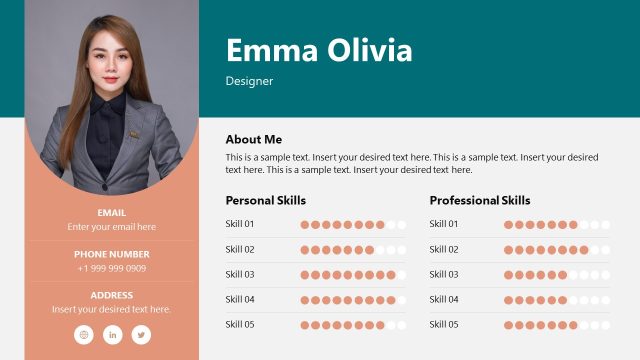
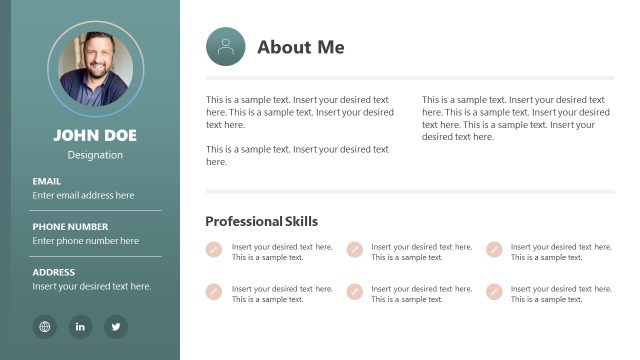
Get ready for your upcoming work interview by using this powerful One Page CV Template for PowerPoint – ideal for showcasing your experiences, achievements, and skills. A resume or curriculum vitae is a formal document a job seeker creates while applying for various jobs. It displays significant professional information about the applicant to the employers. A good resume helps you stand out from the list of applicants and get your dream job. Professionals, employees, fresh graduates, and experienced individuals from multiple domains can use this one-page slide template to attract the attention of recruiters or hiring managers. We have crafted this one pager template using fully editable PowerPoint elements. This CV PPT template is compatible with all versions of Microsft PowerPoint, Google Slides, and Keynote.
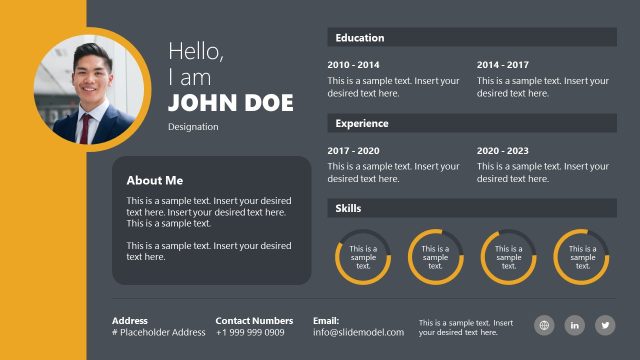
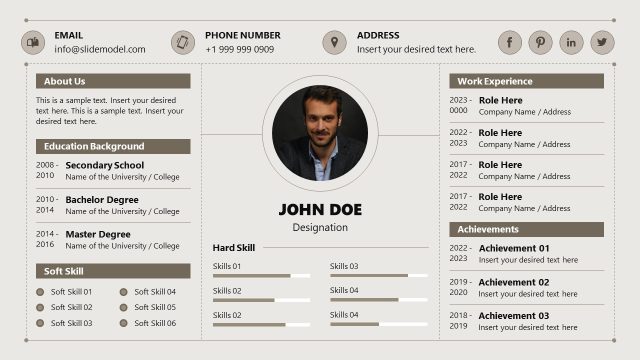
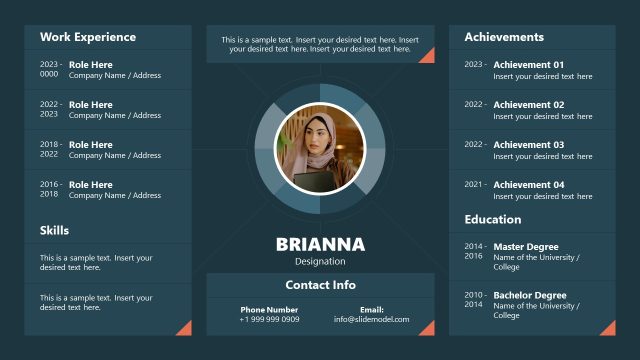
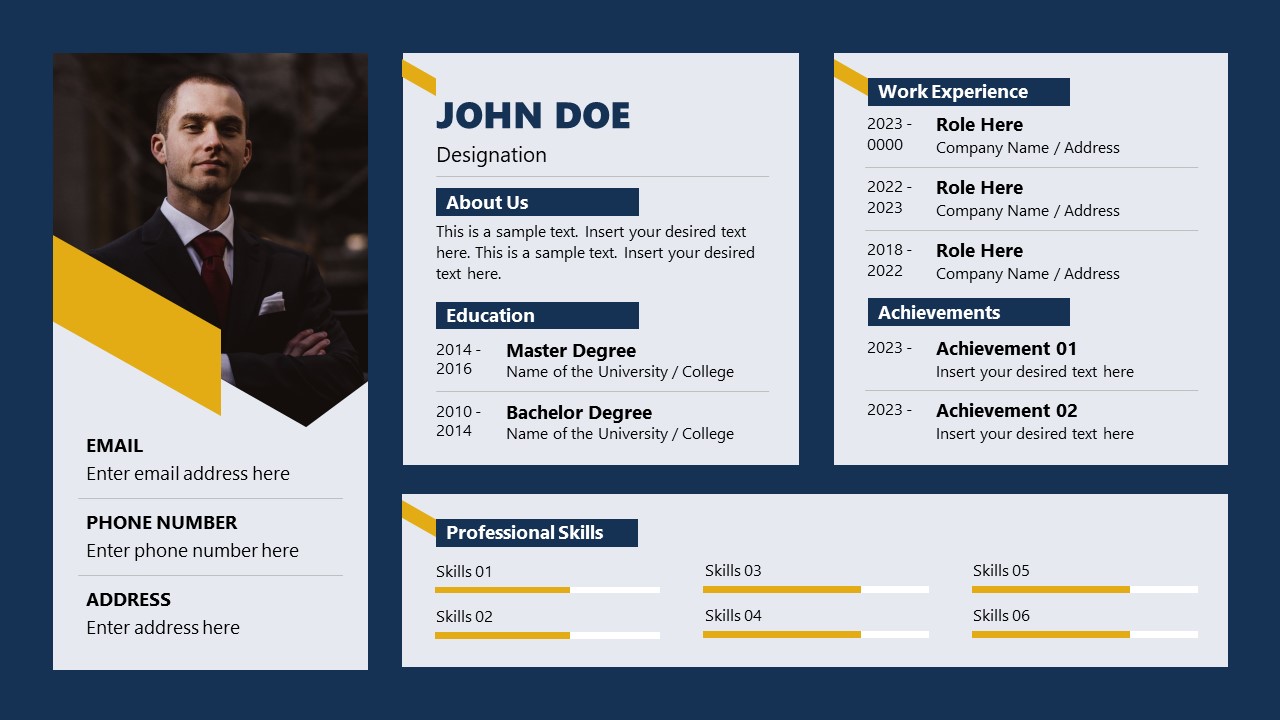
Our One Page CV Template for PowerPoint contains two slides with a modern design for a CV. The layout of both slides is the same, but they differ in their background color (dark and white). The slide consists of four rectangular shapes for displaying various attributes of the professional resume. The first vertical section helps users present the resume holder’s profile picture, name, and contact details. Next is an About Us section where the employee can write his brief introduction using power words. In the other segments of the template, professionals can display their education history and work experiences in reverse chronological order. At the bottom of the slide, there is a section for presenting the skills of the professional, and horizontal bars can help them display the skills level in an understandable format.
Users can change the colors, shapes, and other graphical elements of the template according to their choice and preferences. Download this PPT template and personalize it to win your dream job!
What’s inside this template
Example presentation scenarios
- A job seeker can present personal background in an interview by using the profile photo column, contact block, education section, and skill bars to guide a short introduction.
- A recruiter can summarize a shortlisted candidate for a hiring manager by filling the work experience and achievements cards with the most relevant role history and proof points.
- An HR team can introduce a new employee during onboarding by replacing the resume text with a short biography, contact details, education history, and professional skills.
- A career coach can help a client convert a text-heavy resume into a visual one-page profile using the about section, timeline-style date entries, and skills area.
Features
- 100% editable presentation template
- Compatible with Microsoft PowerPoint and Google Slides
- 16:9 aspect ratio slides
- Scalable vector shapes, icons and illustrations
- AI-Ready for Microsoft Copilot and Claude
- Instant access and download
Frequently asked questions
Q: How should a presenter use this one-page CV without overcrowding it?
A: Treat the slide as a screening summary, not a full resume. Keep the about section to two short lines, list only the most relevant education and work experience entries, and use the achievements block for measurable proof. The skill bars should show a small set of role-critical strengths rather than every capability.
Q: Who is this CV template best suited for?
A: This template works best for job seekers, recruiters, HR teams, and career coaches who need to introduce a candidate quickly. It fits interview openings, candidate shortlist reviews, onboarding introductions, and internal employee profiles because the photo, contact details, experience cards, achievements, and skills are visible in one scan.
Q: Why does the design use separate cards and skill bars?
A: The card structure separates biographical information from proof of capability, which helps a reader scan the profile in a predictable order. The left column anchors identity and contact details, while the right and lower cards organize evidence. Skill bars add a quick visual cue for strengths without turning the CV into a dense table.



One Page CV Template for PowerPoint
2-slide CV presentation template with resume sections, profile photo, experience cards, and skill bars
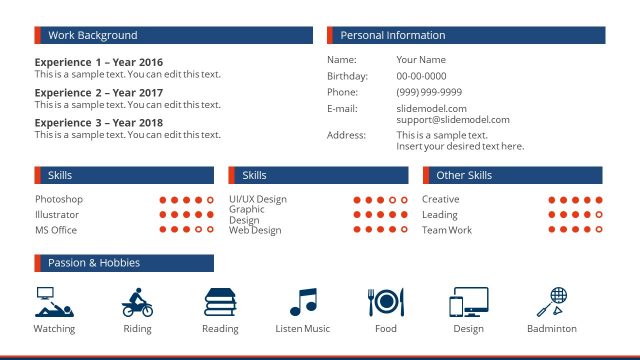
One Page CV Template for PowerPoint is a 2-slide resume presentation template for creating a single-page curriculum vitae in Microsoft PowerPoint or Google Slides. It includes a profile photo column, contact block, about section, education and work experience cards, achievements area, and professional skill bars in light and dark background versions.
- Category
- Business PowerPoint Templates
- Rating

 Loading...
- Aspect ratio
- 16:9
- Item ID
- 22210-01
- Colors
 Microsoft PowerPoint
 Microsoft Copilot
 Claude for PowerPoint
Other formats supported
Subscribe today and get immediate
access to download our PowerPoint templates.