Slide 8 of 10 from Notary Company Profile PowerPoint Template
Case Study Discussion – Notary Company Profile PPT Deck
Case Study Slide for Notary Company Profile
- Text Layout
- List Blocks
- Case Study Slide
- 16:9
- 100% Editable
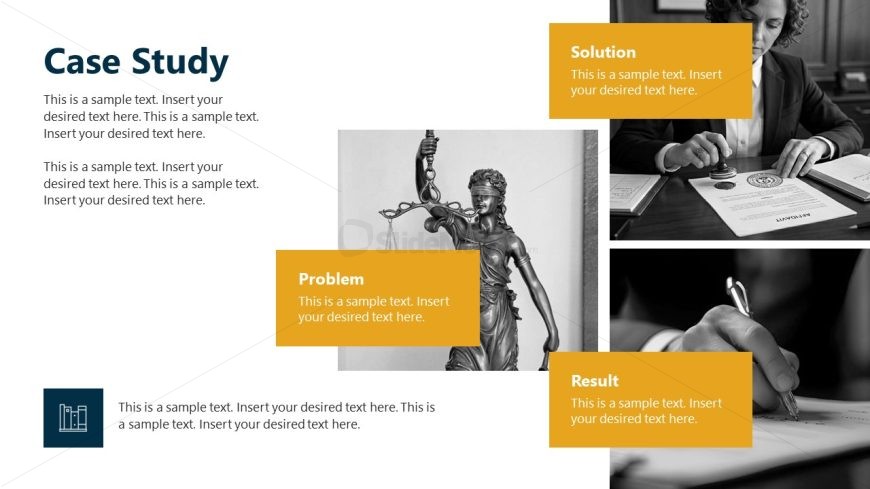
The Case Study Layout from the Notary Company Profile PowerPoint Template offers a structured format for showcasing client success stories and project outcomes. This slide design integrates editable shapes and vector icons to highlight problems, solutions, and results clearly, making it suitable for business presentations and pitch deck templates focused on legal or consulting services.
What’s on This Slide
The layout features a large title area at the top left labeled 'Case Study.' Below, there are four rectangular text placeholders arranged in a two-by-two grid. The top right contains a placeholder for an image, while the bottom left has an icon placeholder with a graphic of a bar chart. The placeholders for 'Problem,' 'Solution,' and 'Result' are colored yellow, emphasizing their importance. Each text box has a consistent size and is aligned to create a balanced visual hierarchy. The background is predominantly white with blue and yellow accents.
How to Use It
This layout serves as a structured format for presenting a case study, ideal for discussing problems, solutions, and results. It fits well in a presentation sequence after an overview or introduction slide. This format is useful for legal firms or consultants to showcase successful client engagements or project outcomes, allowing for clear communication of key points in a visually organized manner.
Text Placeholders & Capacity
Keep your copy within these limits so it fits without resizing. Body slots can hold approximately 15-20 words each.
| Placeholder | Count | Max characters (approx.) |
|---|---|---|
| Slide title | 1 | 30 |
| Item heading | 3 | 20 |
| Item body | 3 | 100 |
| Footer | 1 | 100 |
Slide Keywords
Download unlimited PowerPoint templates, charts and graphics for your presentations with our annual plan.
DOWNLOADReturn to Notary Company Profile PowerPoint Template.