Slide 3 of 10 from Notary Company Profile PowerPoint Template
Legal Company Overview – Notary Company Profile Template
Overview Section for Notary Company Profile
- Text Layout
- Definition Block
- Context Slide
- 16:9
- 100% Editable
The Overview Section with Icons slide from the Notary Company Profile PowerPoint Template offers a clear layout for presenting company overviews or case study summaries. Featuring editable shapes and vector icons, this slide supports a structured business presentation or pitch deck template, ideal for legal services or corporate presentations.
What’s on This Slide
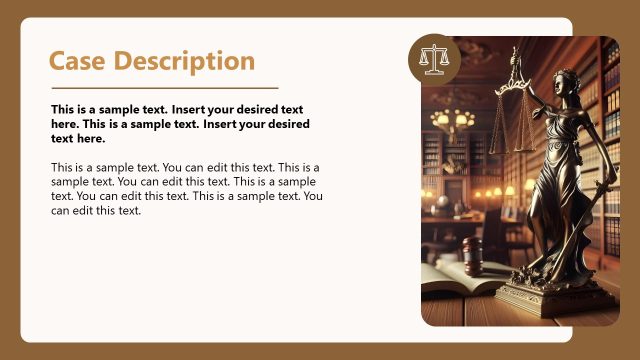
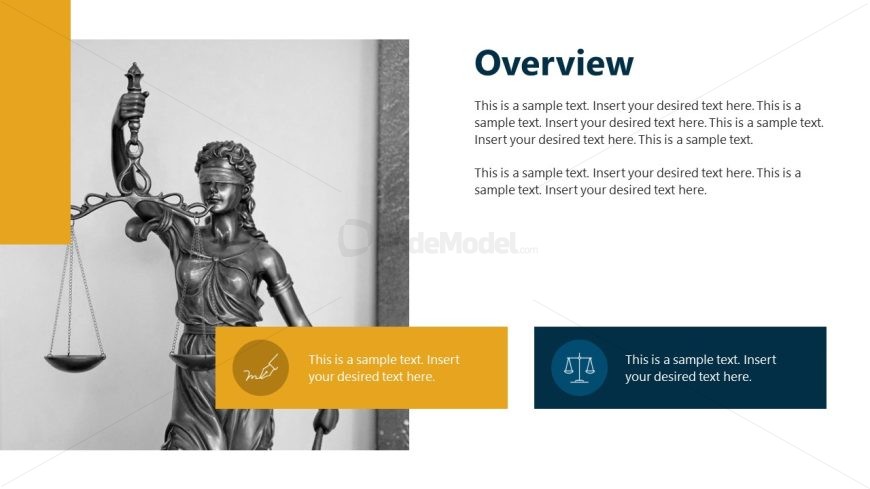
The layout features a large statue of Lady Justice on the left, symbolizing law and fairness. To the right, there is a prominent title placeholder labeled 'Overview' at the top, with two text placeholders below it. The first text placeholder is aligned to the left and occupies a rectangular area, while the second is positioned below it, aligned to the right. There are two icons, one in a yellow box and another in a blue box, both located at the bottom of the slide. The overall color scheme includes a mix of white, yellow, and blue, creating a structured visual hierarchy.
How to Use It
This layout serves as an overview section, ideal for introducing key concepts or summaries in a presentation. It fits well after an introductory slide and can be used to outline company values, services, or mission statements. In business contexts, it is suitable for presenting a company overview, legal services, or case studies, providing a clear and organized format for essential information.
Text Placeholders & Capacity
Keep your copy within these limits so it fits without resizing. Body slots can hold about 30-40 words each.
| Placeholder | Count | Max characters (approx.) |
|---|---|---|
| Slide title | 1 | 30 |
| Body paragraph | 2 | 200 |
| Callout | 2 | 50 |
Slide Keywords
Download unlimited PowerPoint templates, charts and graphics for your presentations with our annual plan.
DOWNLOADReturn to Notary Company Profile PowerPoint Template.