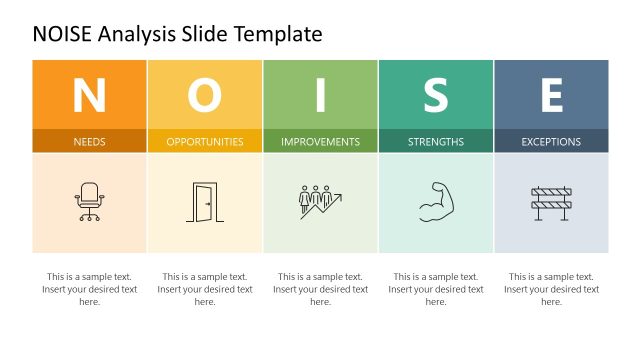
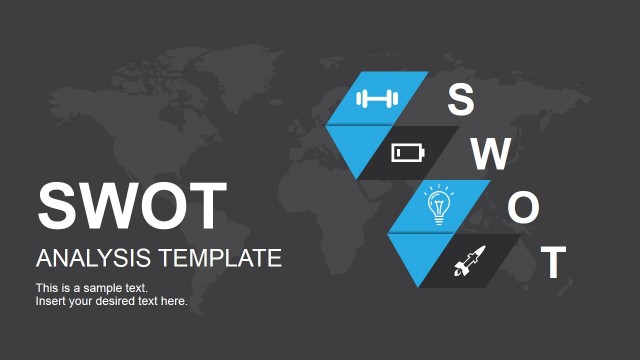
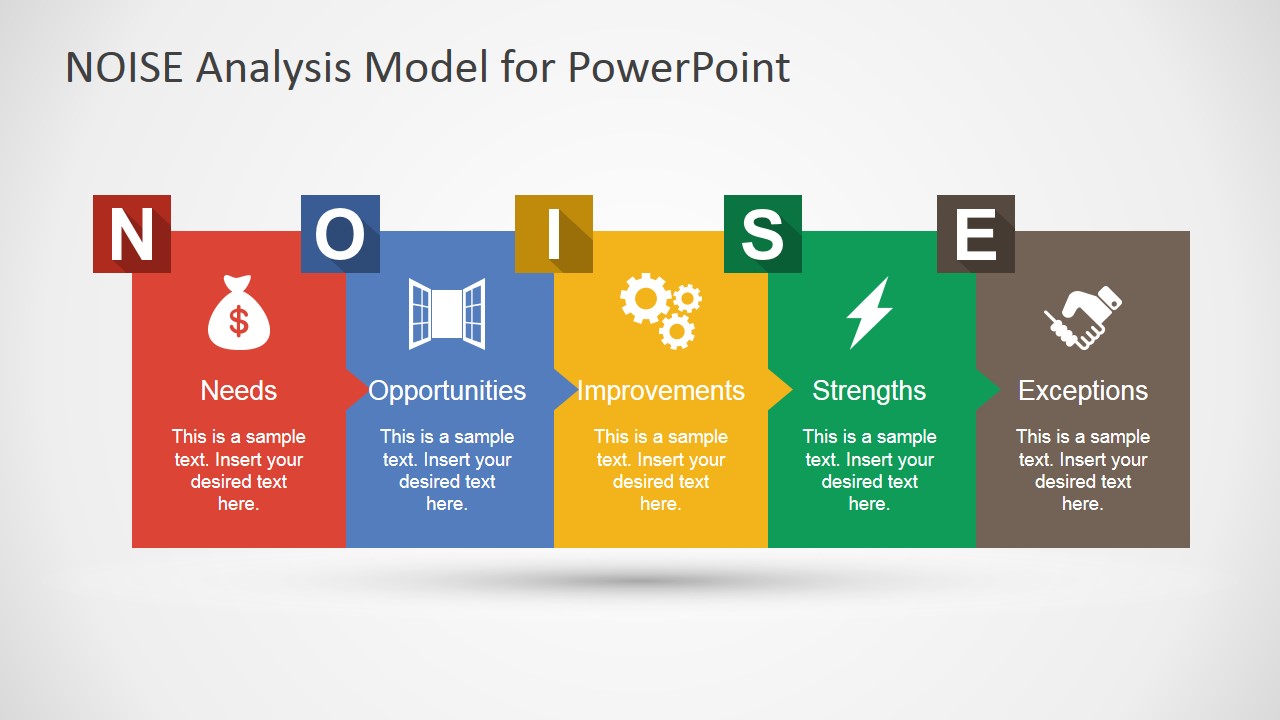
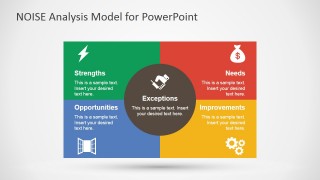
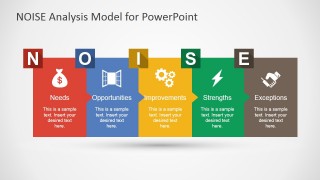
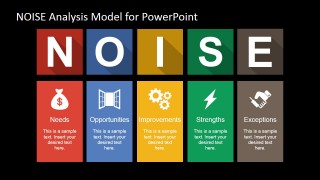
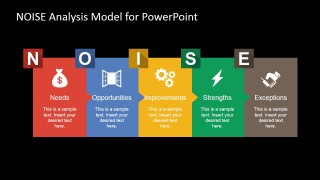
NOISE Analysis PowerPoint Template is a presentation slide template you can use to present a NOISE Analysis to an educated audience. The NOISE acronym stands for Needs, Opportunities, Improvements, Strengths, and Exceptions. The framework is based on the traditional SWOT Analysis model, with some changes in the analysis approach. This analysis focuses on determining the business needs and understanding the impediments involved. This strategic planning approach is used to identify the areas that need to be improved to achieve business objectives.
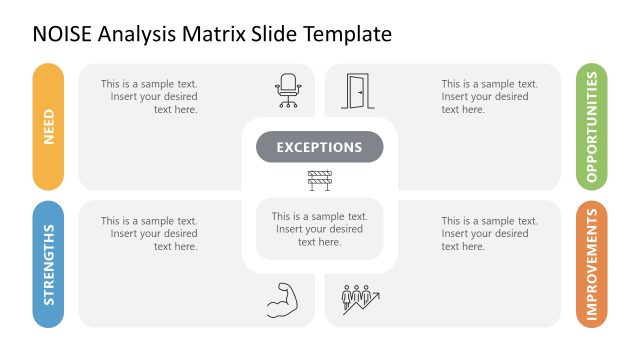
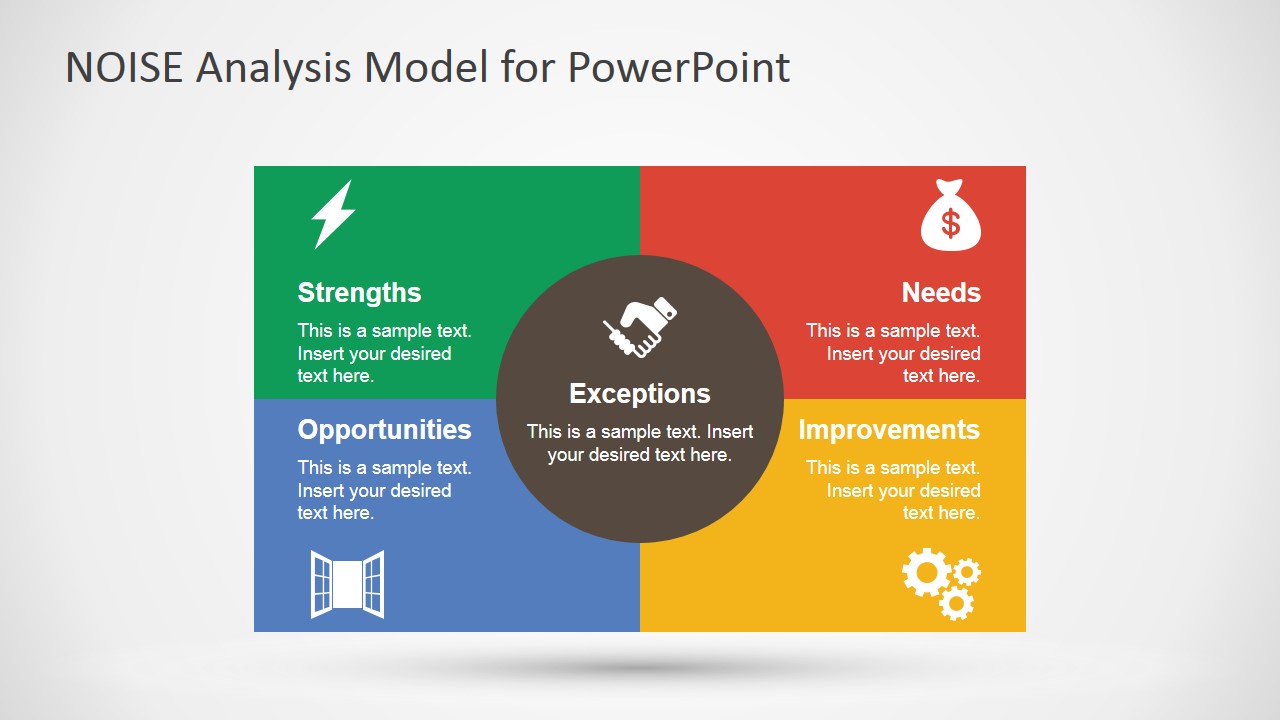
The analysis framework is based on the traditional SWOT Matrix, with the addition of the Exceptions section in the middle of the matrix.
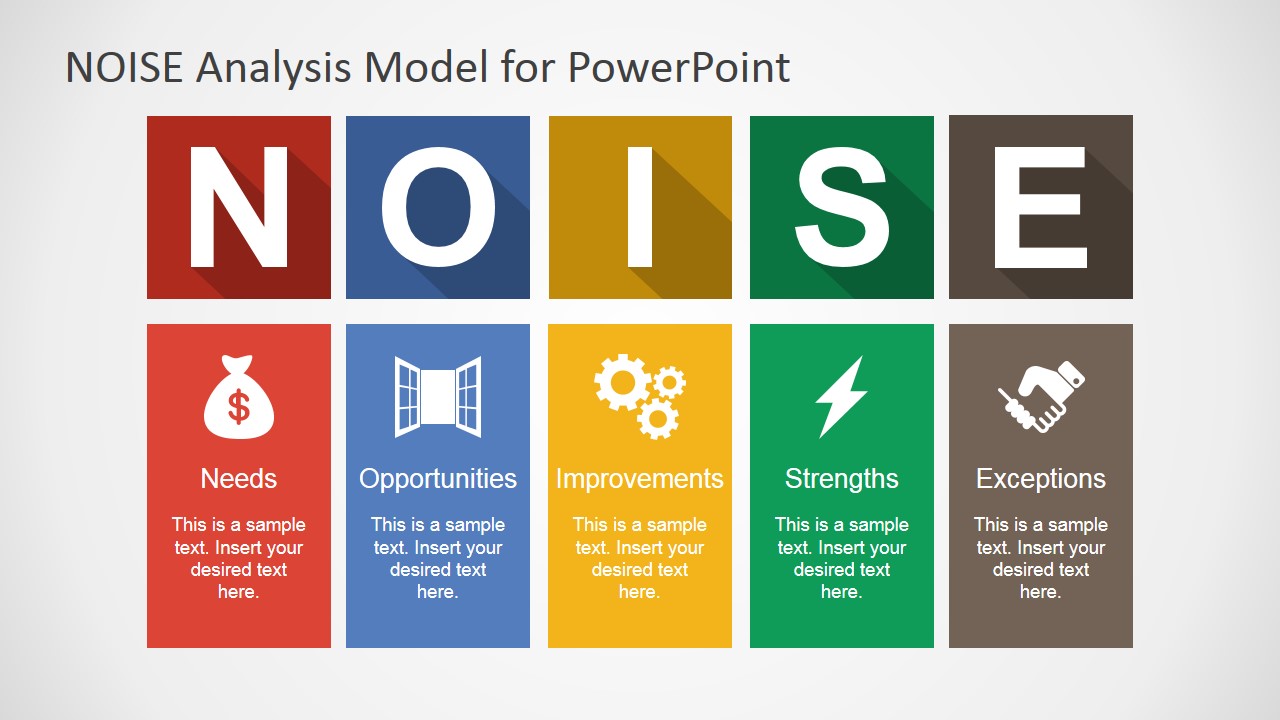
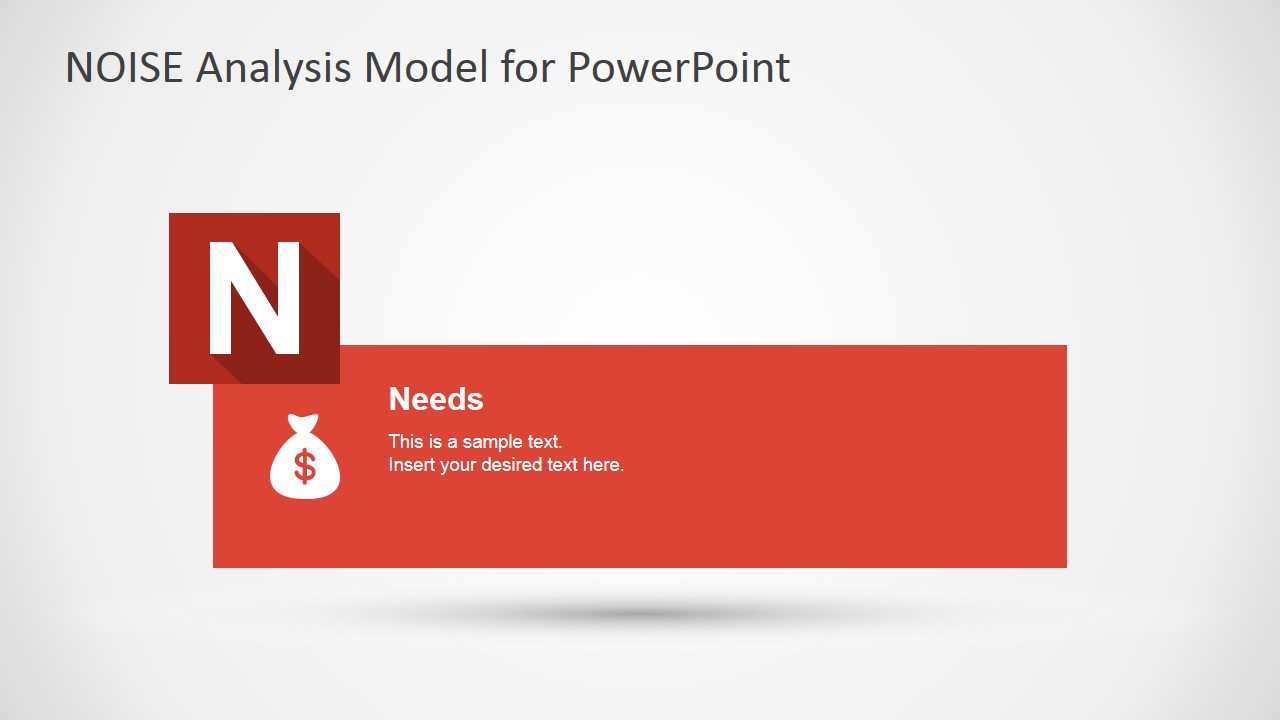
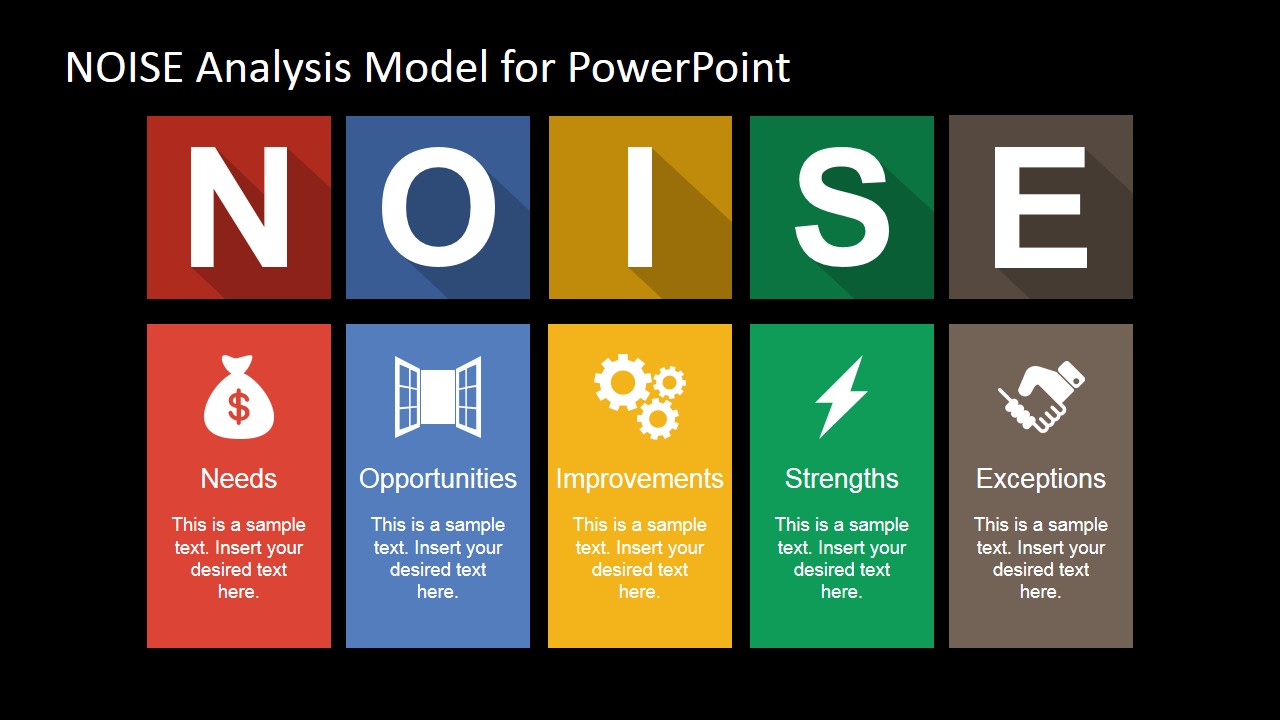
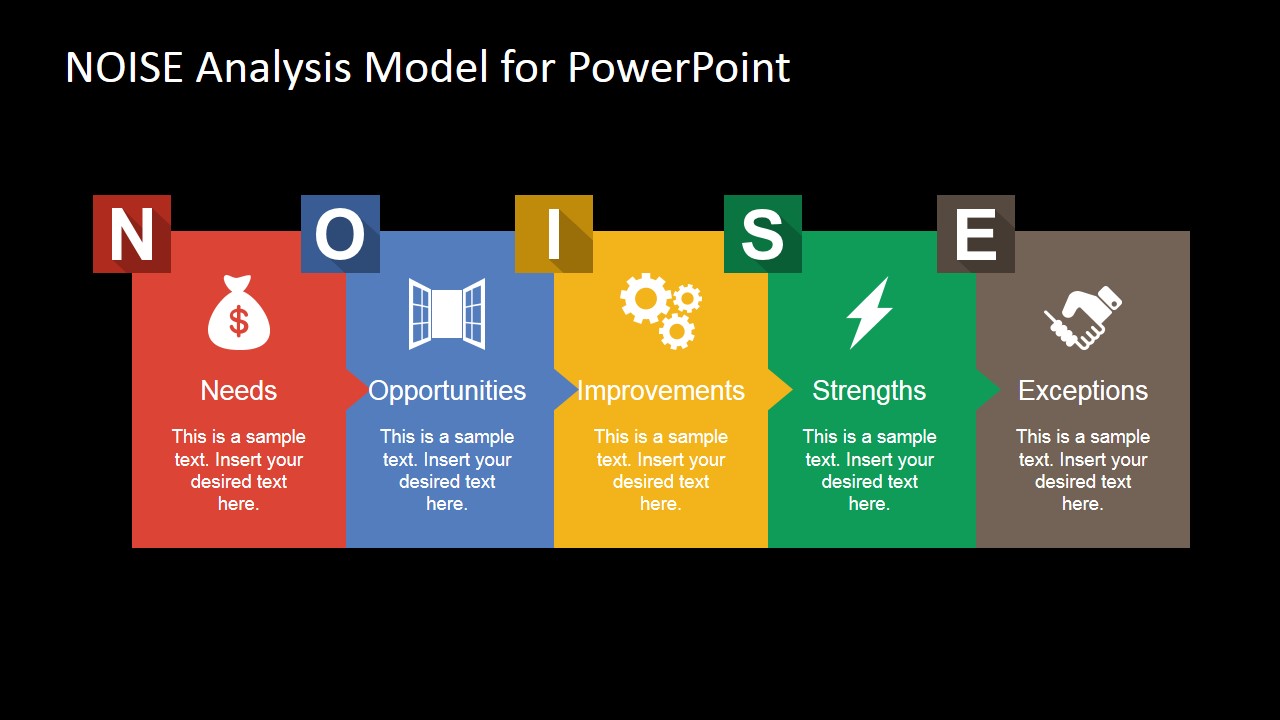
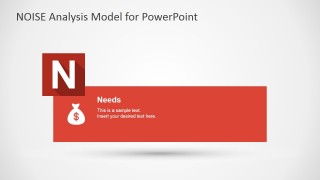
- N: Needs – Which are the organizational needs? (basically focusing on the business)
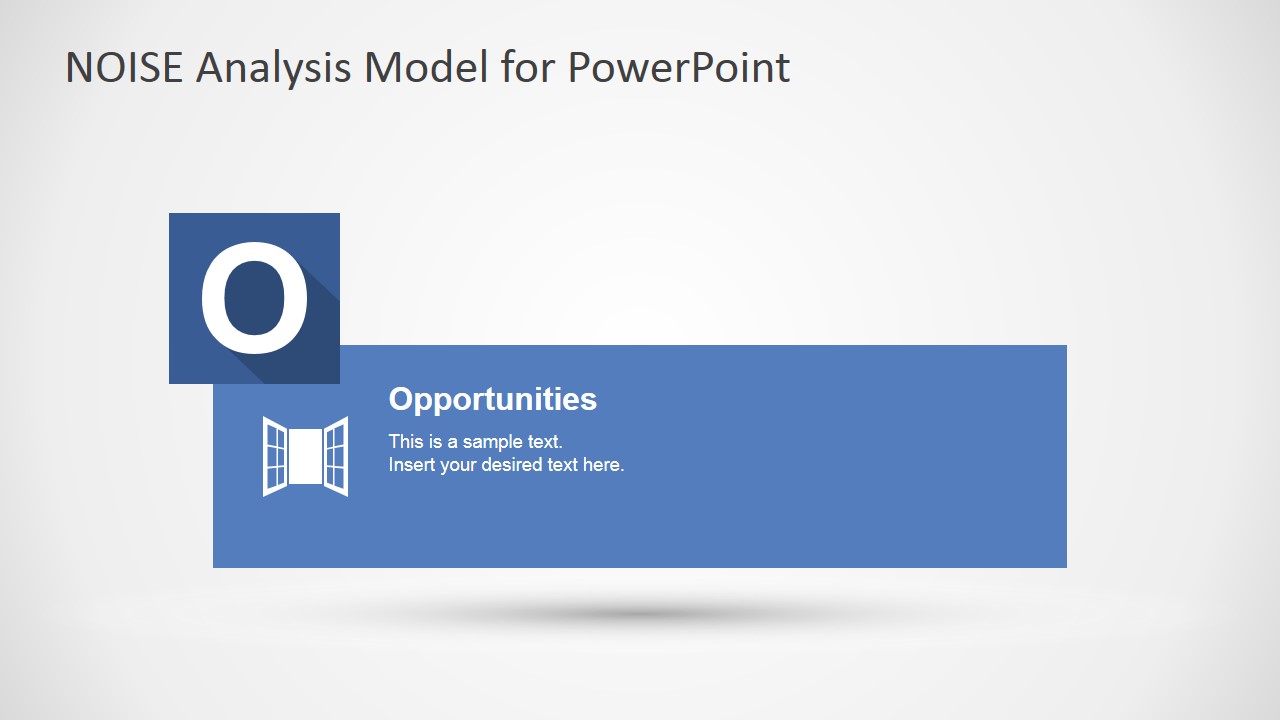
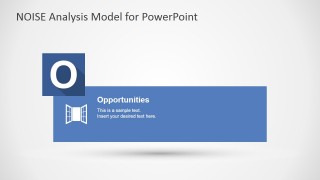
- O: Opportunities – Which external opportunities can the organization take advantage of?
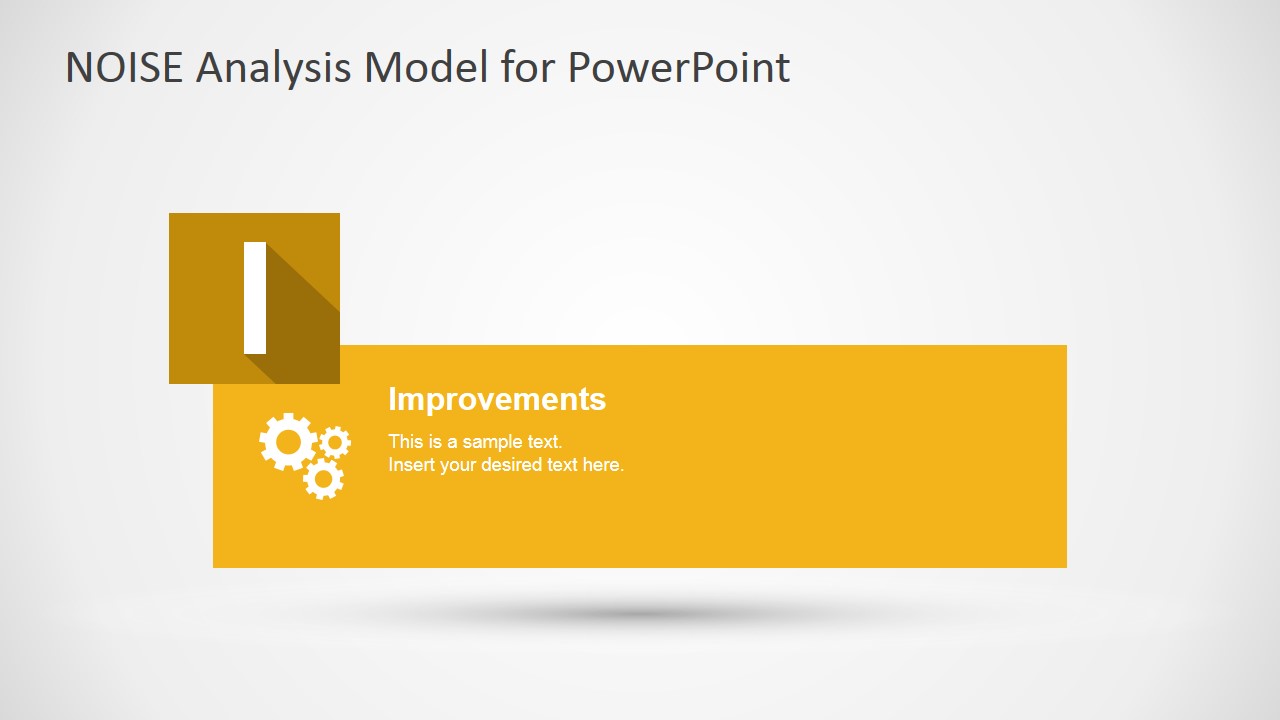
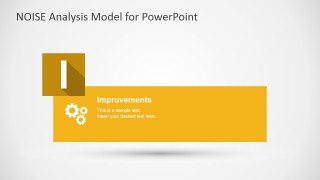
- I: Improvements – Which improvements do the organization need to implement to cover its needs?
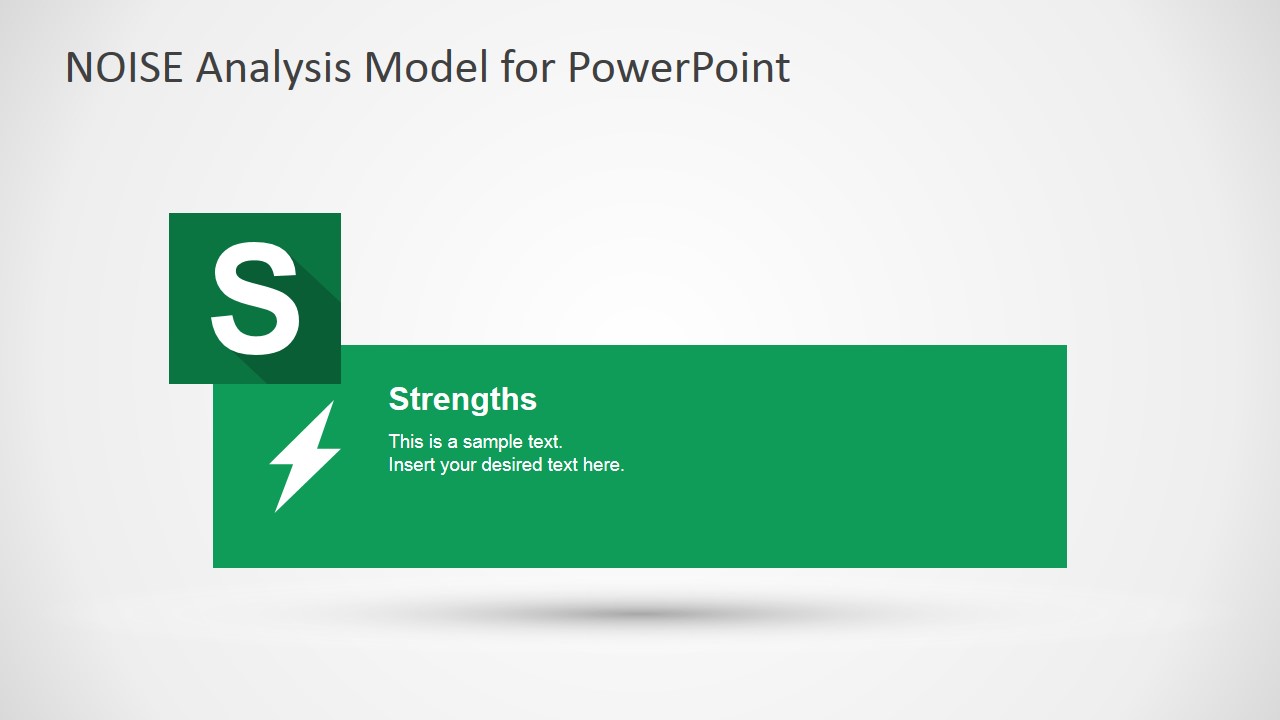
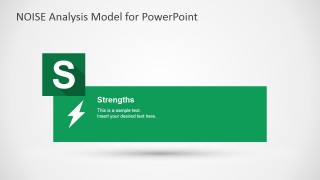
- S: Strengths – Which are the organization’s Strengths?
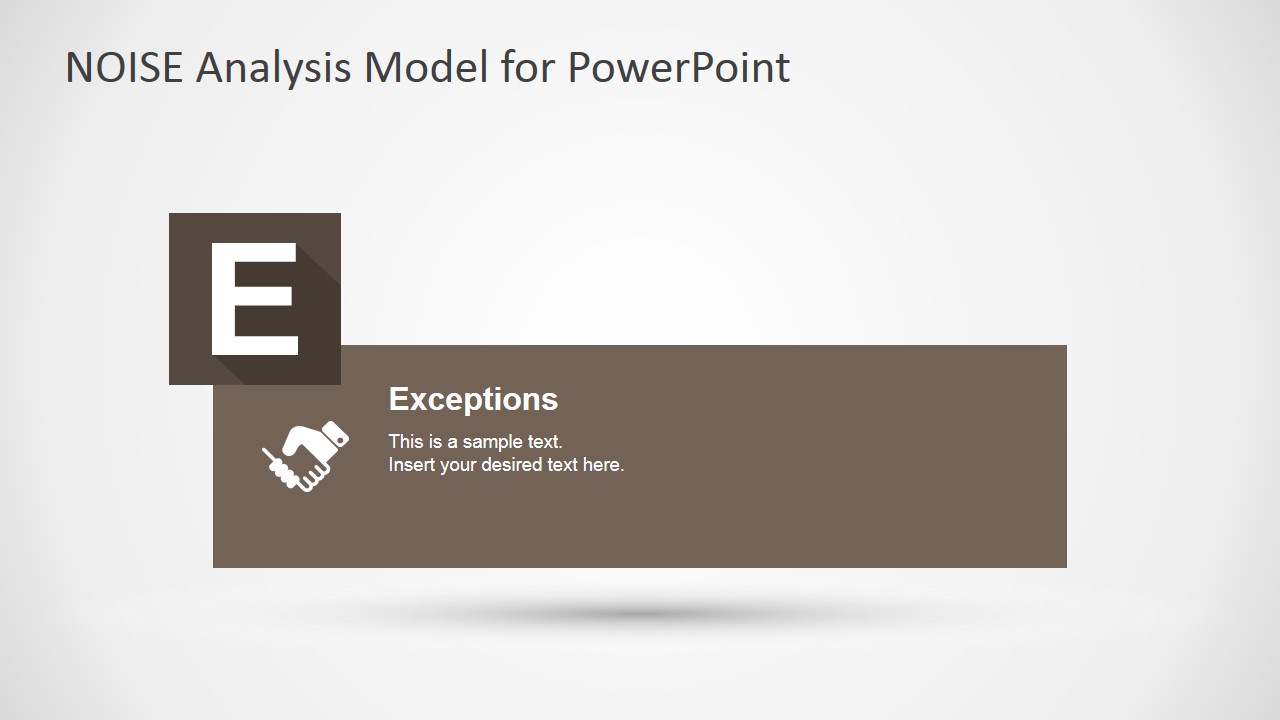
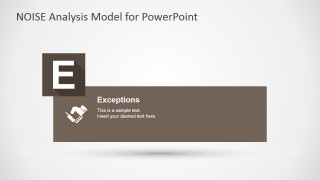
- E: Exceptions – What exceptions should be considered in the N, O & I factors?
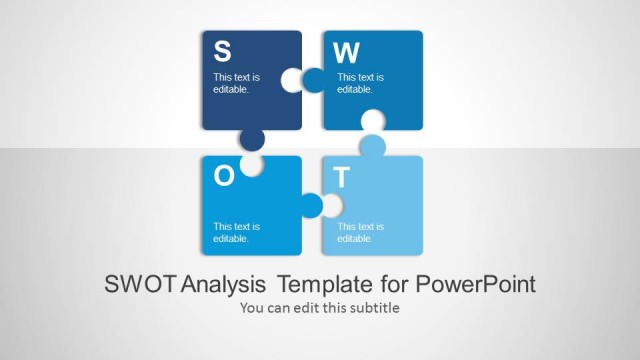
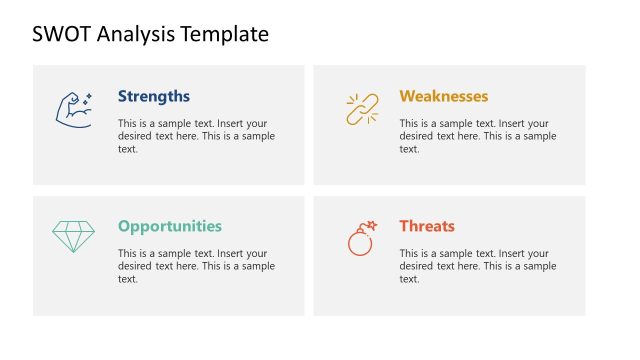
The NOISE Analysis PowerPoint Template provides a fully editable presentation template, including a NOISE Matrix and five slides to explain where the presenter can include its content to explain each factor. Alternatively, you can download other SWOT templates for PowerPoint & Google Slides. Impress your audience with professional PowerPoint Templates that appeal to executive audiences.
What’s inside this template
Example presentation scenarios
- A strategy consultant can use the NOISE matrix to guide an executive team through needs, opportunities, improvements, strengths, and exceptions during a planning workshop.
- An operations manager can use the five individual component callout slides to assign discussion time to each NOISE factor before moving into action planning.
- A leadership team can use the five-column framework diagram to compare inputs from departments and align on the most important improvement themes.
- A business analyst can use the acronym overview slide to introduce the NOISE method to an audience already familiar with SWOT analysis.
Features
- 100% editable presentation template
- Compatible with Microsoft PowerPoint and Google Slides
- 16:9 aspect ratio slides
- Scalable vector shapes, icons and illustrations
- AI-Ready for Microsoft Copilot and Claude
- Instant access and download
Frequently asked questions
Q: How should a presenter explain the NOISE framework without overloading the audience?
A: Start with the acronym overview so the audience understands each letter before seeing the matrix. Then use the matrix to show relationships across the five factors. The individual callout slides work best as discussion prompts: place only the top points in each text area and capture detailed workshop notes outside the slide.
Q: Who is this template best suited for in a strategy discussion?
A: This template fits consultants, managers, and facilitators who need to move a group from broad diagnosis to improvement priorities. It is especially useful when a team knows SWOT but needs a framework that gives explicit space to organizational needs, planned improvements, and exceptions that could affect decisions.
Q: Why does the template use both a matrix and separate letter callout slides?
A: The matrix gives the audience the full system at once, while the callout slides slow the discussion down one factor at a time. That sequence helps prevent the central Exceptions category from being treated as an afterthought and gives each NOISE element a clear moment in the conversation.
NOISE Analysis PowerPoint Template
10-slide NOISE analysis presentation template with matrix, component callouts, and SWOT-style strategy framework
The NOISE Analysis PowerPoint Template is a 10-slide strategy presentation for explaining Needs, Opportunities, Improvements, Strengths, and Exceptions. It includes an acronym overview, a NOISE matrix, individual component callout slides, and five-column framework diagrams for consultants, strategy teams, and managers working in Microsoft PowerPoint or Google Slides.
- Category
- Strategy
- Rating


 Loading...
- Aspect ratio
- 16:9, 4:3
- Item ID
- 7157-01
- Colors
 Microsoft PowerPoint
  Microsoft Copilot
  Claude for PowerPoint
 Other formats supported
Subscribe today and get immediate
access to download our PowerPoint templates.