The New Jersey State PowerPoint Map is a geographic presentation for one of most populous states of America. This template offers 7 unique silhouette maps for the State of New Jersey. These map slides contain individual PowerPoint shapes to represent each county of State. These counties join to create a complete professional outline map of New Jersey. Therefore it enables users to extensively customize maps according to presentation requirement. For example, applying different shape colors apart from standard blue and gray theme by SlideModel. The colors can help highlight multiple counties based on statistical surveys, target markets, tourist areas, etc.
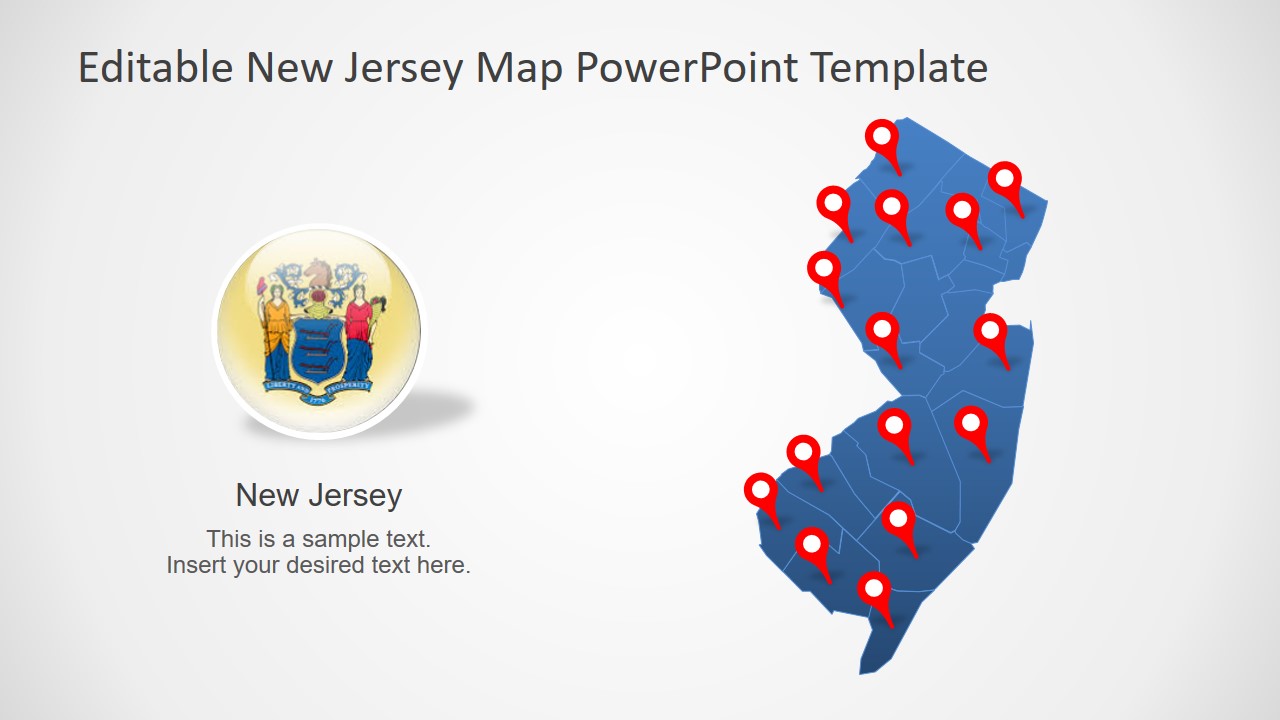
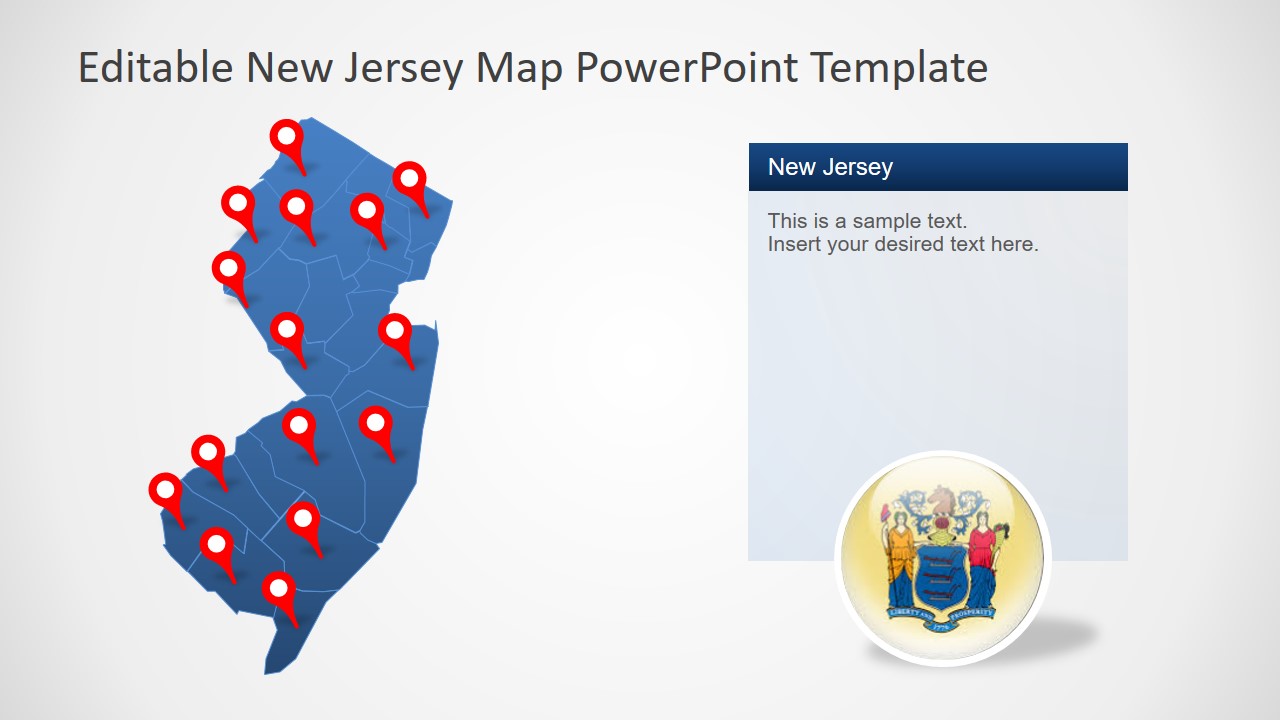
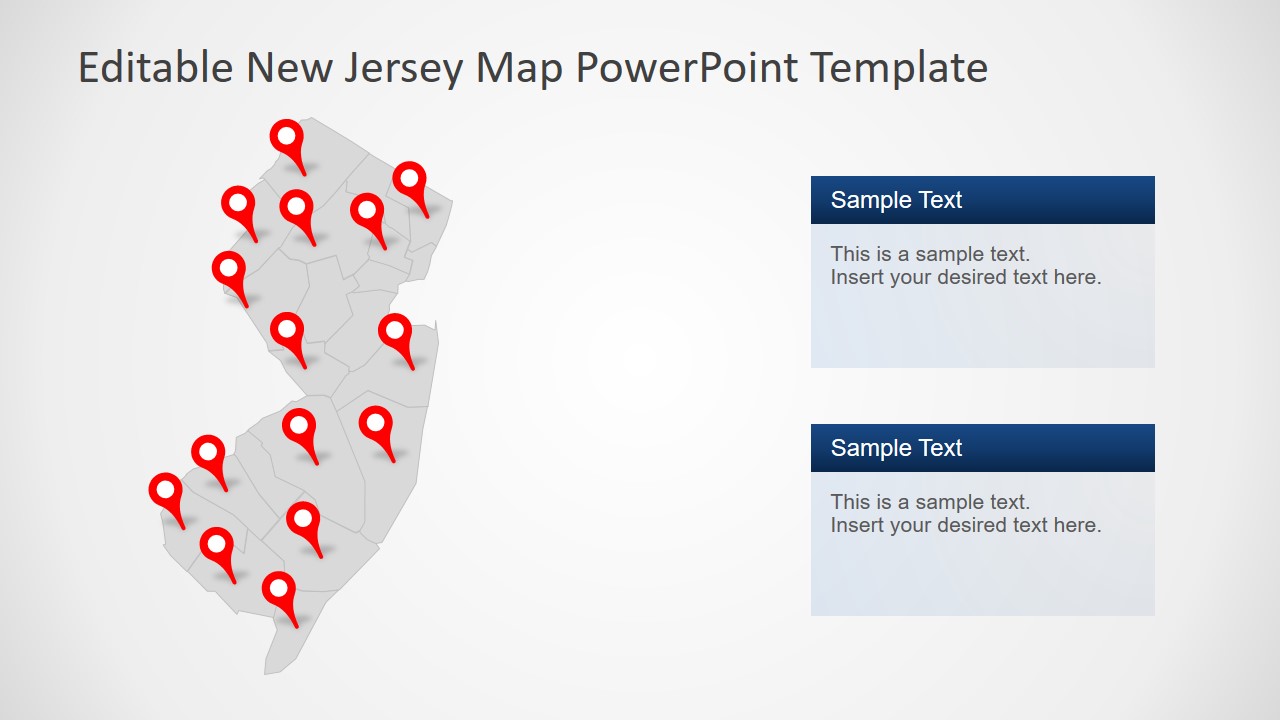
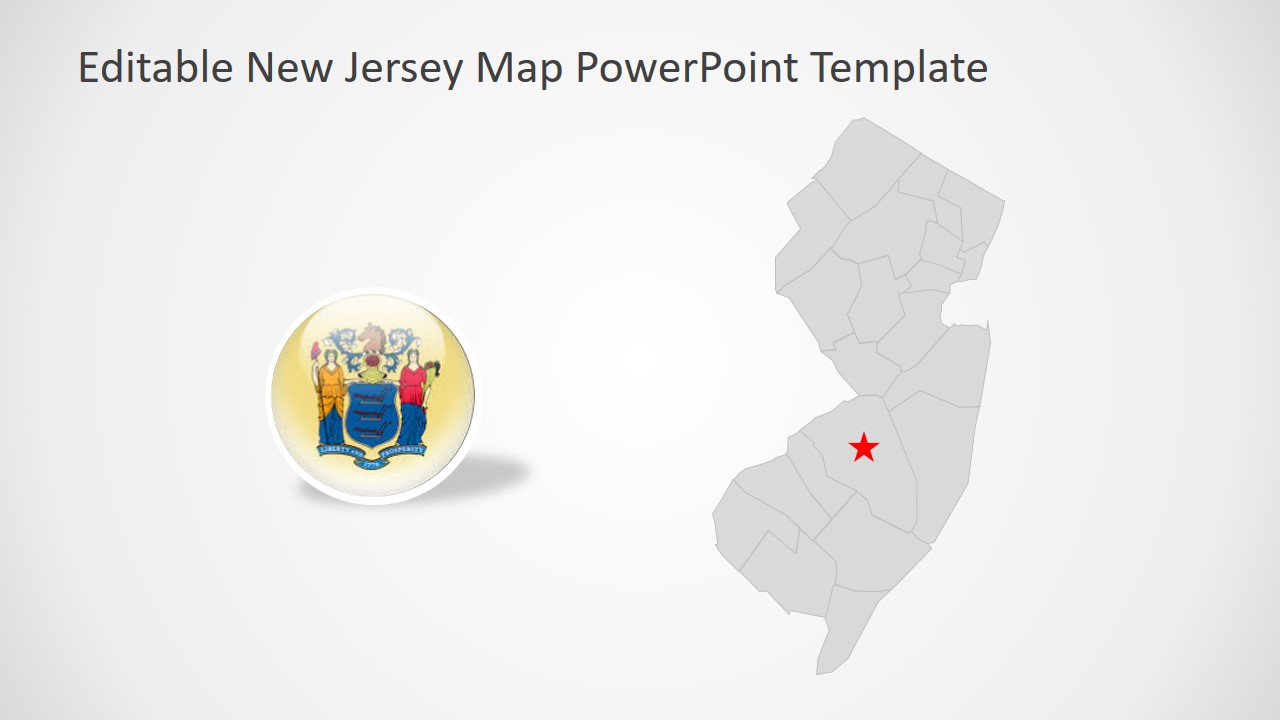
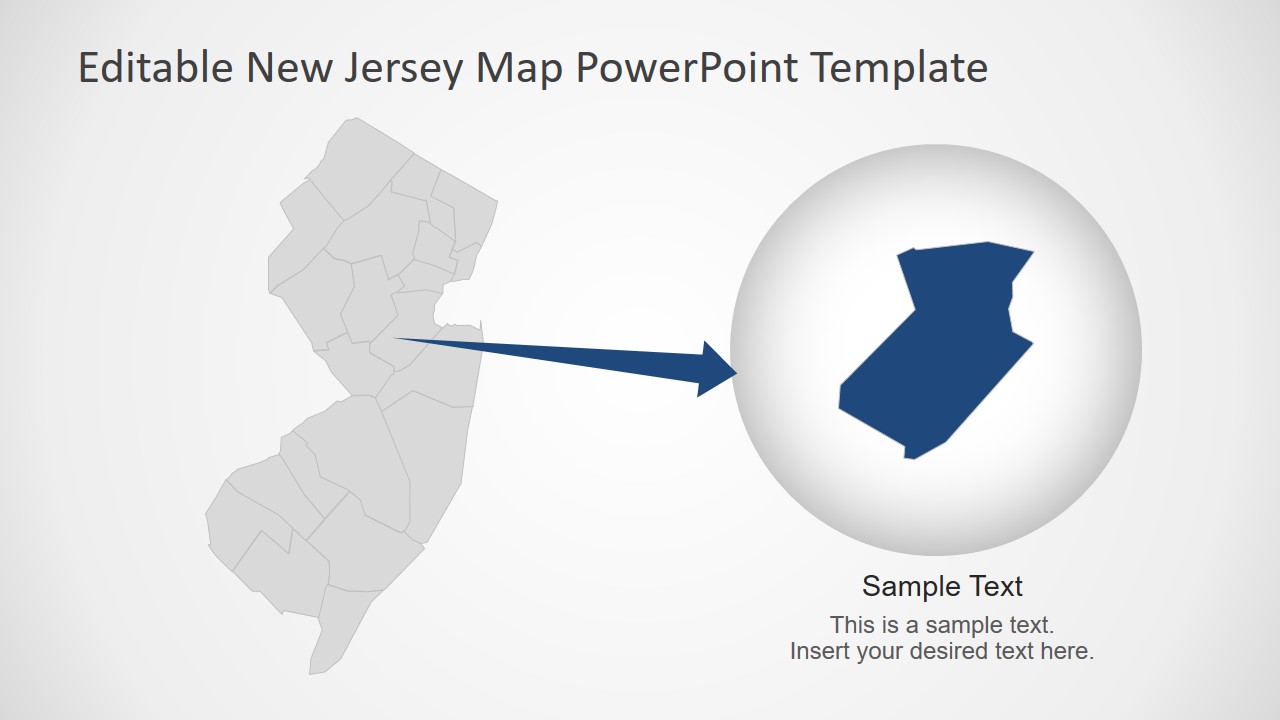
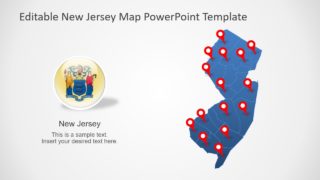
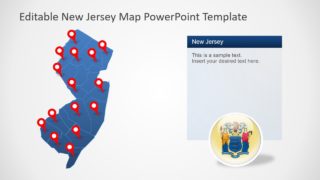
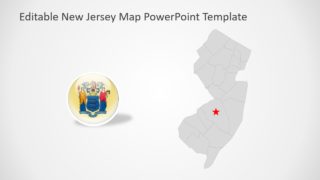
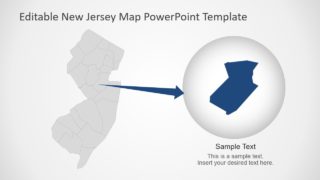
The New Jersey State PowerPoint Map include various labeling options like location marker, flag button, and line pointers. The users can customize and reuse these clipart icons as it seems fit to overall presentation. Here, circular flag shape is a high-resolution image and resizing it doesn’t affect its image quality. All 21 counties are individual segments which can help create zoom-in slides. Simply copy Individual County into circular PowerPoint shape with an arrow to depict zoom-in presentation style.
The New Jersey outline map template is an editable PowerPoint, enabling professionals to choose any layout for business presentation. These maps are further helpful in geographic and history presentations. Especially in schools, the students can benefit from labeling areas and outlining multiple States of America. The SlideModel contain maps for various States of America such as Washington and Massachusetts.
What’s inside this template
Example presentation scenarios
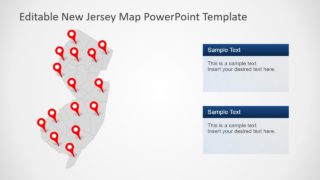
- A sales manager can show coverage across New Jersey by adding location pins to the county map and explaining active territories with the text panel layout.
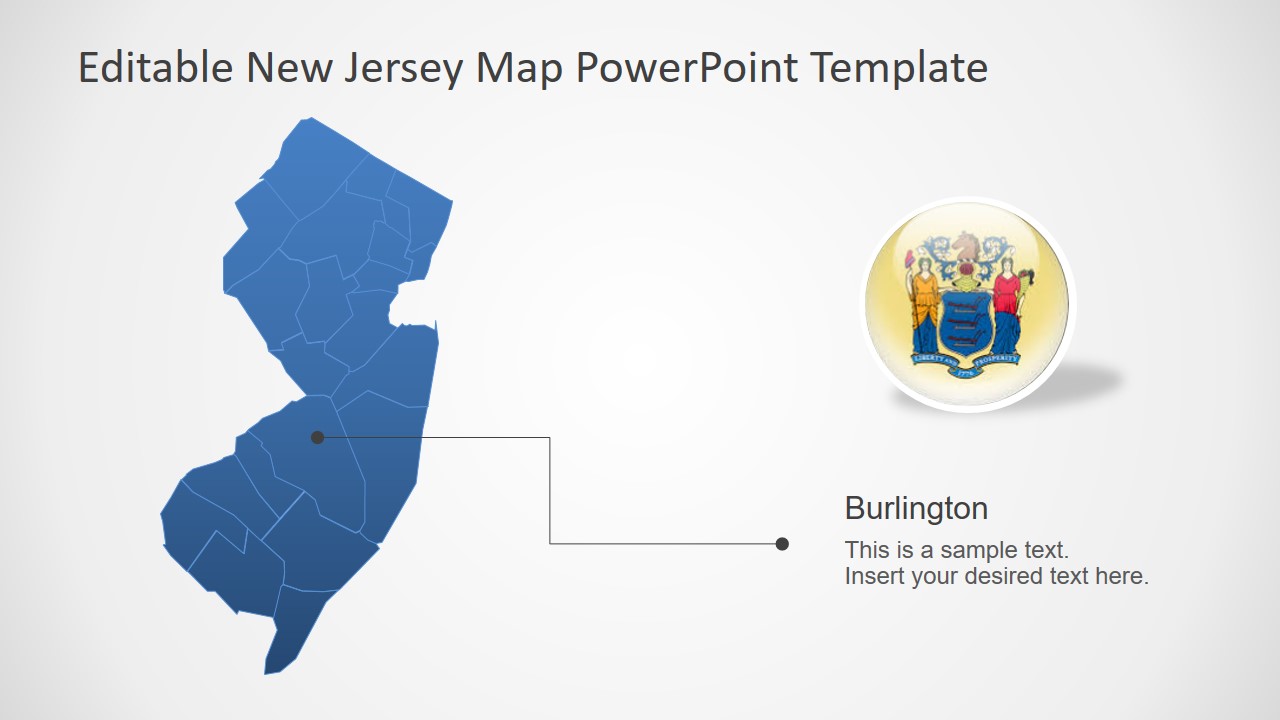
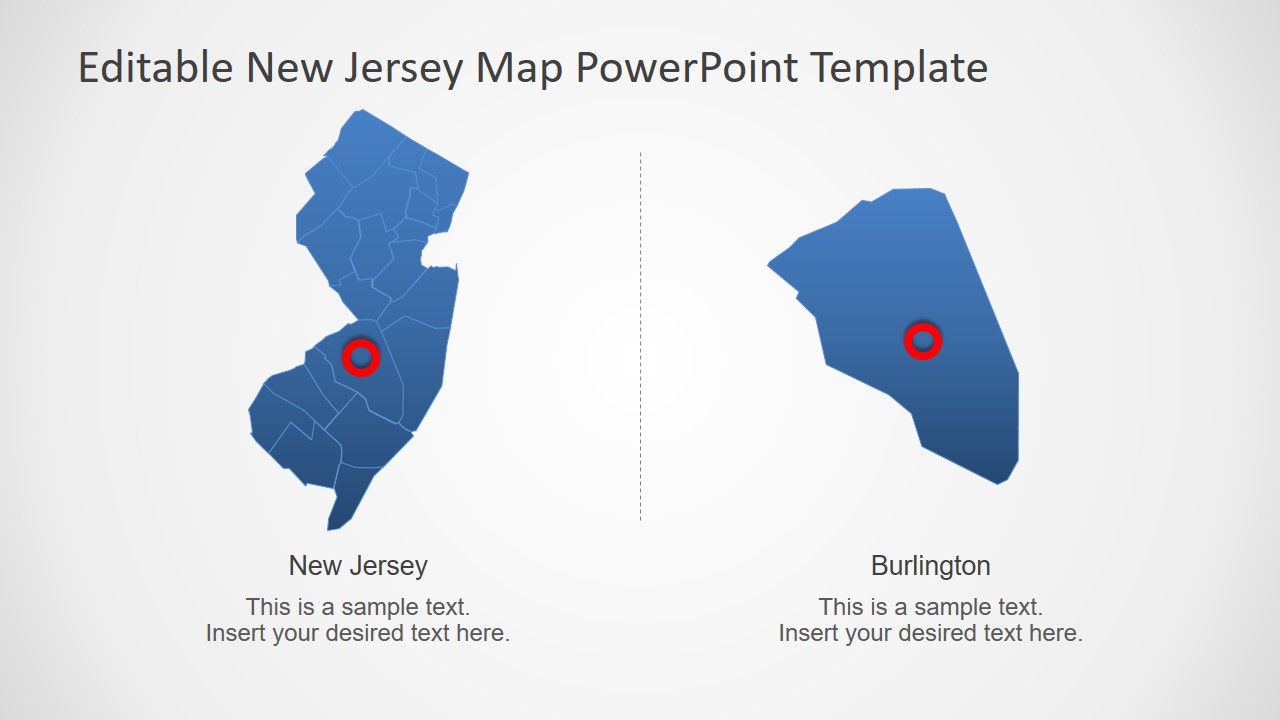
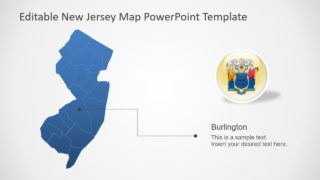
- A public sector presenter can brief stakeholders on a county-specific initiative by using the Burlington callout slide and the enlarged county comparison layout.
- An educator can teach New Jersey geography by labeling counties, pointing to regions, and using the zoom-in slide to focus students on one selected area.
- A logistics or operations analyst can report facility, route, or service-area locations by combining the pin map with the star highlight slide.
Features
- 100% editable presentation template
- Compatible with Microsoft PowerPoint and Google Slides
- 16:9 aspect ratio slides
- Scalable vector shapes, icons and illustrations
- AI-Ready for Microsoft Copilot and Claude
- Instant access and download
Frequently asked questions
Q: How should I present a county-level message without making the map feel crowded?
A: Start with the full New Jersey map to orient the audience, then limit each slide to one purpose: pins for locations, a callout for one county, or a zoom view for detail. Avoid labeling every county at once. The visible layouts work best when the presenter builds attention from statewide context to a single focus area.
Q: Who is this New Jersey map template best suited for?
A: It fits presenters who need to explain where activity is happening inside New Jersey: sales teams defining territories, public agencies discussing county programs, educators teaching state geography, or analysts showing regional operations. The Burlington focus slide, pin maps, and zoom callout make it useful when location clarity matters more than dense data.
Q: Why do the marker, callout, and zoom layouts improve geographic communication?
A: The design uses familiar map metaphors: pins identify points, line pointers connect a label to a place, and the circular zoom graphic signals closer inspection. This sequence reduces guesswork for the audience. Instead of reading a long location list, viewers can see statewide context and then understand the highlighted county or area.

New Jersey State PowerPoint Map
7-slide New Jersey map presentation template with county segments, location markers, and zoom callouts
The New Jersey State PowerPoint Map is a 7-slide geographic map template for Microsoft PowerPoint and Google Slides. It includes county-level New Jersey map layouts, location marker maps, text callout panels, a Burlington county focus, and zoom-in highlight slides for business, education, territory, and regional reporting presentations.
- Category
- Maps
- Rating

 Loading...
- Aspect ratio
- 16:9, 4:3
- Item ID
- 13115-01
- Colors
 Microsoft PowerPoint
 Microsoft Copilot
 Claude for PowerPoint
Other formats supported
Subscribe today and get immediate
access to download our PowerPoint templates.