Present important statistical data for mass communications with the Network Range PowerPoint Template. The presentation has vibrant colors and useful PowerPoint clipart that can create eye-catching diagrams for the viewers. The color scheme uses dark, but solid colors, such as green, violet, blue, and yellow.
Network range can refer to the degree of exposure given to broadcasted information. The range is important because it determines the volume of viewers that it reaches. By analyzing network range, a management team can properly adjust certain aspects of the media in order to maximize its public coverage. This information can be presented to investors, to show the amount of publicity that certain plans have gained. In the media industry, this determines whether the project is given the green light to proceed with full production.
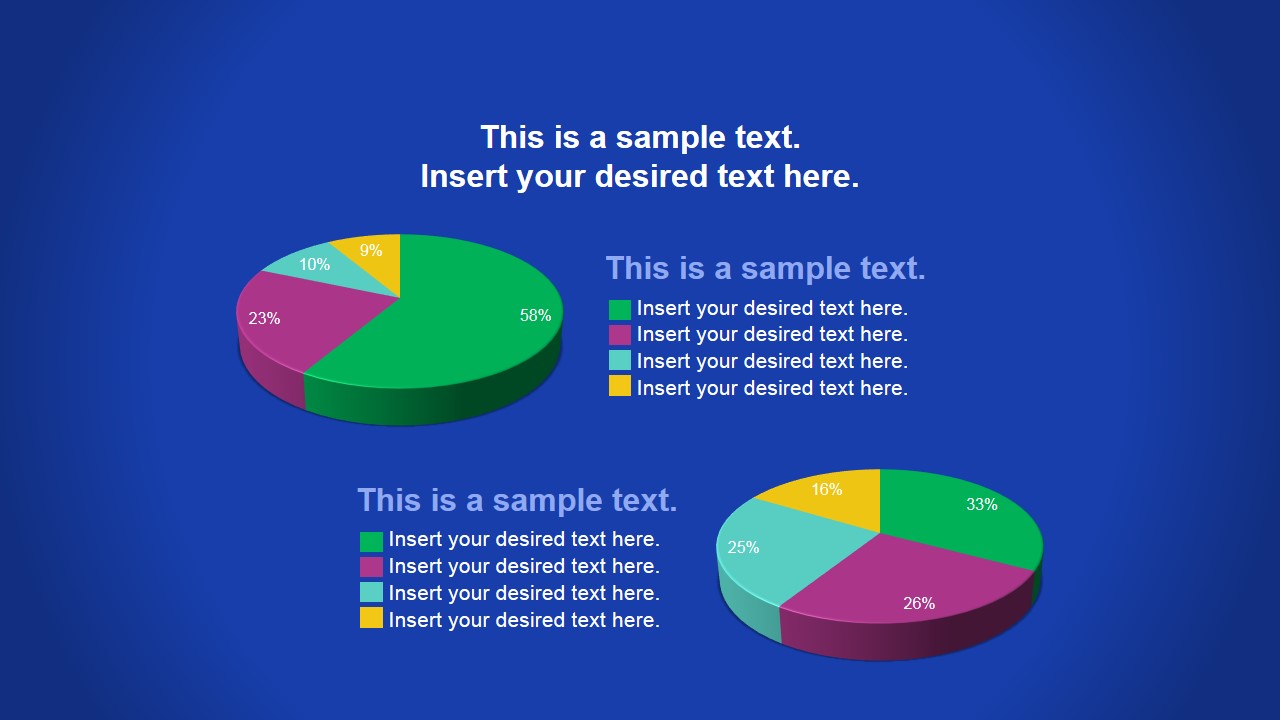
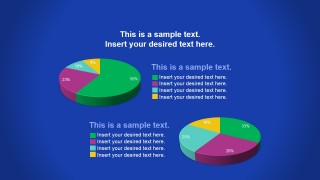
The slides contain PowerPoint charts and graphs that can highlight statistical information about network range through different points of views. These can include ratio demonstrations and pie charts, to key performance indicators. The data can include the percentage of the target population that has received a broadcast. This determines the success of the operation.
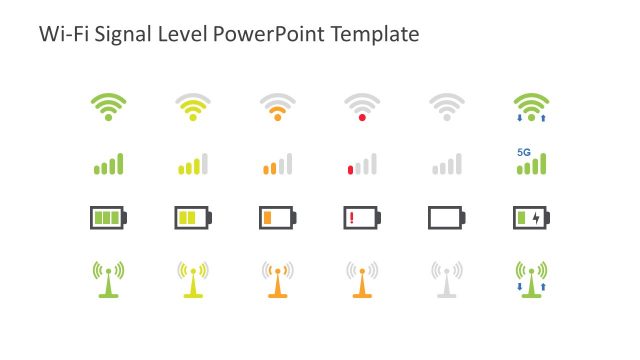
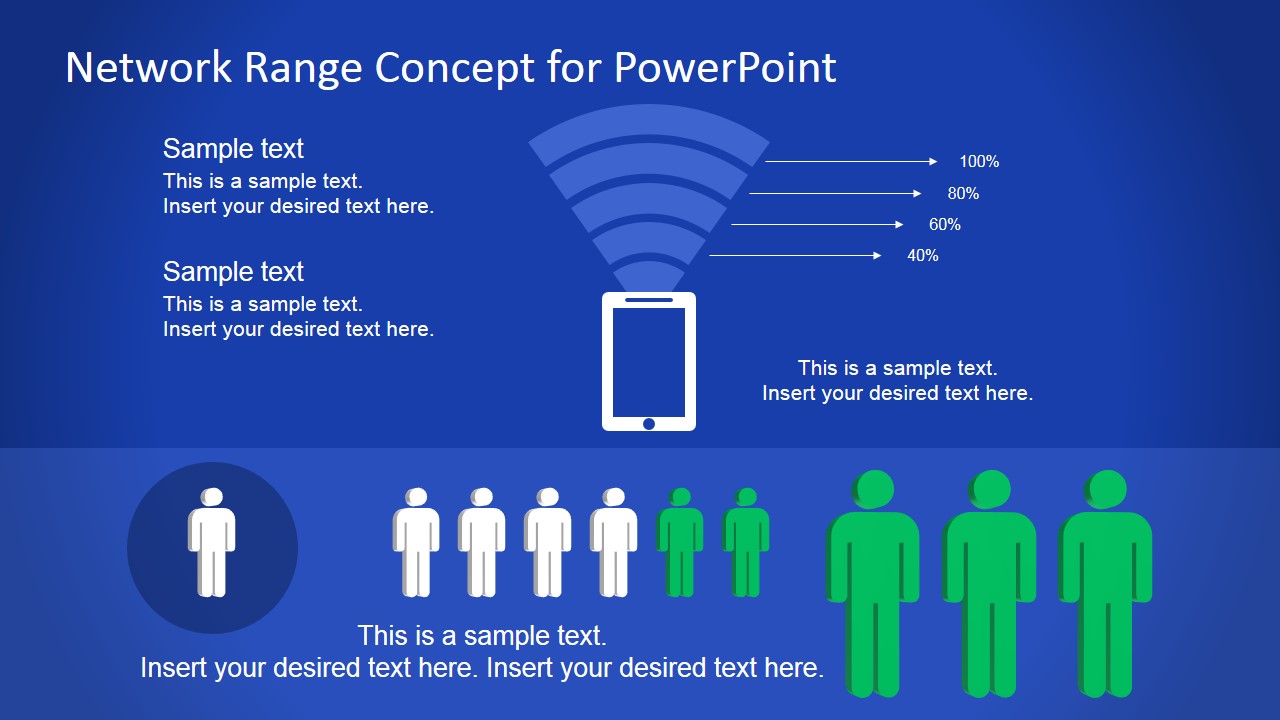
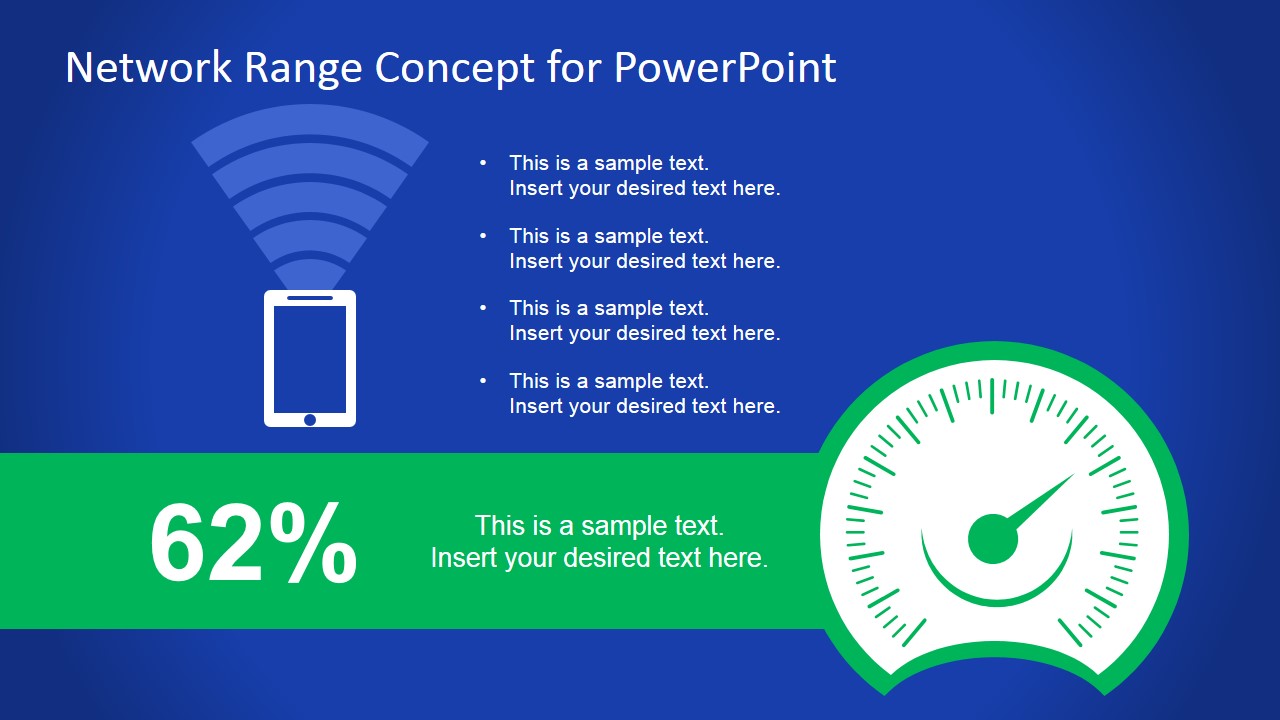
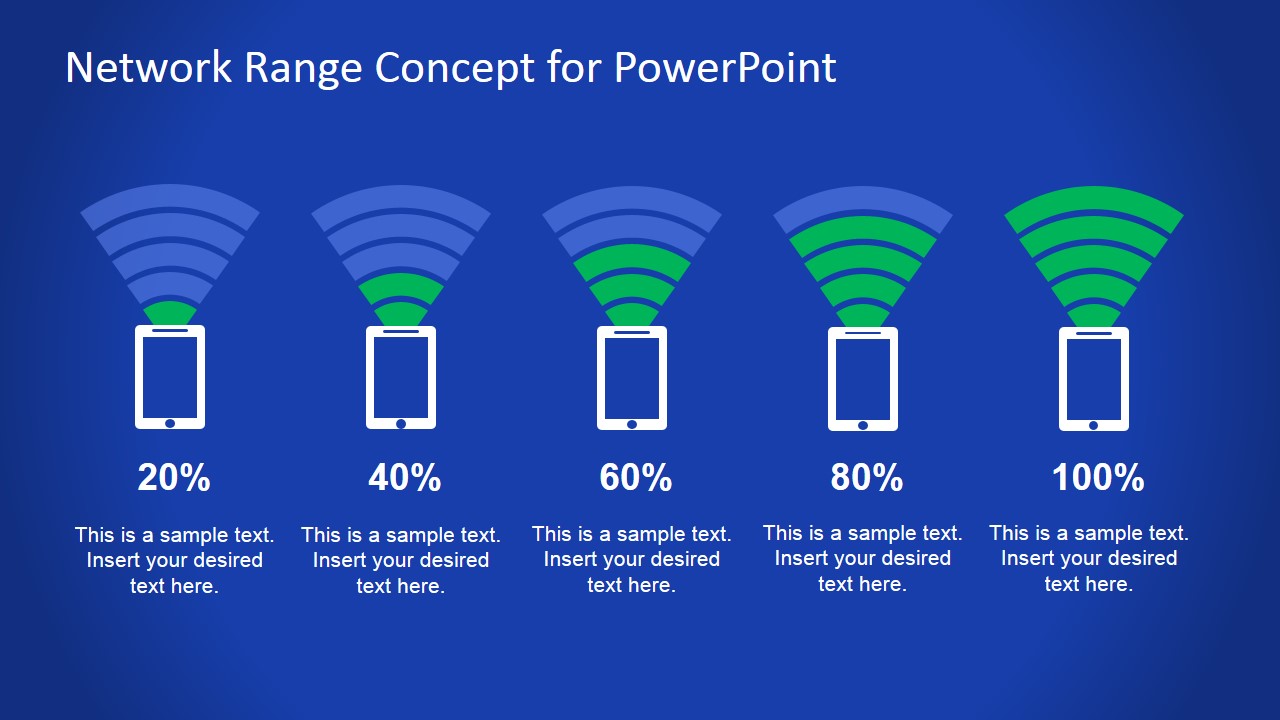
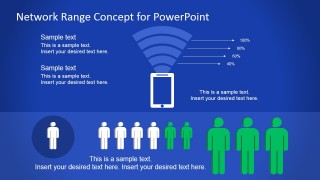
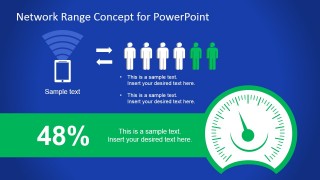
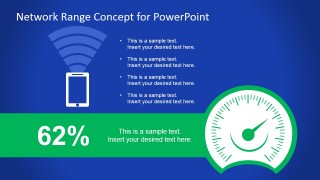
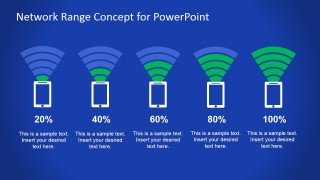
The template uses a dark blue gradient presentation background. It contains a unique percentage graph, using a vector drawing of a network signal, extending from a phone. Each bar on the signal indicates a certain percentage of broadcast, providing a helpful pictograph for the presentation. Generic person icons can be found at the bottom of one of the slides. The highlighted icons can specify a certain proportion of the population that has received the forecast. A fuel gauge icon, found on two of the slides, can act as a key performance indicator.
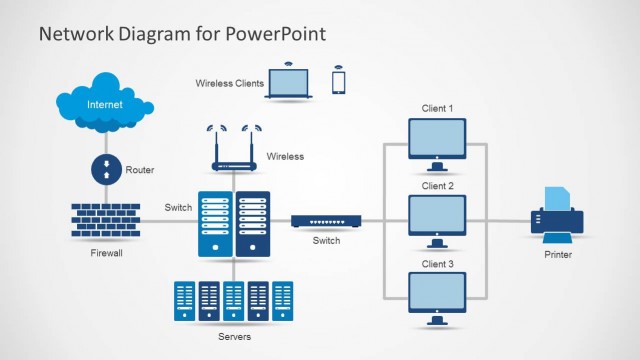
The Network Diagram Template can also be applied to presentations featuring the access to internet and connections bandwidths. The PowerPoint Slide Signal clearly states proximity and strengths of a radio signal. More sophisticated presenters, like Engineers, can apply the designs as PPT Signal Processing Templates.
The Network Range PowerPoint Template is appropriate for broadcasting reports, showing statistical analysis of the results. Any alteration regarding color and size will not affect the graphic resolution of the PowerPoint graphics. The presenter can download other PowerPoint Templates for Communications from the SlideModel Gallery.
What’s inside this template
Example presentation scenarios
- A telecom analyst can use the signal strength comparison slide to explain how coverage changes across five range levels from low to full signal.
- A communications manager can use the gauge KPI slides to report current network reach or campaign exposure to leadership with a single prominent percentage.
- A broadcast media team can use the people icon layout to show the share of the target audience reached by a message or program.
- An operations presenter can use the pie chart slide to compare coverage segments, reception categories, or audience groups in a performance review.
Features
- 100% editable presentation template
- Compatible with Microsoft PowerPoint and Google Slides
- 16:9 aspect ratio slides
- Scalable vector shapes, icons and illustrations
- AI-Ready for Microsoft Copilot and Claude
- Instant access and download
Frequently asked questions
Q: How should a presenter explain network reach with these slides?
A: Start with the pictograph slide to define the coverage concept, then use one gauge KPI slide for the main percentage and the signal strength comparison slide for context. Keep each slide focused on one interpretation of reach: who was reached, how strong the range is, and how the total breaks into segments.
Q: Who benefits most from this network range template?
A: This template fits presenters who need to translate reach or signal data for nontechnical decision makers. Communications teams, broadcast media managers, telecom analysts, and operations leads can use the phone signal, people icon, gauge, and pie chart layouts to connect technical coverage metrics to audience or business impact.
Q: Why do the signal and gauge metaphors work for this message?
A: The phone signal icons make range feel spatial and familiar, while the gauge turns an abstract percentage into a performance reading. The green highlights create a clear status cue against the blue background, so the audience can identify the current level before reading detailed labels or chart legends.

Network Range PowerPoint Template
5-slide presentation template for network range metrics, signal coverage, gauges and pie charts
Network Range PowerPoint Template is a 5-slide presentation template for communications and coverage reporting. It includes signal strength pictographs, percentage gauge KPI slides, people reach icons, and a pie chart comparison layout for media, telecom, and operations teams. It is built for Microsoft PowerPoint and Google Slides.
- Category
- Shapes
- Rating


 Loading...
- Aspect ratio
- 16:9, 4:3
- Item ID
- 7102-01
- Colors
 Microsoft PowerPoint
  Microsoft Copilot
  Claude for PowerPoint
 Other formats supported
Subscribe today and get immediate
access to download our PowerPoint templates.