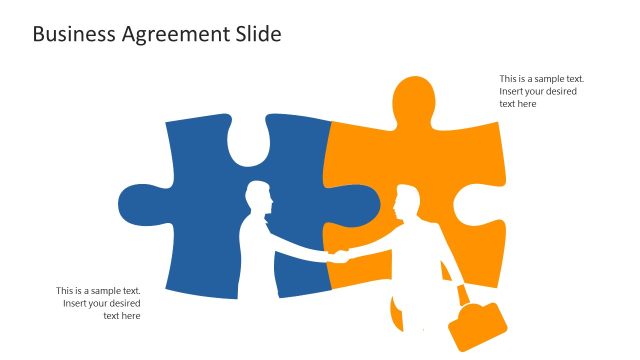
The Negotiation PowerPoint Template provides a thorough framework for understanding common negotiation principles and evaluating negotiability. There are 11 slides in this presentation deck, which are compatible with Google Slides presentations, as well as Microsoft PowerPoint presentations. The negotiation template features a range of blue colors and straightforward, but useful diagrams. The key slides are:
- A negotiation cover slide
- An analysis of scope, price, and terms
- Slide to present the acceptable price ranges and gap
- 7 Elements of negotiation slide
- Negotiation process diagram for presentation
- Negotiation strategy slide
- Buyer and seller diagram slide
- Negotiation activities slide
This negotiation PPT template is perfect for salespersons and business professionals who are presenting strategy, processes, or best practices for negotiation. It can also be used for onboarding new employees in a business’s negotiation processes or business students who need to present research into best practices for negotiation.
Negotiation is a dialogue between parties to develop a mutual agreement. An agreement involves scope, price, and terms to agree upon. These terms are anywhere from the length of agreement and payment breakdown to penalties, limitations, or ways to break an agreement. Negotiations can be difficult due to the many complexities and elements involved. There are always too many things to consider and negotiate to reach an agreement successfully. Whether it is a business partnership, the scope of work, purchase, or service negotiations, bargaining skills are key to leadership success.
The Negotiation PowerPoint Template contains models for complex negotiation strategies, alternatives, and process life cycles. The advanced PowerPoint templates include scene illustrations, process flow diagram templates, and data charts to discuss various negotiation plans. The handshake scene design presentation templates, for instance, are a graphic representation of making a deal. This business presentation templates PowerPoint offers two process cycle diagrams for elements of negotiation. The 3 steps diagram shows asymmetric information as input from two parties to workout an agreement. The asymmetric information are the needs & interests, BATNA, and economics of each party. The seven-element negotiation framework on the other hand provides essential tools to identify goals and prepare offers.
The negotiations start with the needs and interests of parties. Next, BATNA, also known as Best Alternative to a Negotiated Agreement is a negotiation tactic. It helps identify the best value if negotiations fail. BATNA also helps you determine a reservation point e.g., the worst acceptable price. A good example of the best alternative is a house purchase. If the price is higher than what you want to pay, look at other pieces of information. It will help you find if there is room for negotiation. The last element of asymmetric information is economics i.e., the “acceptable price range”. These business PowerPoint themes contain a negotiation acceptable price range ZOPA diagram illustrating an acceptable range of buyer and seller.
These negotiation slides feature simple graphics and a blue color palette. There are several useful diagrams located within this slide template. Some of these editable diagrams include segmented process diagrams, circular segmented diagrams, and simple flow chart diagrams.
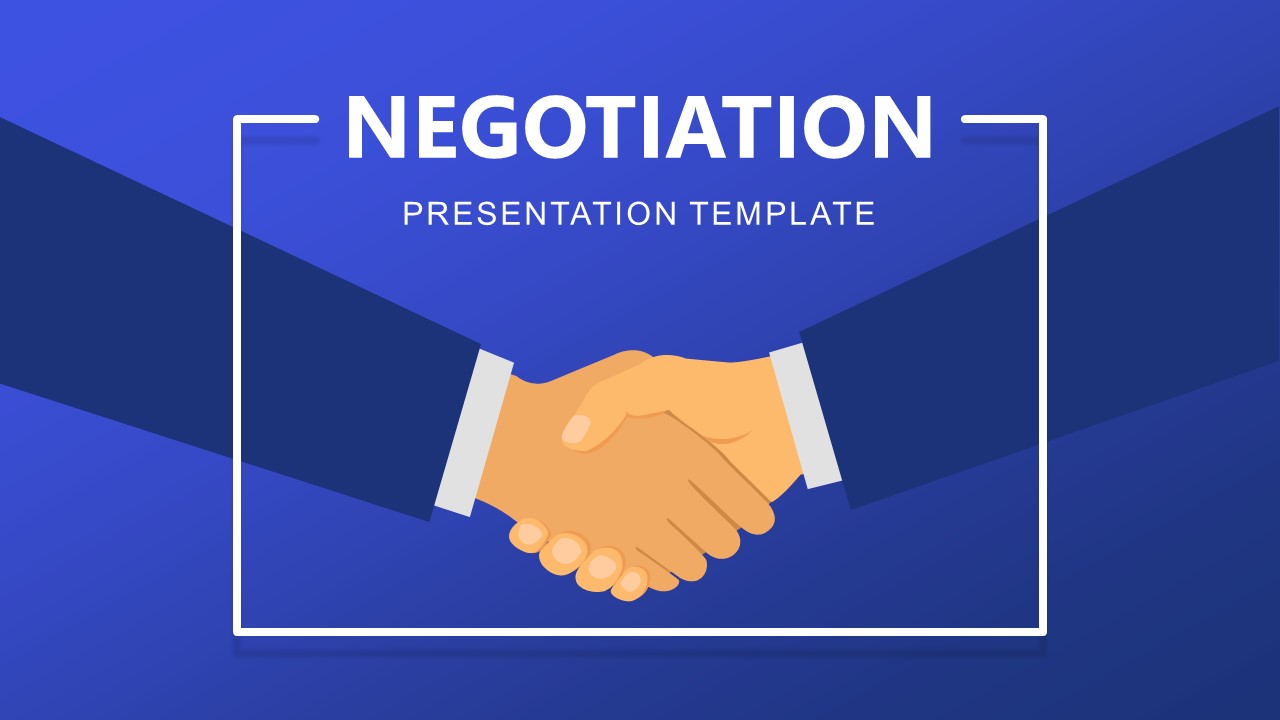
The main illustrations in the negotiation PPT template are a large illustration of shaking hands and two simple headshots. The following icons are included in this slide template, amongst others: communication icons, flow chart icons, target icons, strategy icons, and checklist icons. The color palette ranges from dark blue to royal blue, with orange highlights.
This versatile PPT template will transform any negotiation-related presentation into a professional, attractive display.
What’s inside this template
Example presentation scenarios
- A sales manager can train account executives on deal preparation by using the asymmetric information model, BATNA labels, and acceptable price range diagram to clarify where agreement is possible.
- A procurement leader can brief stakeholders before vendor discussions by mapping decide to negotiate, prepare, negotiate, execute, and follow up in the horizontal process flow.
- A consultant can present a negotiation readiness workshop by combining the 7 elements framework with the circular negotiation process to connect principles to practical steps.
- A business instructor can teach buyer and seller dynamics by using the price range slide and buyer and seller diagram to compare interests, limits, and agreement conditions.
Features
- 100% editable presentation template
- Compatible with Microsoft PowerPoint and Google Slides
- 16:9 aspect ratio slides
- Scalable vector shapes, icons and illustrations
- AI-Ready for Microsoft Copilot and Claude
- Instant access and download
Frequently asked questions
Q: How should a presenter structure a negotiation lesson with this template?
A: Start with the handshake cover to set the business context, then use the asymmetric information model to explain why parties may see value differently. Follow with the acceptable price ranges slide to define agreement conditions. Close the teaching section with the 7 elements framework and process diagrams so the audience can connect theory to preparation and execution.
Q: Who benefits most from using this negotiation deck?
A: This deck fits presenters who need to explain negotiation thinking before a sales, procurement, partnership, or vendor discussion. Sales leaders, procurement managers, consultants, and trainers can use the BATNA references, buyer and seller diagram, and process flows to help teams align on limits, interests, roles, and next steps before entering a live negotiation.
Q: Why do the handshake and circular process visuals help the message?
A: The handshake creates a clear metaphor for agreement, while the circular process and strategy arc show that negotiation is iterative rather than a single event. Those visuals make abstract ideas like preparation, relationship, BATNA, and commitment easier to discuss because each concept has a visible place in the negotiation system.


Negotiation PowerPoint Template
11-slide negotiation presentation template with BATNA, price ranges, process flow, and strategy diagrams.
The Negotiation PowerPoint Template is an 11-slide business deck for explaining negotiation concepts, preparation, and deal evaluation. Visible layouts include an asymmetric information model, acceptable price range comparison, 7 elements framework, horizontal process flow, circular negotiation process, strategy arc, buyer and seller diagram, and activity map for PowerPoint and Google Slides.
- Category
- Business PowerPoint Templates
- Rating

 Loading...
- Aspect ratio
- 16:9
- Item ID
- 20839-01
- Colors
 Microsoft PowerPoint
 Microsoft Copilot
 Claude for PowerPoint
Other formats supported
Subscribe today and get immediate
access to download our PowerPoint templates.