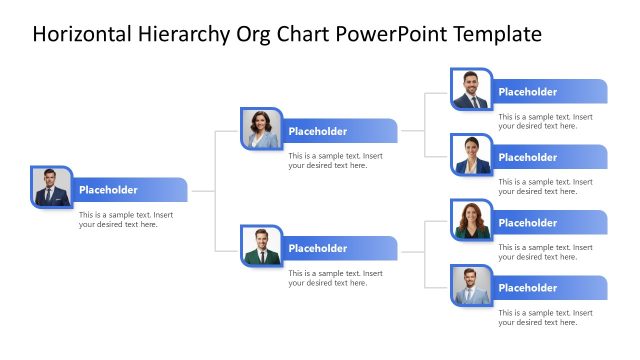
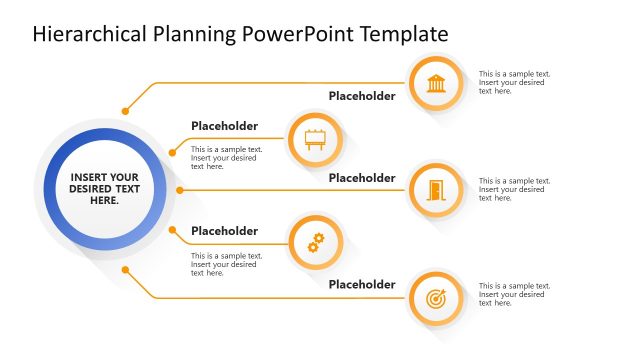
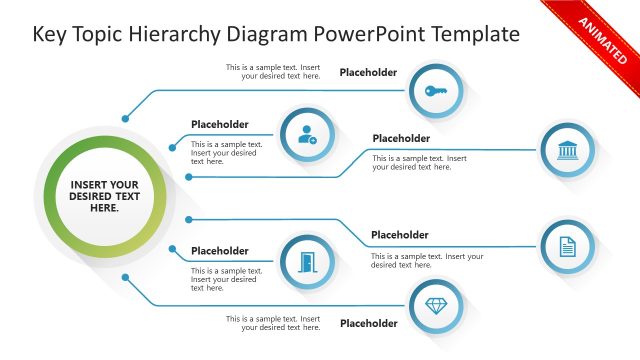
Present a hierarchy or a process flow in various segments with our Multiple Hierarchy PowerPoint Template. Hierarchy representation is important when understanding the order of actions, delegated positions, roles, or priorities. For instance, these diagrams are often employed when making a layout of a project team breakdown, showing the organizational structure, or presenting the product development phases along with the responsible departments. In addition, the multiple hierarchy diagram can also be used for marketing and sales presentations to discuss different phases and channels. To serve the purposes of our users, we have introduced this 100% editable hierarchy chart that can be used with any PowerPoint version. It can help professionals to speed up their presentation-making process and describe their topics in a better way.
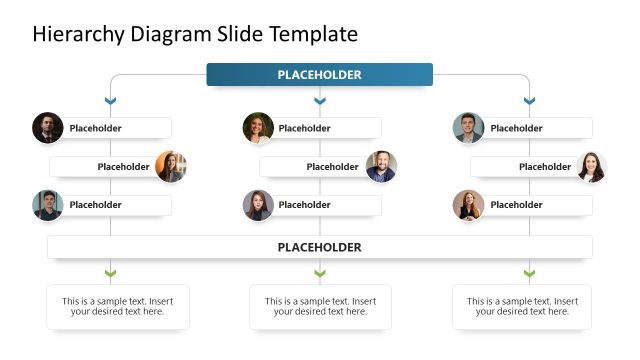
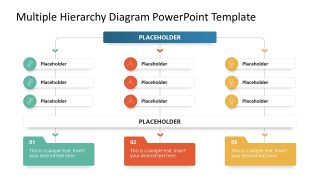
This Multiple Hierarchy PowerPoint Template carries a three-tier diagram with a top core unit of text box to mention the main point, i.e., the initiating step or highest level. From this point, three branches emerge, carrying three text boxes on each part. These rectangular boxes also carry meaningful, replaceable icons according to the topic. The arrow lines continue to the bottom of the slide and end up on the other level of hierarchy, which is separated by a bar shape. This effect can help discuss the segregation of levels, such as a showcase of the front-line staff or first-level action. Presenters can also exclude the text boxes based on the topic if not required. Likewise, the colors, background, and fonts can also be changed. Download and try this PPT template for your presentations today! Alternatively, you can check our other hierarchy PowerPoint template designs to enrich your project.
What’s inside this template
Example presentation scenarios
- An HR leader can use the three-branch hierarchy diagram to explain how departments, managers, and frontline roles connect within a team structure.
- A project manager can present workstream ownership by assigning each branch to a function and using the numbered bottom boxes for key deliverables or phases.
- A department head can brief executives on delegated responsibilities by placing senior ownership in the top header and role groups in the middle icon boxes.
- A sales or marketing manager can map channels, support roles, and bottom-line actions by treating the three columns as parallel go-to-market paths.
Features
- 100% editable presentation template
- Compatible with Microsoft PowerPoint
- 16:9 aspect ratio slides
- Scalable vector shapes, icons and illustrations
- AI-Ready for Microsoft Copilot and Claude
- Instant access and download
Frequently asked questions
Q: How should a presenter organize the message on this hierarchy slide?
A: Start with the governing idea in the top header, such as the team, initiative, or decision area. Use the three branches for parallel groups or workstreams, then reserve the bottom numbered boxes for outcomes, actions, or priority summaries. This keeps the audience from reading the diagram as a list of unrelated boxes.
Q: Who is this template best suited for?
A: This slide is best for managers, HR presenters, and project leads who need to explain how responsibility is divided across three related areas. It fits short briefings where the goal is to clarify reporting, ownership, or process handoffs without building a dense full-page organizational chart.
Q: Why does the three-branch hierarchy design help communication?
A: The visual metaphor works like a command or decision tree: one central source divides into three controlled branches, then reconnects to a lower action level. Icons give each column a quick visual cue, while the separator bar helps the audience distinguish structural roles from bottom-level outcomes or execution steps.

Multiple Hierarchy PowerPoint Template
1-slide presentation template for hierarchy diagrams, org structure, and segmented process flow in PowerPoint
The Multiple Hierarchy PowerPoint Template is a 1-slide hierarchy diagram for Microsoft PowerPoint. It shows a top-level header branching into three vertical org chart columns, icon-labeled role boxes, a horizontal separator bar, and three numbered process or priority boxes for teams, reporting lines, or workflow levels.
- Category
- Business PowerPoint Templates
- Rating

 Loading...
- Aspect ratio
- 16:9
- Item ID
- 23011-02
- Colors
 Microsoft PowerPoint
 Microsoft Copilot
 Claude for PowerPoint
Other formats supported
Subscribe today and get immediate
access to download our PowerPoint templates.