Slide 4 of 6 from Milestone Journey PowerPoint Template
Milestone Journey Template Slide for Stage 3
Milestone Journey Diagram for Presentations
- Diagram
- Timeline Horizontal
- Timeline Slide
- 16:9
- 100% Editable
What’s on This Slide
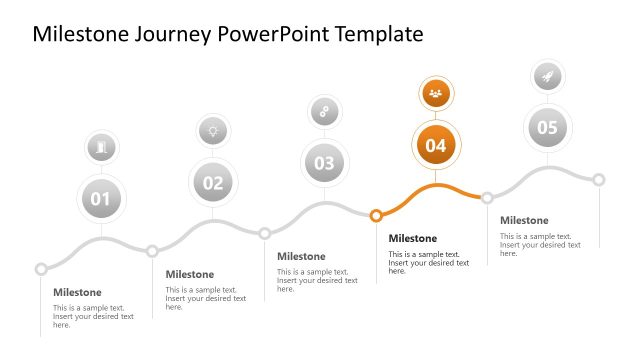
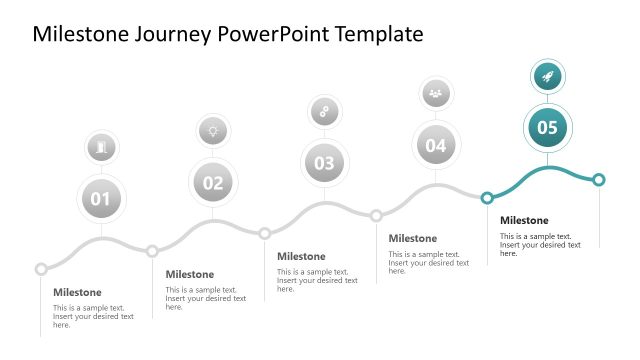
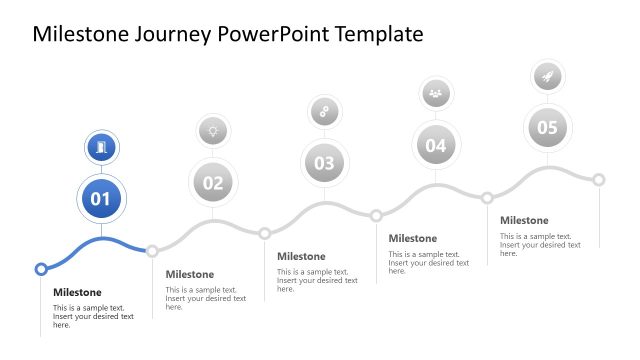
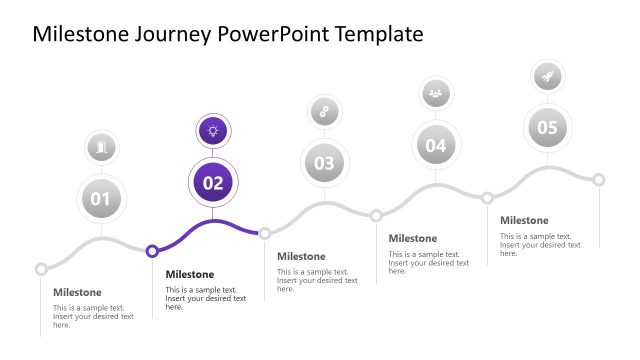
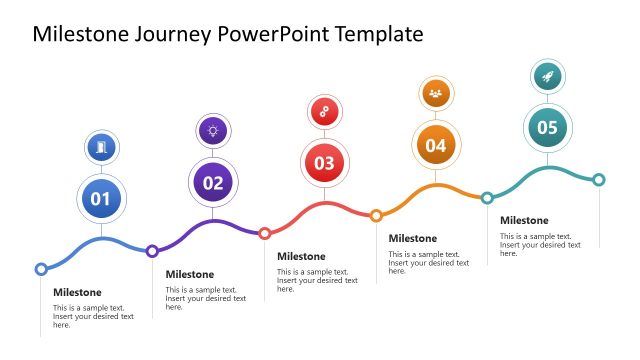
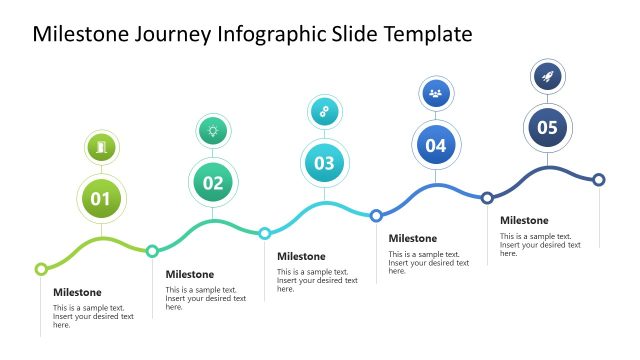
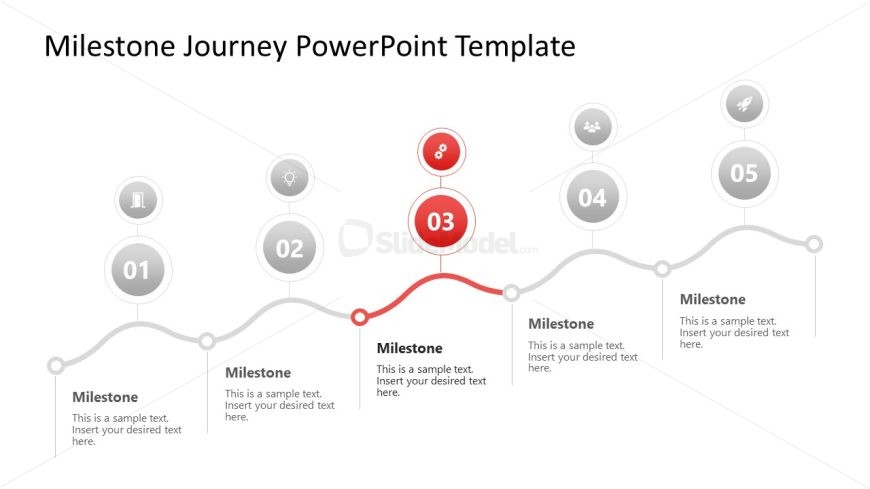
The slide features a horizontal timeline with five milestone nodes. Each node is a circle, with the third node highlighted in red, indicating its significance. The nodes are evenly spaced along a curved line, with connecting lines linking them. Each node contains a number and a text placeholder below it for descriptions. The first, second, fourth, and fifth nodes are gray, while the highlighted node stands out. Text placeholders are aligned centrally beneath each node, maintaining a clear visual hierarchy. The background is white, enhancing the overall clarity.
How to Use It
This layout serves as a milestone journey diagram, effectively illustrating a sequence of key events or achievements. It fits well in presentations focused on project timelines, product development stages, or customer journey mapping. This structure is useful for business scenarios that require clear visual representation of progress over time. It can be used to communicate project milestones, product launches, or significant achievements in a straightforward manner, making complex information easily digestible.
Text Placeholders & Capacity
Keep your copy within these limits so it fits without resizing. Node labels can hold about 30 characters each, while body text can hold around 50 characters.
| Placeholder | Count | Max characters (approx.) |
|---|---|---|
| Item heading | 5 | 30 |
| Item body | 5 | 50 |
Slide Keywords
Download unlimited PowerPoint templates, charts and graphics for your presentations with our annual plan.
DOWNLOADReturn to Milestone Journey PowerPoint Template.