Slide 6 of 6 from Milestone Journey PowerPoint Template
Milestone Journey Presentation Diagram with Text
Milestone Journey Diagram for Presentations
- Diagram
- Timeline Horizontal
- Timeline Slide
- 16:9
- 100% Editable
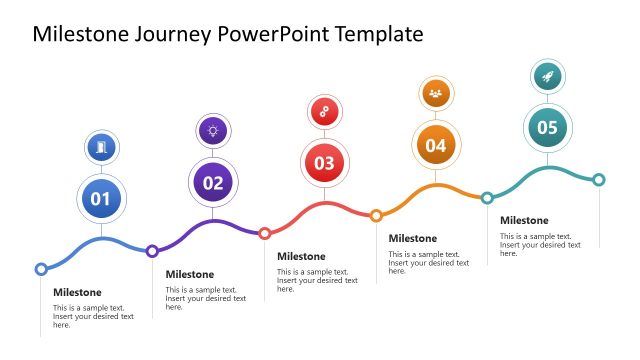
The Milestone Journey Diagram slide from the Milestone Journey PowerPoint Template offers a clear horizontal timeline ideal for project timelines and customer journey mapping. This slide layout uses editable shapes and vector icons to highlight key milestones, making it suitable for business presentations and strategic planning. Its design supports effective milestone tracking within a corporate presentation or pitch deck template.
What’s on This Slide
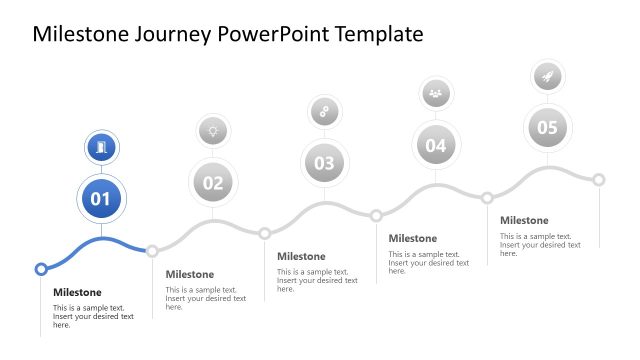
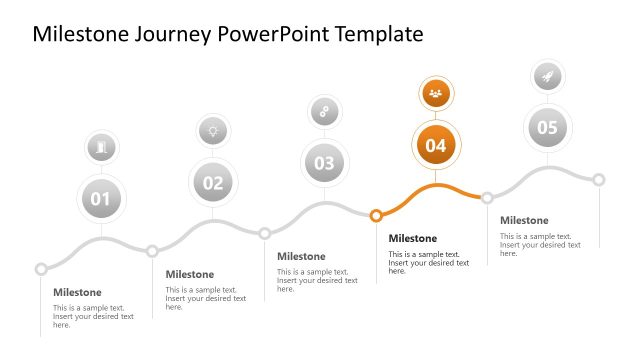
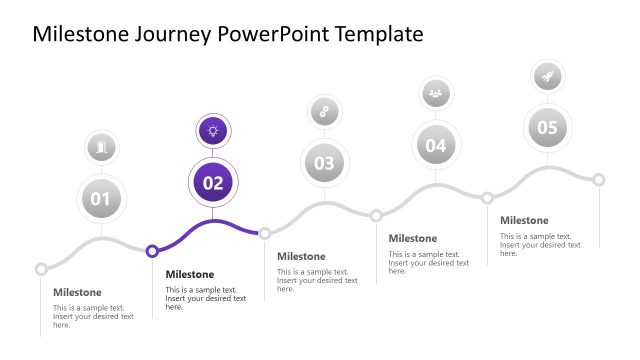
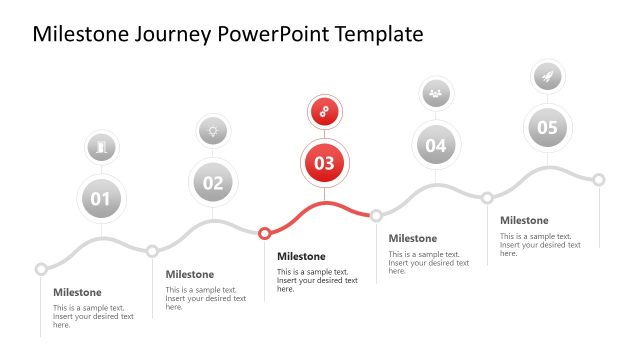
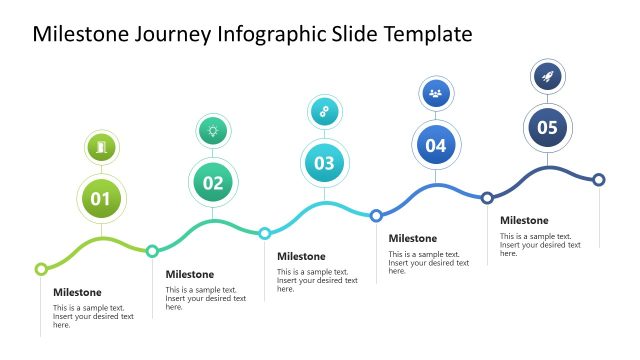
The slide features a horizontal timeline with five circular nodes positioned evenly along a curved line. Each node is numbered from 01 to 05 and contains an icon representing different milestones. Below each node, there are text placeholders aligned centrally, indicating where to insert descriptive text. The final node is highlighted with a thicker line and a different color, emphasizing its importance. The background is white, providing contrast to the gray and teal elements, creating a clear visual hierarchy.
How to Use It
This layout serves as a milestone journey diagram, effectively illustrating a sequence of key events or achievements. It is suitable for presentations that outline project timelines, customer journeys, or product development phases. Positioned as the final slide in a sequence, it summarizes the journey and highlights the last milestone. This layout is useful in business contexts where tracking progress and milestones is essential, such as project management or strategic planning.
Text Placeholders & Capacity
Keep your copy within these limits so it fits without resizing. Node body slots can hold up to 50 characters each.
| Placeholder | Count | Max characters (approx.) |
|---|---|---|
| Item heading | 5 | 20 |
| Item body | 5 | 50 |
Slide Keywords
Download unlimited PowerPoint templates, charts and graphics for your presentations with our annual plan.
DOWNLOADReturn to Milestone Journey PowerPoint Template.