Impress different types of audiences with the interesting Mike Male Astronaut Cartoon in Space for PowerPoint. Utilize the creative PowerPoint Clipart to entice and amuse the audience. The graphics are created as vector diagram illustrations that look neat and cool in any presentation.
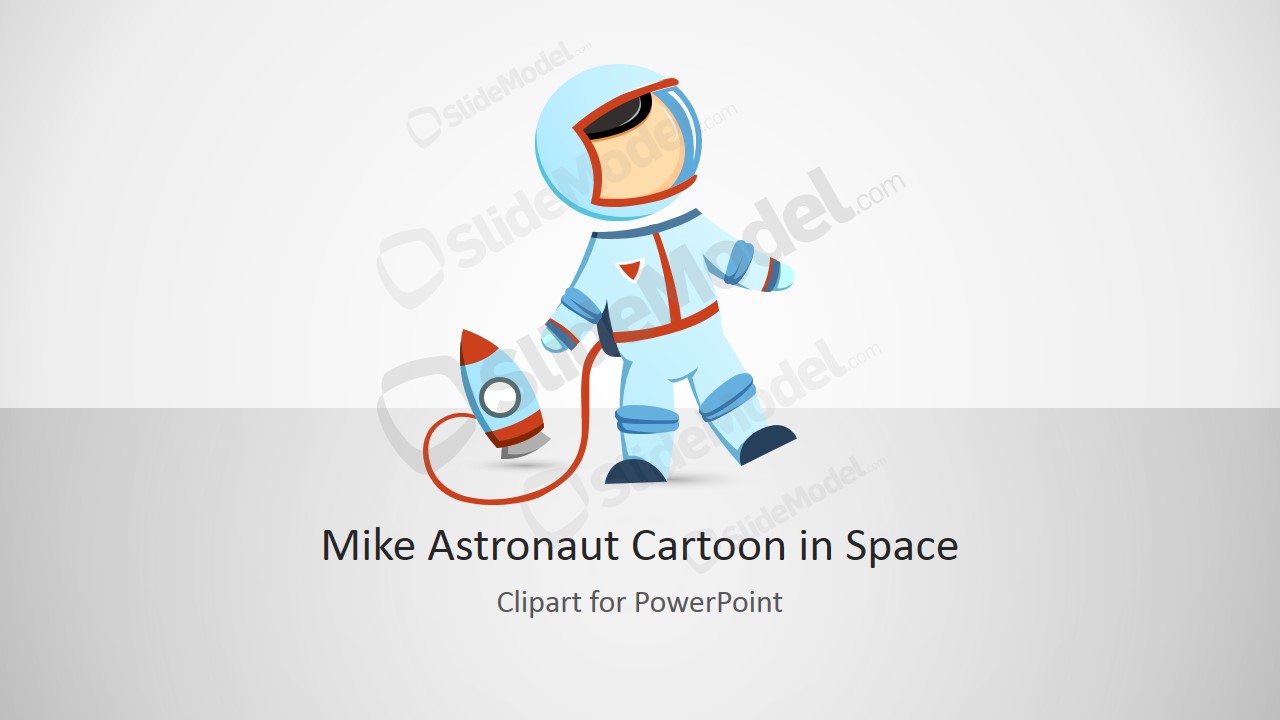
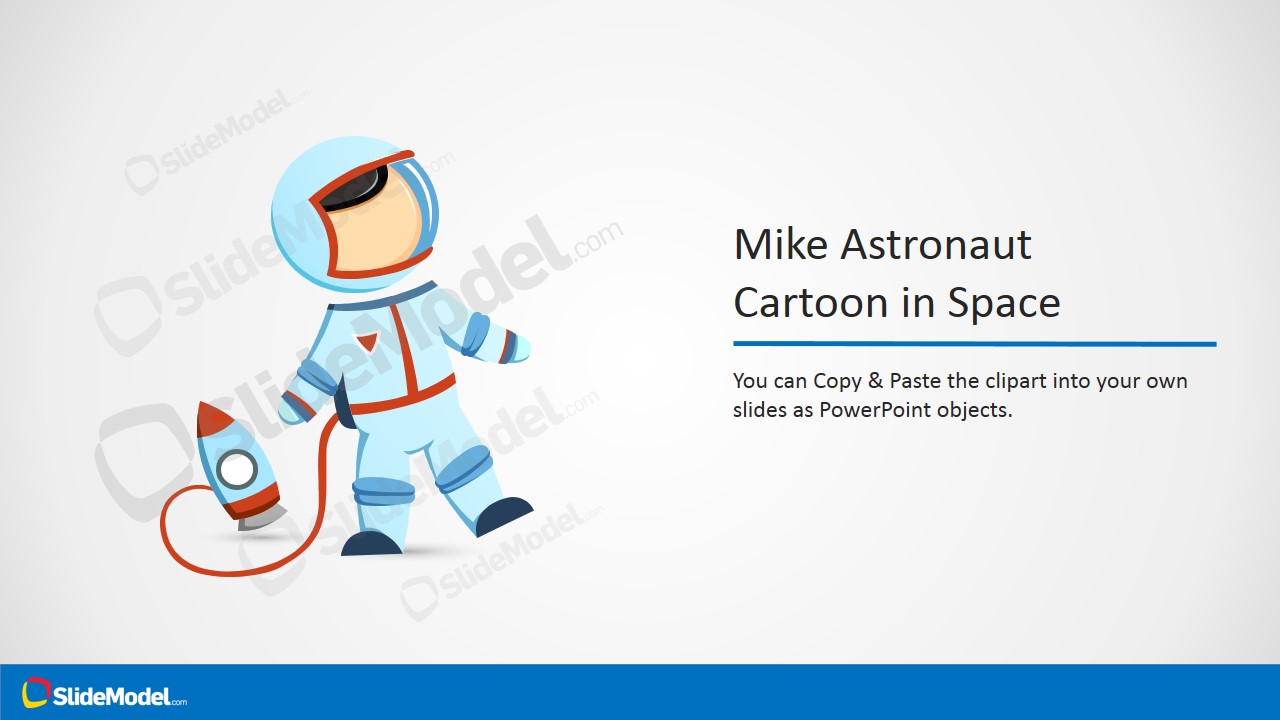
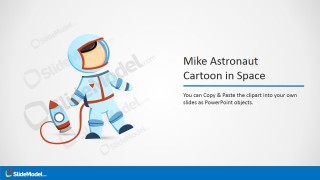
The main, consistent feature of the PowerPoint template is a vector drawing of a man in a spacesuit. He is shown as being connected by a red line to a rocket ship in the background. This may be in reference to the Moon Landing and the different conceptual elements that it presents.
The Moon Landing in 1969 happened in the age of the international Space Race. This is a period in human history where global leaders were trying and succeeding in launching probes and satellites into outer space. The Moon Landing, in particular, is special because it is the first step of man on the moon. The most vividly remembered moment in this event is Neil Armstrong’s first step and his most famous lines, including the phrase “one giant leap for mankind”. This is a moment in history that symbolizes humanity’s dreams, no matter how seemingly unattainable, and the efforts man made to achieve them and make them a reality.
This same concept, of achieving seemingly high goals, can also be applied in the template. The presentation design can be used to show the management or the presenter’s vision for the company, and how he sees the company in the future. The slides can be used to feature different plans and strategies to supplement this vision. With the use of the astronaut cartoon, the presenter can emphasize the importance of the company’s vision and mission, and how vital it is that these are achieved.
Most ideal for presentations involving ambitious business plans and lucrative goals, the Mike Male Astronaut Cartoon in Space for PowerPoint can also be applied in other business presentations. The user can supplement this presentation by downloading other PowerPoint templates from our Gallery. The user can even choose to edit the vector designs and the different logos and placeholders located in the presentation. In this way, the user can tailor the template to the specific audience, gaining a better reception.
What’s inside this template
Example presentation scenarios
- A startup founder can open a vision pitch with the title cover, using the astronaut and rocket to frame the company goal as a clear destination.
- A product manager can introduce an innovation roadmap section with the title-and-illustration layout, pairing the space metaphor with a concise headline and supporting message.
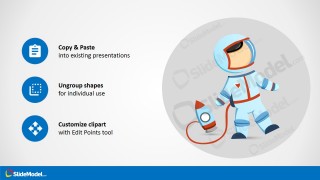
- A trainer can explain how to reuse a visual asset with the instruction callout slide, using the copy, ungroup, and edit points notes as a quick visual checklist.
- An educator can introduce a space exploration lesson with the astronaut clipart and rocket illustration, then use the callout layouts to define key terms or discussion prompts.
Features
- 100% editable presentation template
- Compatible with Microsoft PowerPoint and Google Slides
- 16:9 aspect ratio slides
- Scalable vector shapes, icons and illustrations
- AI-Ready for Microsoft Copilot and Claude
- Instant access and download
Frequently asked questions
Q: How should a presenter use the astronaut clipart without making the message feel childish?
A: Use the astronaut as a metaphor for distance, ambition, or exploration, then keep the text business-focused. The title cover can introduce the theme, while the title-and-illustration slide should carry one strong claim. Avoid adding many extra icons or long paragraphs, because the character already creates the focal point.
Q: What type of presentation is this template best suited for?
A: This template fits short openings, section dividers, training moments, or vision slides where the presenter wants a friendly symbol for a big objective. It works for startup teams, educators, product groups, and innovation presenters who need an astronaut and rocket visual rather than a full business report structure.
Q: Why does the astronaut and rocket metaphor help the audience understand the message?
A: The astronaut suggests exploration, risk, preparation, and reaching beyond the familiar, while the rocket reinforces motion toward a destination. The callout slides keep the metaphor controlled by placing explanatory text in simple icon groups, so the audience reads the point before the illustration becomes decorative.



Mike Male Astronaut Cartoon in Space for PowerPoint
4-slide presentation template with astronaut clipart, rocket illustration, and editable space-theme callouts
This 4-slide presentation template provides editable space-themed clipart centered on a male astronaut connected to a small rocket. It includes a title cover, a title-and-illustration layout, feature callout slide, and copy-paste instruction slide for presenters using an exploration or ambition metaphor in Microsoft PowerPoint and Google Slides.
- Rating


 Loading...
- Aspect ratio
- 16:9
- Item ID
- 8218-01
- Colors
 Microsoft PowerPoint
  Microsoft Copilot
  Claude for PowerPoint
 Other formats supported
Subscribe today and get immediate
access to download our PowerPoint templates.