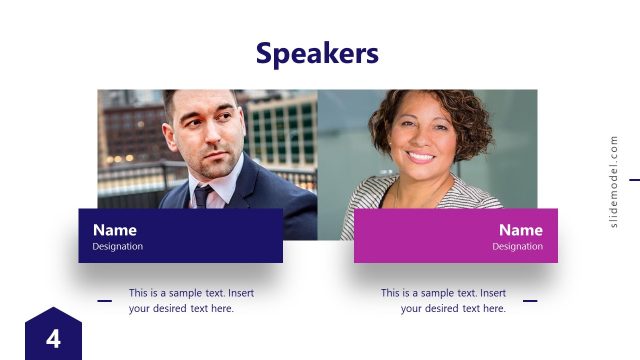
Slide 4 of 15 from Meetup PowerPoint Template
Speaker Introduction Presentation Slide – Business Meetup Template
Speaker Introduction Slide for Presentations
- Text Layout
- Other
- Context Slide
- 16:9
- 100% Editable
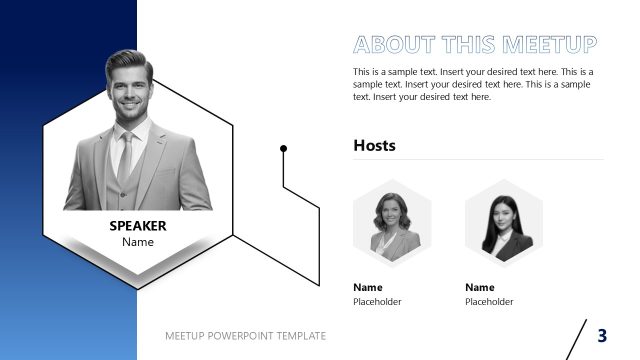
The Speaker Introduction Layout from the Meetup PowerPoint Template offers a structured design to highlight a speaker's expertise and qualifications, making it ideal for business presentations and corporate slide decks. This layout includes editable shapes and vector icons arranged to emphasize key information, supporting clear communication in professional settings. It integrates seamlessly within slide templates aimed at introducing speakers effectively in conferences or meetings.
What’s on This Slide
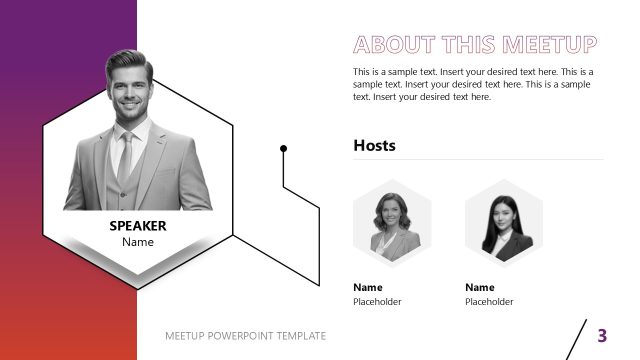
The layout features a blue gradient background with a central hexagonal shape containing a placeholder for a speaker's name and image. Below the image, three additional hexagonal shapes are positioned, each labeled for 'Area of Expertise' and 'Honor and Recognition.' Text placeholders are aligned to the left and right of the central shape, with bullet points indicating where to insert information. The visual hierarchy emphasizes the speaker's name and image, while the surrounding shapes provide space for additional details. Icons accompany the hexagons, enhancing the visual appeal.
How to Use It
This layout serves to introduce a speaker effectively within a presentation, suitable for conferences or meetings. It fits well after a problem statement slide, providing context about the speaker's qualifications. This structure is ideal for showcasing the speaker's expertise and achievements, making it useful in various professional settings. It can be used in business meetings, educational seminars, or any event where speaker introductions are necessary, ensuring the audience understands the speaker's background and relevance.
Text Placeholders & Capacity
Keep your copy within these limits so it fits without resizing. Node body slots can hold roughly 15-20 words each.
| Placeholder | Count | Max characters (approx.) |
|---|---|---|
| Slide title | 1 | 30 |
| Item heading | 3 | 25 |
| Item body | 3 | 100 |
| Person name | 1 | 20 |
| Image caption | 1 | 50 |
Slide Keywords
Download unlimited PowerPoint templates, charts and graphics for your presentations with our annual plan.
DOWNLOADReturn to Meetup PowerPoint Template.