Slide 9 of 15 from Meetup PowerPoint Template
Main Talking Points Presentation with Meetup Template
Main Talking Points Diagram for Presentations
- Diagram
- Matrix Quadrant
- Context Slide
- 16:9
- 100% Editable
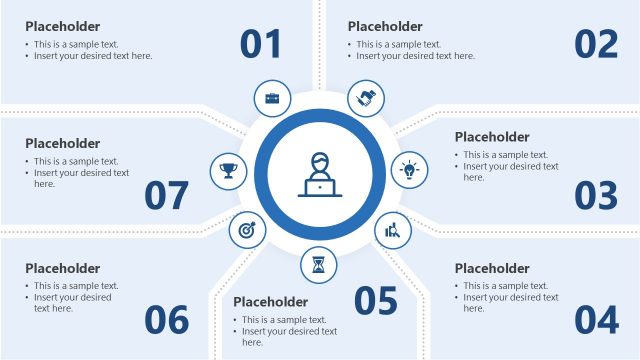
The Main Talking Points Diagram from the Meetup PowerPoint Template is designed to effectively summarize key discussion topics in business presentations and training sessions. This slide layout uses a clear visual structure with editable shapes and vector icons to highlight main points, making it suitable for corporate presentations and pitch deck templates that require organized communication of ideas.
What’s on This Slide
The layout features a left-aligned title labeled 'MAIN TALKING POINTS' in large font. Below, there are five circular nodes arranged in a semi-circle on the right side. Each node contains an icon representing different topics, with corresponding text placeholders positioned to the right of each node. The background transitions from dark blue on the left to a lighter blue on the right. The visual hierarchy emphasizes the title, followed by the nodes and their text. The overall composition balances text and icons effectively.
How to Use It
This layout serves as a talking points diagram, ideal for summarizing key discussion topics in meetings. It fits well after a problem statement slide, guiding the audience through main points. This structure is useful in business presentations, training sessions, or conferences where clear communication of ideas is essential. It helps to visually segment information while maintaining audience engagement, making it suitable for both formal and informal settings.
Text Placeholders & Capacity
Keep your copy within these limits so it fits without resizing. Node body slots can accommodate roughly 25-30 words each.
| Placeholder | Count | Max characters (approx.) |
|---|---|---|
| Slide title | 1 | 30 |
| Item heading | 5 | 50 |
| Item body | 5 | 150 |
Slide Keywords
Download unlimited PowerPoint templates, charts and graphics for your presentations with our annual plan.
DOWNLOADReturn to Meetup PowerPoint Template.