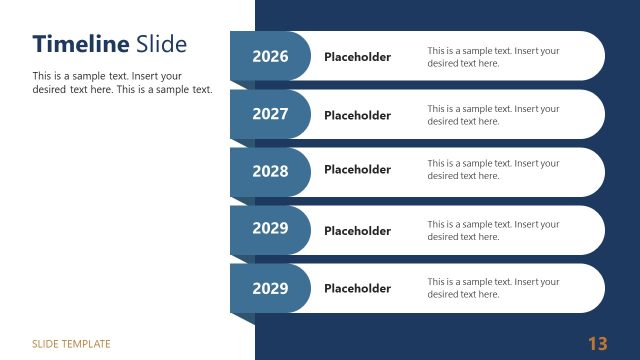
Slide 6 of 8 from Light Company Presentation PowerPoint Template
Timeline Slide – Light Business Profile Template
Timeline Slide for Business Presentations
- Diagram
- Timeline Horizontal
- Process Slide
- 16:9
- 100% Editable
The Timeline Slide from the Light Company Presentation PowerPoint Template offers a clear horizontal layout ideal for illustrating project milestones and process overviews. This slide template supports business presentations by providing editable shapes and a structured sequence that enhances milestone tracking within a corporate presentation or pitch deck template.
What’s on This Slide
The layout features a horizontal timeline with four numbered nodes positioned evenly across the center. Each node is a rounded rectangle, colored in orange, with a number inside. Below each node, there are text placeholders aligned centrally, indicating where to insert descriptive text. A connecting line runs horizontally between the nodes, leading to an arrow at the end of the timeline. The background is white, creating contrast with the orange elements. The visual hierarchy emphasizes the numbered sequence, guiding the viewer's eye along the timeline.
How to Use It
This layout serves as a chronological process representation, ideal for showcasing project milestones or phases. It fits well in a presentation sequence following problem identification and before outlining solutions or next steps. This structure is useful in business contexts such as project management updates, product development timelines, or strategic planning presentations, where clarity of sequence is essential.
Text Placeholders & Capacity
Keep your copy within these limits so it fits without resizing. Node body slots can hold about 10-12 words each.
| Placeholder | Count | Max characters (approx.) |
|---|---|---|
| Item heading | 4 | 20 |
| Item body | 4 | 60 |
Slide Keywords
Download unlimited PowerPoint templates, charts and graphics for your presentations with our annual plan.
DOWNLOAD