Slide 13 of 14 from Simple Business PowerPoint Template
Editable Timeline Diagram Presentation Slide for Business Template
Timeline Slide for Business Presentations
- Diagram
- Timeline Vertical
- Timeline Slide
- 16:9
- 100% Editable
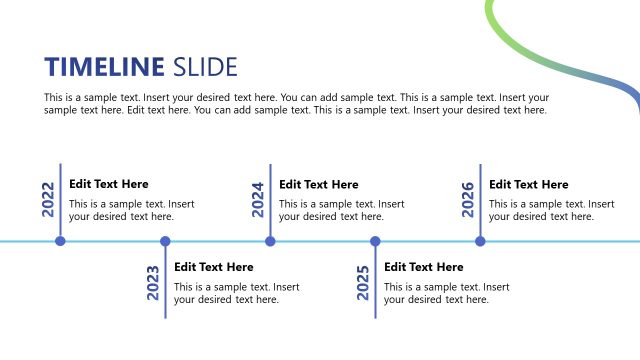
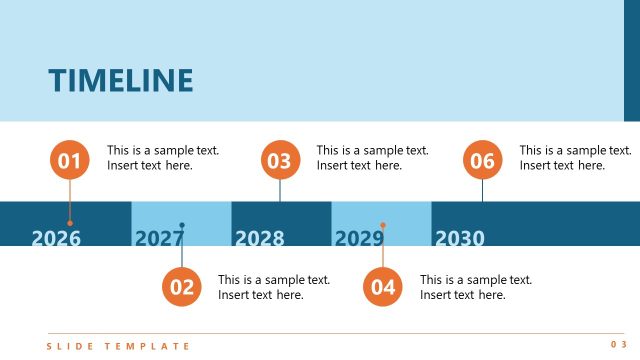
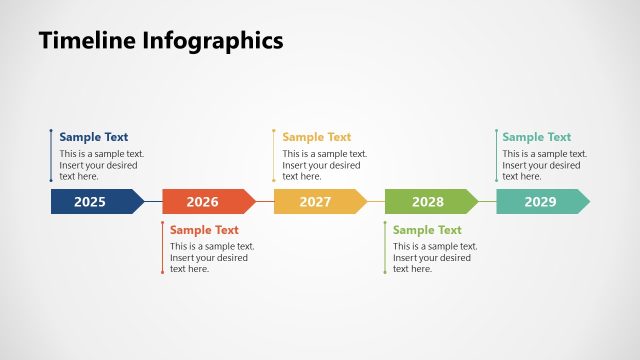
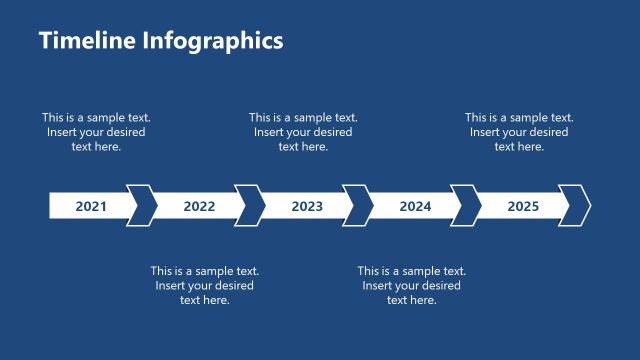
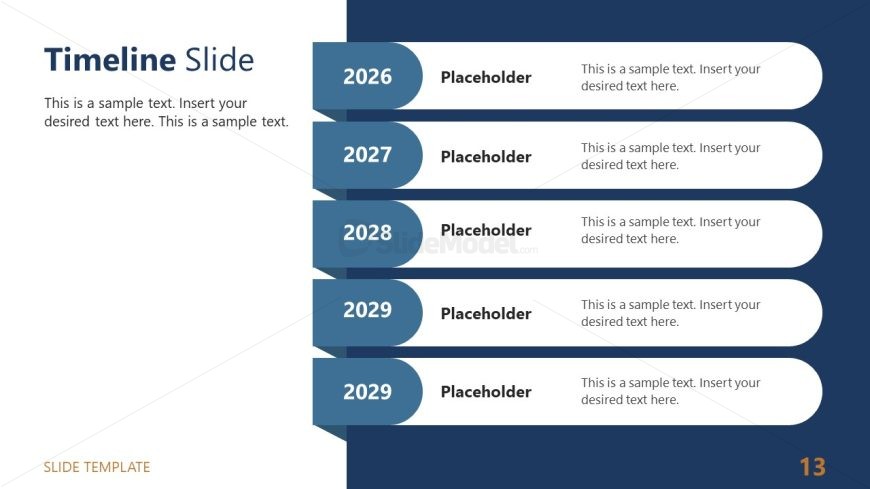
The Timeline Slide from the Simple Business PowerPoint Template offers a vertical layout ideal for illustrating project timelines and strategic planning. This slide template integrates editable shapes and vector icons to visually organize chronological events, making it a practical choice for corporate presentations and business presentation slide decks.
What’s on This Slide
The layout features a vertical timeline on the left side, with years labeled from 2026 to 2029. Each year has a circular node that contains a placeholder for text. The timeline is aligned vertically, with each year and its corresponding text placeholder stacked one below the other. The right side contains a larger text placeholder for a title or description, aligned to the top. The background is divided into two sections: a dark blue area on the left and a lighter area on the right. The overall design emphasizes clarity and organization.
How to Use It
This layout serves to present a chronological sequence of events or milestones in a business context. It fits well in a presentation sequence that discusses project timelines, strategic planning, or historical overviews. This slide can be used to summarize key achievements or future goals over specified years, making it suitable for project updates or annual reviews. It is effective for highlighting progress and future objectives in a clear, visual format.
Text Placeholders & Capacity
Keep your copy within these limits so it fits without resizing. Node body slots can hold about 100 characters each.
| Placeholder | Count | Max characters (approx.) |
|---|---|---|
| Item heading | 4 | 4 |
| Item body | 4 | 100 |
| Slide title | 1 | 50 |
Slide Keywords
Download unlimited PowerPoint templates, charts and graphics for your presentations with our annual plan.
DOWNLOADReturn to Simple Business PowerPoint Template.