Slide 1 of 5 from Level Meter Shape for PowerPoint
Level Meter Shape for PowerPoint
Level Meter Shape for Presentations
- Chart
- Gauge Meter
- Evaluation Slide
- 16:9
- 100% Editable
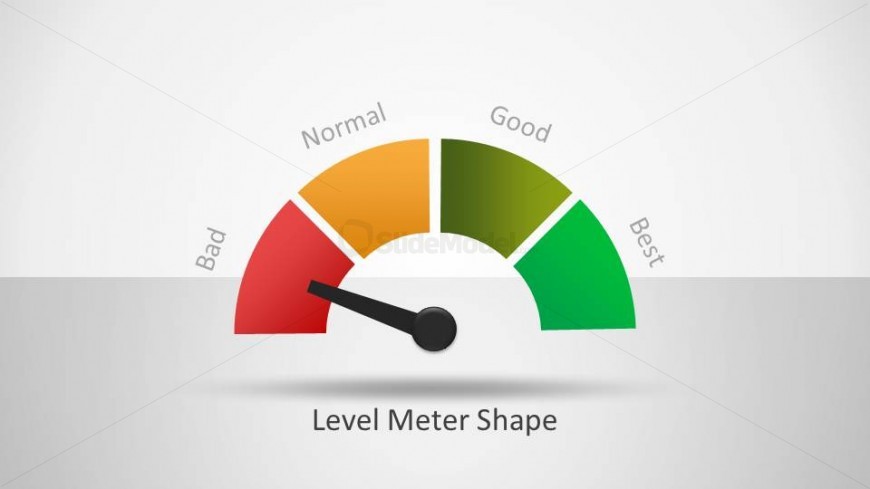
The Level Meter Shape slide from the Level Meter Shape for PowerPoint template offers a clear gauge meter ideal for KPI visualization and performance evaluation. This slide layout uses editable shapes and color-coded sections to represent various performance levels, making it suitable for business presentations and project progress reports. Its semicircular gauge design supports quick data comprehension, enhancing corporate presentations and pitch decks that require precise status reporting.
About This Slide
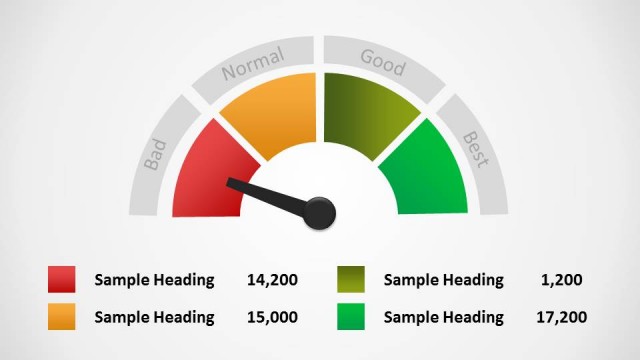
This slide features the same half-circle meter with four sections and an arrow indicating the far left section as before. There is also a key below of what each section of the meter represents, with the color, a text field, and number field.
What’s on This Slide
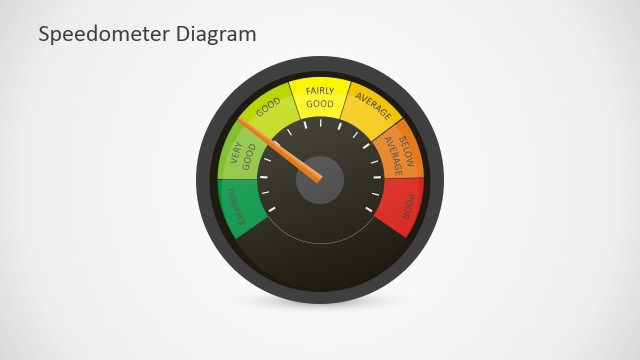
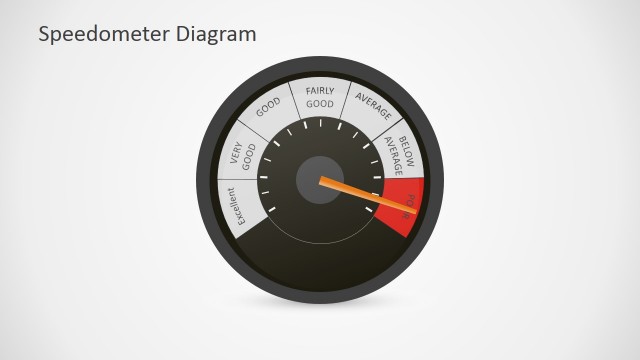
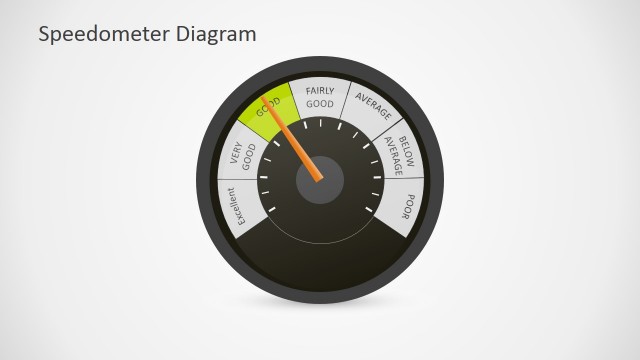
The layout features a semicircular gauge with four color-coded sections labeled 'Bad,' 'Normal,' 'Good,' and 'Best.' A needle points to the current level on the scale. The gauge is centered at the top of the slide, with the label 'Level Meter Shape' positioned at the bottom center. The colors transition from red to green, indicating performance levels. The background is light gray, enhancing visibility. Text placeholders exist for the sections and the title, with the title being the most prominent element.
How to Use It
This layout serves as a performance meter, ideal for visualizing metrics or KPIs. It fits well in presentations discussing performance evaluations, project statuses, or progress reports. The gauge format allows for quick comprehension of data levels. It can be used in business meetings, team updates, or any context where performance assessment is necessary. This layout is particularly effective when presenting comparative data or progress toward goals.
Text Placeholders & Capacity
Keep your copy within these limits so it fits without resizing. Title and labels are concise, fitting limited text comfortably.
| Placeholder | Count | Max characters (approx.) |
|---|---|---|
| Slide title | 1 | 25 |
| Item heading | 4 | 10 |
Slide Keywords
Download unlimited PowerPoint templates, charts and graphics for your presentations with our annual plan.
DOWNLOADReturn to Level Meter Shape for PowerPoint.