Slide 2 of 2 from Key Responsibility Area PowerPoint Template
Key Responsibility Area Slide with Dark Background
Key Responsibility Area Overview Slide
- Text Layout
- Other
- Context Slide
- 16:9
- 100% Editable
The Key Responsibility Area Overview slide from the Key Responsibility Area PowerPoint Template provides a structured layout ideal for business presentations focused on performance reviews and team role clarifications. This slide template includes editable shapes and vector icons to visually represent key responsibilities, objectives, and success measures, enhancing clarity in organizational slide decks. Its design supports clear communication of performance metrics through integrated charts, making it a practical choice for project management and corporate presentations.
What’s on This Slide
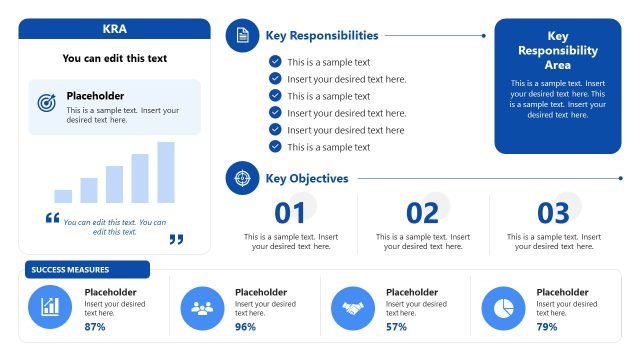
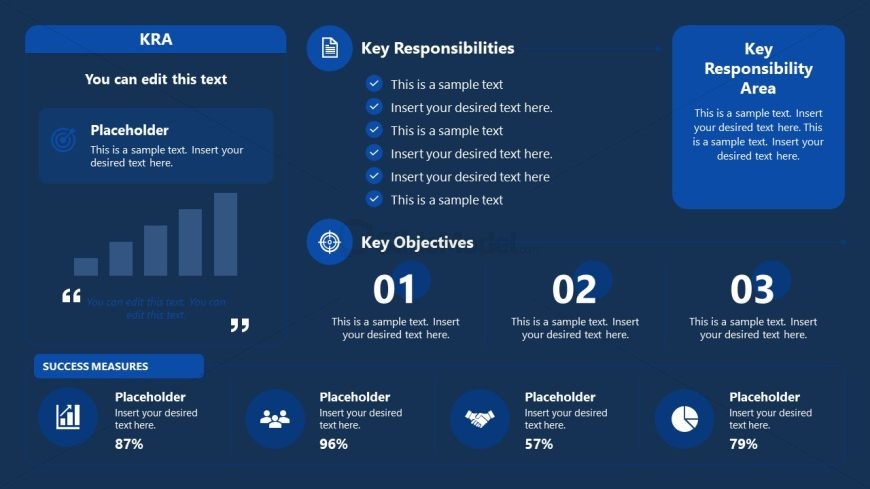
The layout features a dark blue background with multiple sections. The top left contains a title and subtitle, with a placeholder for text. Below, there is a bar chart placeholder, illustrating performance metrics. The right side has three distinct sections labeled 'Key Responsibilities,' 'Key Objectives,' and 'Key Responsibility Area,' each with text placeholders. The bottom section includes success measures with icons and additional placeholders. Visual hierarchy emphasizes the title and key sections, while icons and charts add clarity to the content.
How to Use It
This layout serves as an overview of key responsibilities and objectives within a role. It fits well after a problem framing slide, providing clarity on responsibilities and performance metrics. This structure is useful in business contexts such as performance reviews, team roles clarification, or project management presentations. It allows for clear communication of responsibilities and objectives, making it suitable for various organizational settings.
Text Placeholders & Capacity
Keep your copy within these limits so it fits without resizing. Text slots are moderately spacious, allowing for detailed entries.
| Placeholder | Count | Max characters (approx.) |
|---|---|---|
| Slide title | 1 | 30 |
| Subtitle | 1 | 50 |
| Item body | 6 | 50 |
| Item heading | 3 | 30 |
| Callout | 1 | 30 |
| Footer | 1 | 30 |
Slide Keywords
Download unlimited PowerPoint templates, charts and graphics for your presentations with our annual plan.
DOWNLOADReturn to Key Responsibility Area PowerPoint Template.