Slide 1 of 2 from Key Responsibility Area PowerPoint Template
Key Responsibility Area PPT Slide with Data Charts
Key Responsibility Area Overview Slide
- Text Layout
- Other
- Context Slide
- 16:9
- 100% Editable
The Key Responsibility Area Overview slide from the Key Responsibility Area PowerPoint Template provides a structured layout for clarifying roles, objectives, and performance metrics. This slide template integrates editable shapes and vector icons to visually organize key responsibilities and success measures, making it suitable for corporate presentations, team alignment meetings, and business presentations that require clear communication of role expectations.
What’s on This Slide
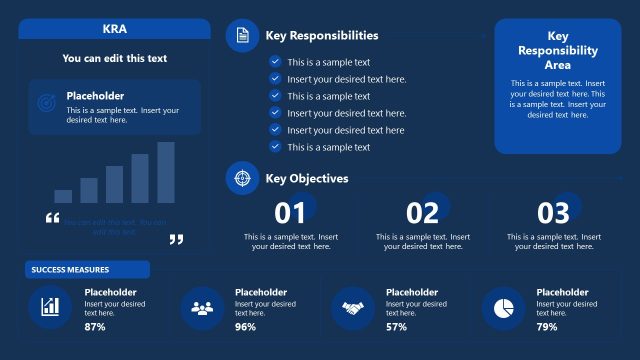
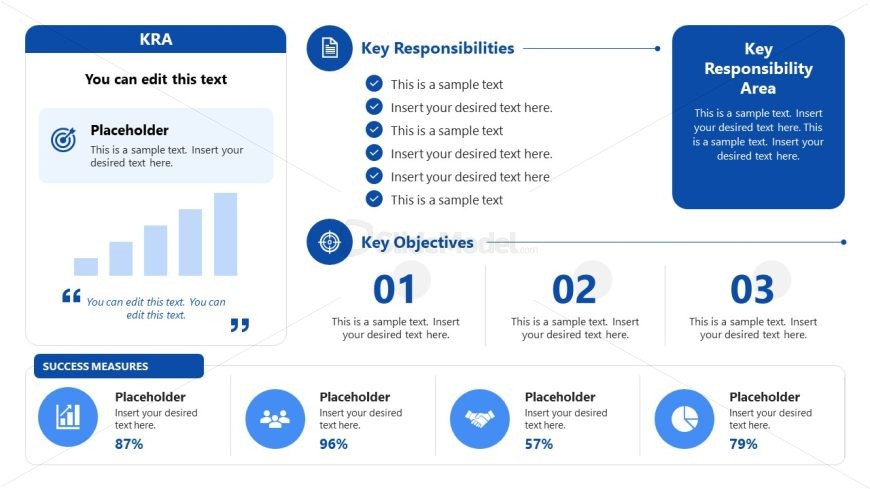
The layout includes a title section at the top with a blue background. Below, a left column features a chart placeholder, a text placeholder for KRA, and a quote placeholder. The right column contains three sections: 'Key Responsibilities' with checkmarks, 'Key Objectives' with numbered placeholders, and 'Key Responsibility Area' with a text placeholder. At the bottom, a 'Success Measures' section displays icons and text placeholders for metrics. The overall composition is divided into two main columns, with a clear visual hierarchy.
How to Use It
This layout serves as an overview for key responsibilities and objectives within a specific area. It is suitable for presentations that outline roles and responsibilities in a business context. The slide fits well after a problem statement and before a detailed action plan. It can be used in performance reviews, project kick-offs, or team alignment meetings to clarify expectations and metrics for success.
Text Placeholders & Capacity
Keep your copy within these limits so it fits without resizing. Body slots can hold roughly 5-7 words each.
| Placeholder | Count | Max characters (approx.) |
|---|---|---|
| Slide title | 1 | 30 |
| Body paragraph | 4 | 50 |
| Item heading | 3 | 10 |
Slide Keywords
Download unlimited PowerPoint templates, charts and graphics for your presentations with our annual plan.
DOWNLOADReturn to Key Responsibility Area PowerPoint Template.