K-J Technique PowerPoint Template
Download our K-J Technique PowerPoint Template to showcase different groups of ideas or points in the business meetups. Jiro Kawakita developed the KJ method to identify and group the ideas into different categories based on their affinity/similarity. Then you can review and reiterate the process to ensure that ideas are placed in the right categories. After that, companies can prioritize ideas for execution. Also, this KJ method template can be used in problem-solving sessions to group similar issues and identify the main problem. Professionals can identify patterns and trends in data using the KJ grouping method. Marketers, project managers, workflow managers, data analysts, and other related professionals can use this diagram template in their executive meetings. The template has 100% customizable PPT elements, and professionals can also edit it with Google Slides.
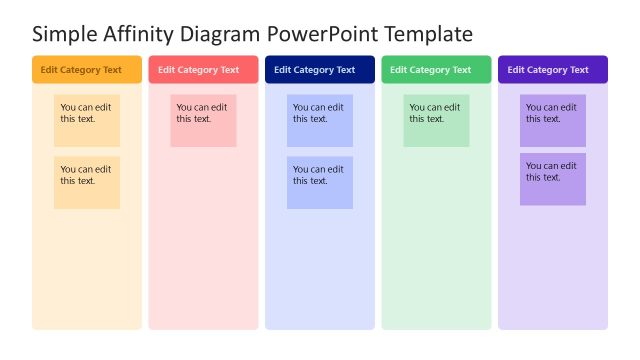
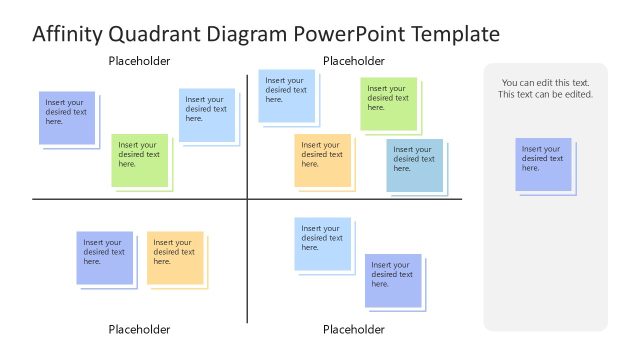
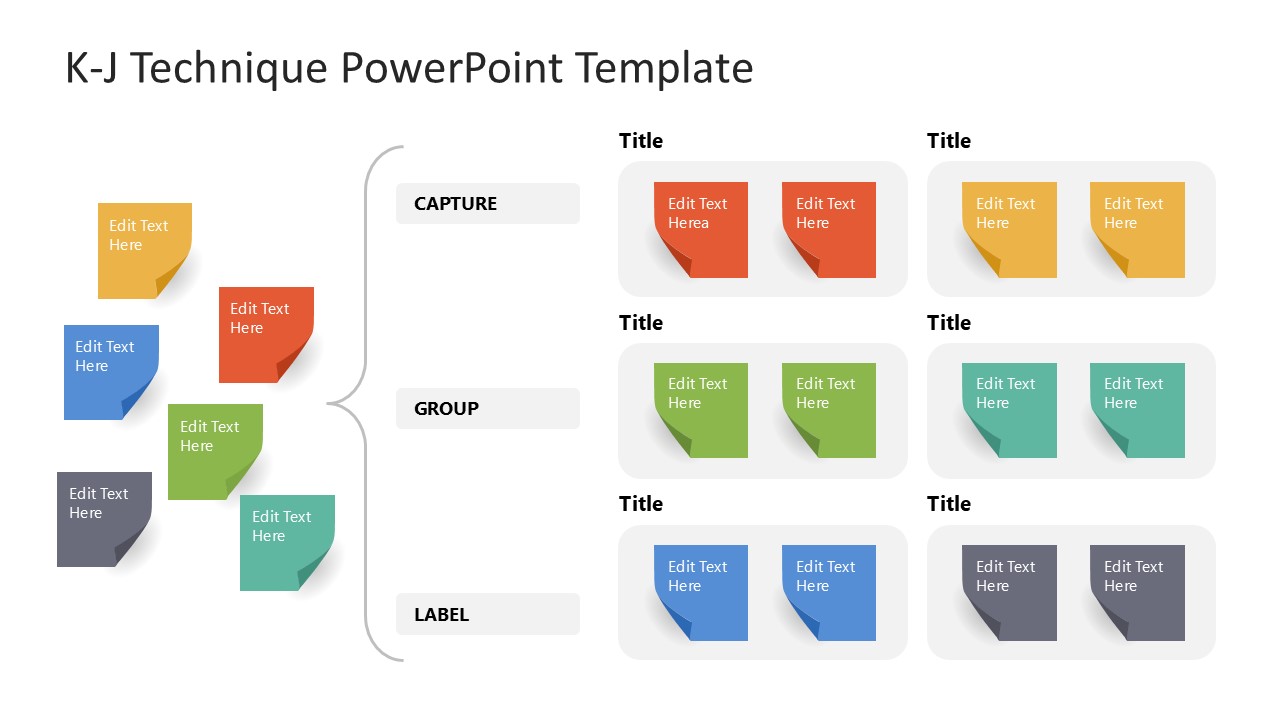
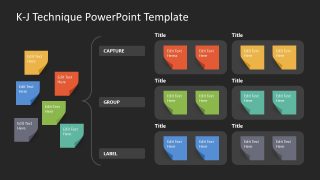
The K-J Technique PowerPoint Template is another version of the affinity diagram or KJ method. You can also check our collection of affinity diagrams to structure unstructured information. It shows small shapes similar to sticky notes with folded ends. On the left, there are six notes, with a curly bracket covering them and creating three header blocks: capture, group, and label. We have provided six segments, each with unique colored sticky notes that show the grouping of ideas into similar categories. Moreover, the second slide also has a similar layout but shows a dark background. Users can modify the design elements to fit their needs perfectly. Download our editable KJ method PPT template and personalize it for your marketing sessions!

You must be logged in to download this file.
DOWNLOAD- Category
- Process Diagrams
- Rating

 Loading...
- Size
- 16x9
- Item ID
- 23360-01
- Colors
Subscribe today and get immediate
access to download our PowerPoint templates.