Slide 1 of 2 from K-J Technique PowerPoint Template
K-J Technique Template for PowerPoint
K-J Technique Process Diagram for Brainstorming
- Diagram
- Matrix Grid
- Process Slide
- 16:9
- 100% Editable
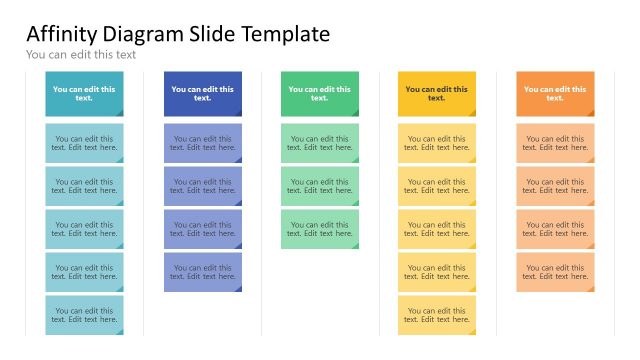
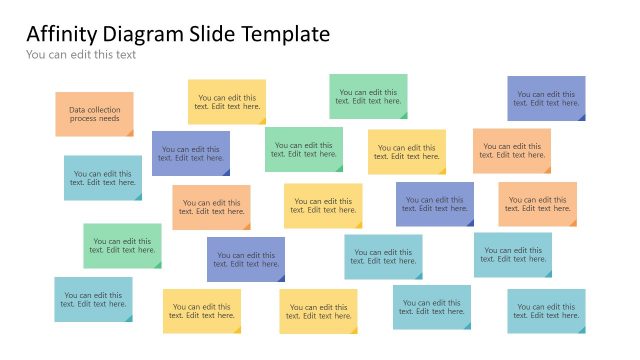
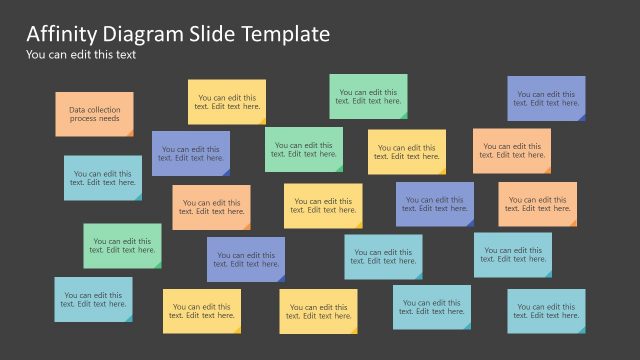
The K-J Technique Process Diagram slide from the K-J Technique PowerPoint Template offers a structured layout ideal for brainstorming sessions and team workshops. This slide uses editable shapes and colored sticky notes to visually organize ideas into capture, group, and label categories, making it a practical addition to any business presentation or project planning slide deck.
What’s on This Slide
The slide features a structured layout with three main sections labeled 'CAPTURE', 'GROUP', and 'LABEL'. Each section contains multiple colored sticky note shapes arranged in a vertical format. The sticky notes are positioned on the left side, while titles are aligned to the right, indicating where text can be added. The sticky notes vary in color, including orange, green, blue, and gray, creating a visual hierarchy. Text placeholders are present within each sticky note, allowing for customization. The overall composition is organized and clear.
How to Use It
This layout serves as a brainstorming tool, ideal for categorizing and organizing ideas during group discussions. It fits well in a presentation sequence that involves problem-solving or idea generation. Common scenarios include team workshops, project planning sessions, and strategic meetings where participants can contribute and classify their thoughts. This structure aids in visualizing the flow of ideas and facilitates groupthink processes effectively.
Text Placeholders & Capacity
Keep your copy within these limits so it fits without resizing. Node labels can hold up to 20 characters each.
| Placeholder | Count | Max characters (approx.) |
|---|---|---|
| Item heading | 9 | 20 |
| Title | 3 | 20 |
Slide Keywords
Download unlimited PowerPoint templates, charts and graphics for your presentations with our annual plan.
DOWNLOADReturn to K-J Technique PowerPoint Template.