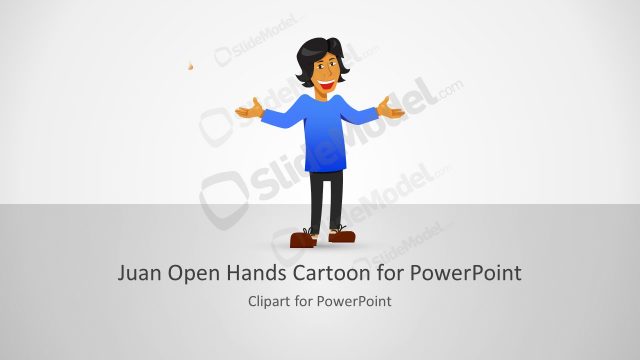
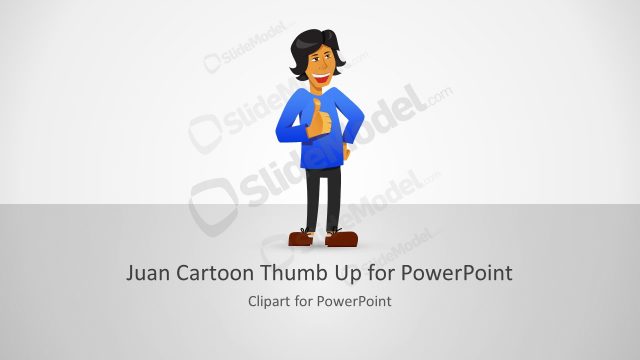
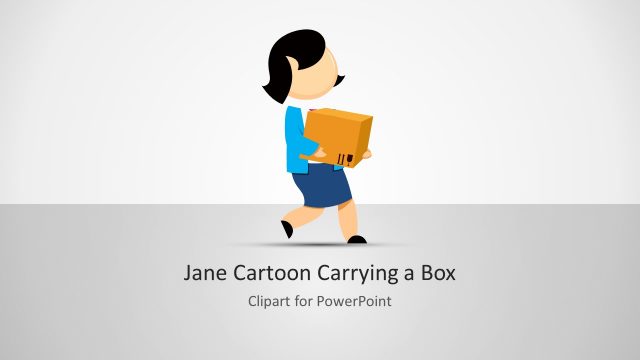
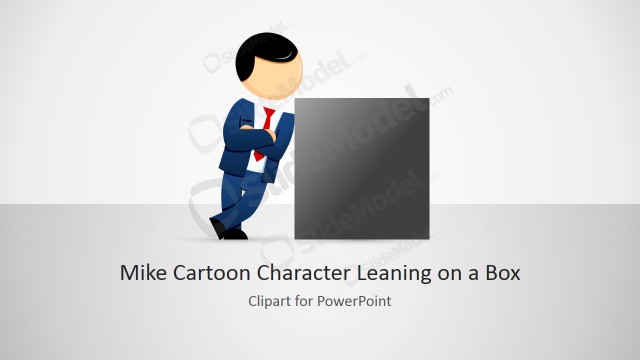
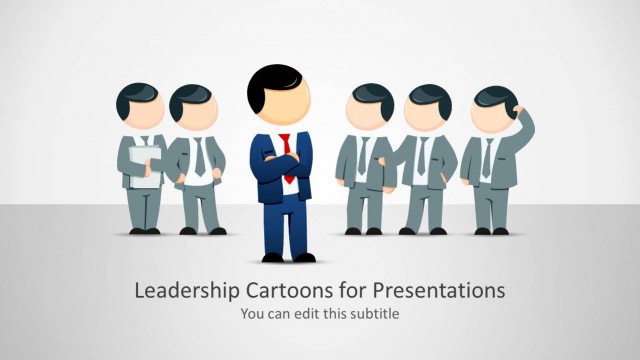
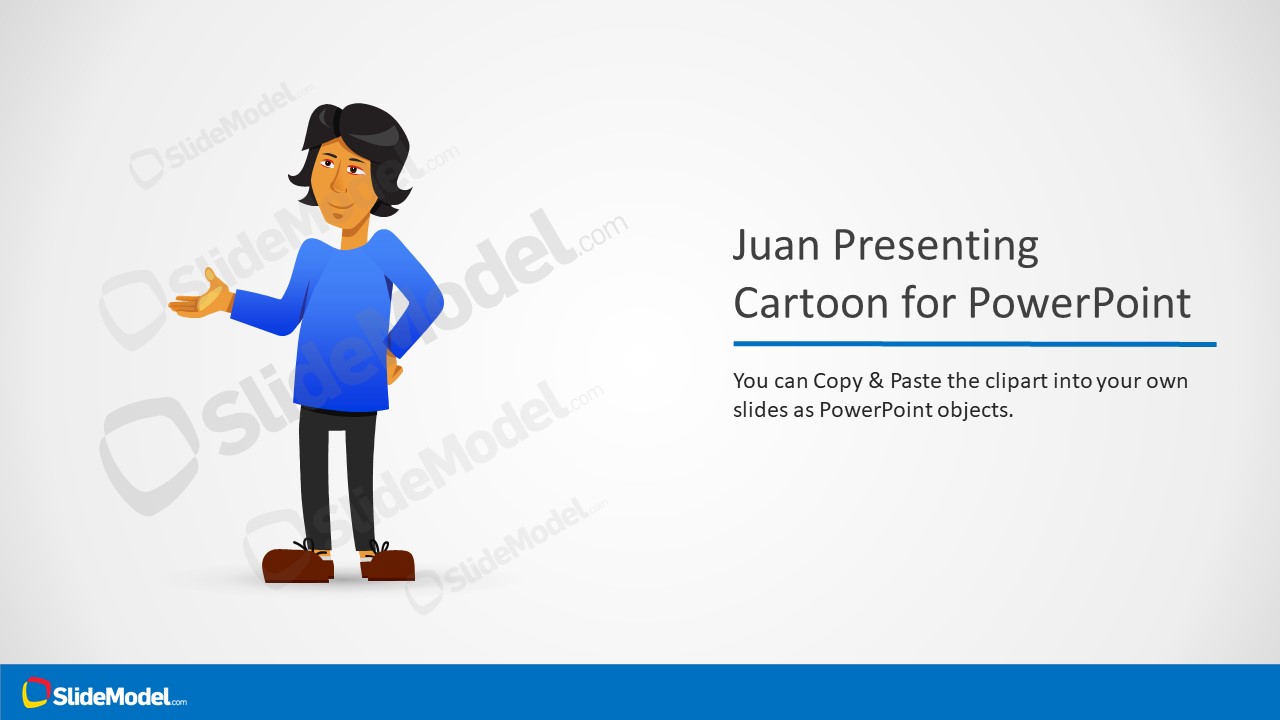
The creative Juan Presenting Cartoon for PowerPoint is an illustration template of human character. The PowerPoint shows the Juan character appear casual with hand position as presenting or introducing an entity. For example, use this interactive PowerPoint cartoon clipart to describe a theory. Similarly, present the alpha/beta version a product or provide the list of ideas. It can also make an impressive template for introducing a famous personality or honoring guests. The PowerPoint cartoon character are the resourceful cliparts which help visualize the specific environment. For example, Mike and Jane cartoon display the professional appearance. Whereas, Juan character demonstrates the casual person i.e. entrepreneurs, motivational speakers etc. Hence, the Juan clipart can explain the person, business, idea and much more with interactive visuals.
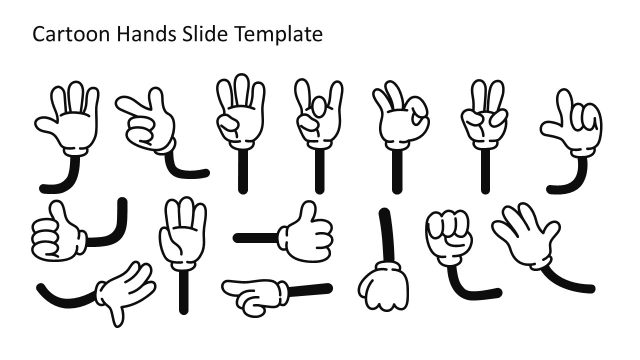
The Juan Presenting Cartoon for PowerPoint creates different meaning in templates using the hand gesture. For example, Juan taking a selfie and Juan thumb up cartoon in SlideModel are useful for social media and appreciation meetings. The editable PowerPoint of cartoon clipart assist users to make inspiring changes. For example, the clipart template, comprise of layer PowerPoint shapes join to create an illustration of human figure i.e. Juan. Therefore, the users can select individual shapes and make changes. Such as, choose colors, resize or rotate the individual figures or reposition the elements. The use of these interactive PowerPoint clipart templates makes an impression of audience. Further, they can remember the topic longer when visual aid is applied.
The amazing clipart cartoon PowerPoint for Juan presenting also adds a sense of humor with the casual and funky appearance. The template contains two contents layout slides which provides the customization suggestions. For instance, the third and fourth slide contain circular infographic icons with labels. Such as resize, change effects, ungroup shapes, copy paste and customize clipart. Hence, the cartoon character template of Juan can come handy in coaching presentation, training for sales targets etc. Also, check our article about coaching presentation tools.
What’s inside this template
Example presentation scenarios
- A sales trainer can use the icon callout list to introduce coaching points while the Juan character acts as a friendly visual guide.
- A startup founder can place Juan beside a product concept slide to make an alpha or beta idea feel more approachable.
- An HR facilitator can use the cover and character title layout to open an internal workshop with a less formal tone.
- A consultant can copy the presenter character into an existing client deck and use the instruction callouts to explain customization options.
Features
- 100% editable presentation template
- Compatible with Microsoft PowerPoint and Google Slides
- 16:9 aspect ratio slides
- Scalable vector shapes, icons and illustrations
- AI-Ready for Microsoft Copilot and Claude
- Instant access and download
Frequently asked questions
Q: How should a presenter use Juan without distracting from the message?
A: Place the character near the idea he is meant to introduce, not on every slide by default. The strongest use is as a visual host for one concept, short instruction, or section opener. Keep the surrounding text brief, and let the presenting gesture direct attention toward the headline, icon list, or key statement.
Q: Who is this cartoon presenter template best suited for?
A: It works best for trainers, coaches, educators, and startup presenters who want a human cue without using photography. The casual character style fits idea introductions, workshop openers, coaching tips, and product concept explanations. It is less suited to legal, financial, or investor decks that require a more formal visual tone.
Q: Why does the presenter character help the audience understand the slide?
A: The character acts as a simple metaphor for a speaker introducing an idea. His open-hand gesture points the audience toward the message area, while the blue icon callouts separate actions such as resize, customize, and copy. This reduces visual ambiguity and gives instructional slides a clear reading path.



Juan Presenting Cartoon for PowerPoint
4-slide presentation template with Juan cartoon clipart, icon callouts and presenter character layouts
Juan Presenting Cartoon for PowerPoint is a 4-slide presentation template centered on a casual presenter character. The deck includes a title cover, a copy-and-paste instruction slide, icon callout lists, and a circular character spotlight. It is intended for trainers, coaches, and presenters who need reusable character clipart for Microsoft PowerPoint and Google Slides.
- Category
- People & Silhouettes
- Rating

 Loading...
- Aspect ratio
- 16:9
- Item ID
- 7545-01
- Colors
 Microsoft PowerPoint
 Microsoft Copilot
 Claude for PowerPoint
Other formats supported
Subscribe today and get immediate
access to download our PowerPoint templates.