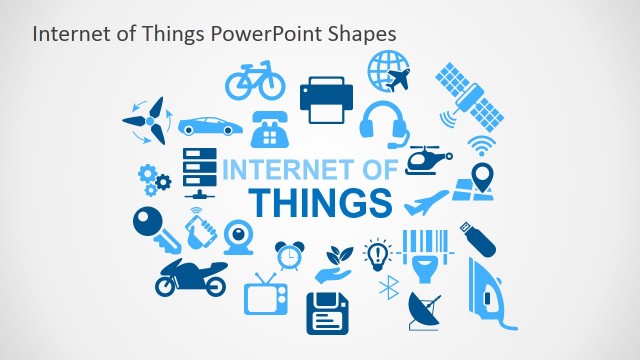
Internet of Things PowerPoint Shapes is a professional presentation containing different shapes representing the concept of Internet of things (IoT). The concept of Internet of Things is used to describe advanced connectivity of devices, systems and services not only for machine to machine communications but also for a variety of protocols, domains and applications. IoT is considered the network of physical devices (things) embedded with electronics, sensors and software, collecting and exchanging data. The internet of things involves sensed objects, controlled remotely, integrating the physical world with computer based systems.
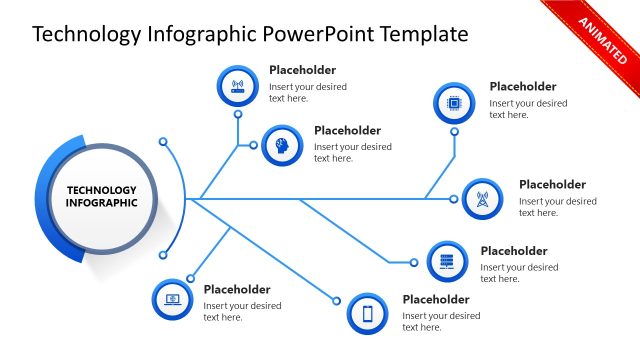
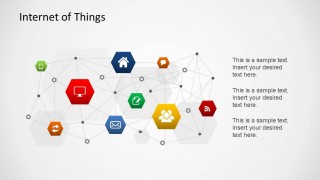
This powerpoint shapes for IoT contains device illustrations in the form of icons, interconnected through different edges, and with two different themes. The slides are designed for the user to add text to complement the images.
Each of the shapes in the internet of things ppt is created as independent PowerPoint objects, allowing the user to customize each of them. The connections are also editable, so the user can interact with the diagram in a way that provides higher flexibility.
Impress your techie audiences with this outstanding Internet of Things PowerPoint Shapes and save time creating appealing and modern presentations .
What’s inside this template
Example presentation scenarios
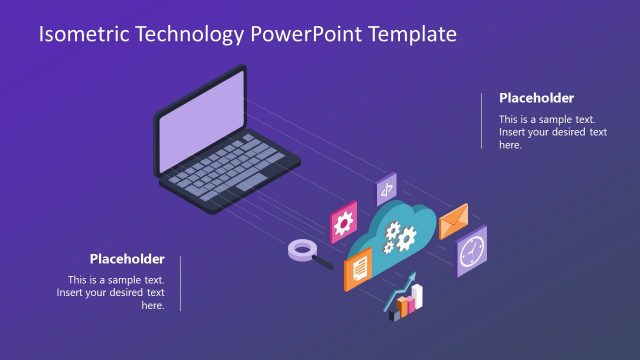
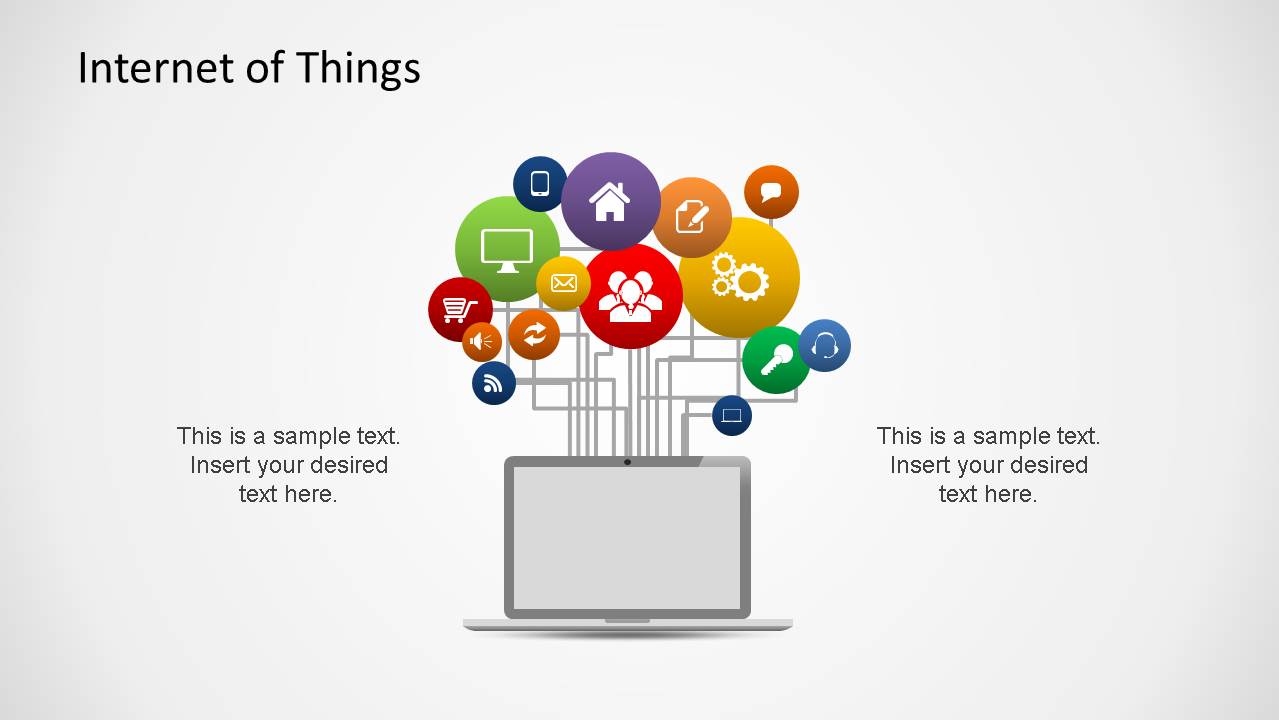
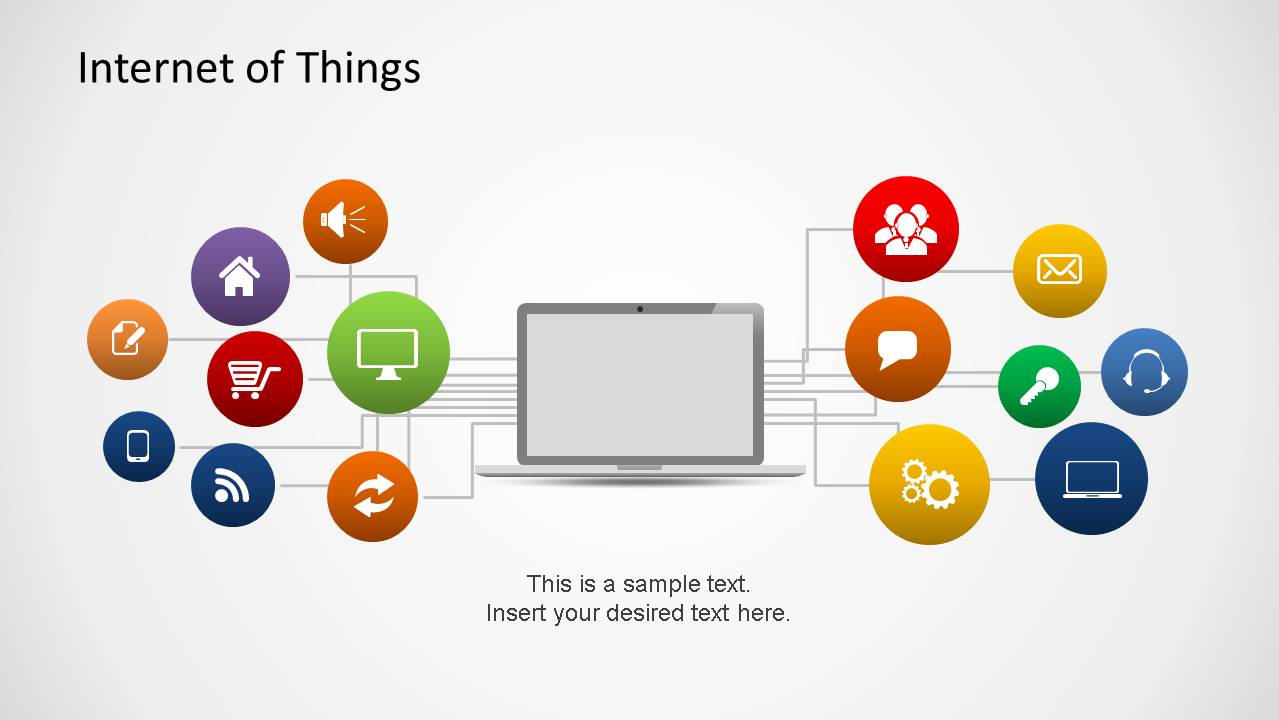
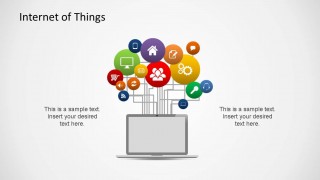
- An IoT product manager can present a smart device concept to executives using the laptop hub layout to show how apps, sensors, users, and services connect around one system.
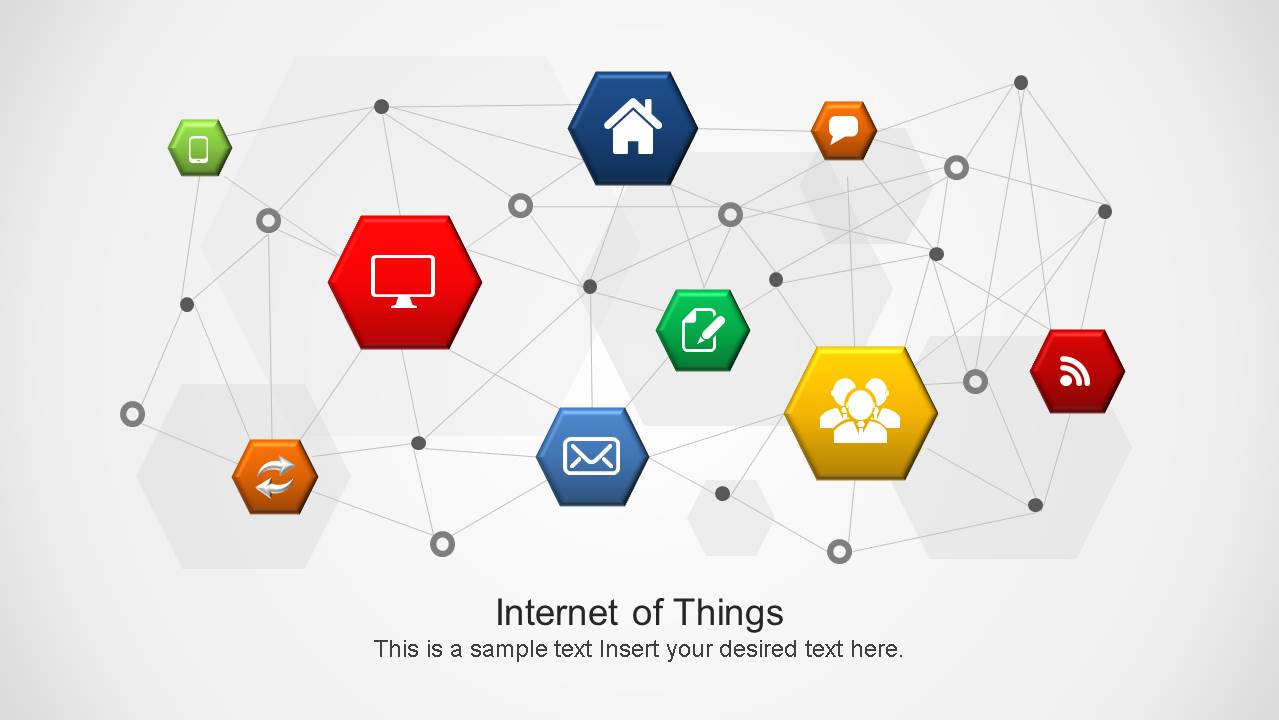
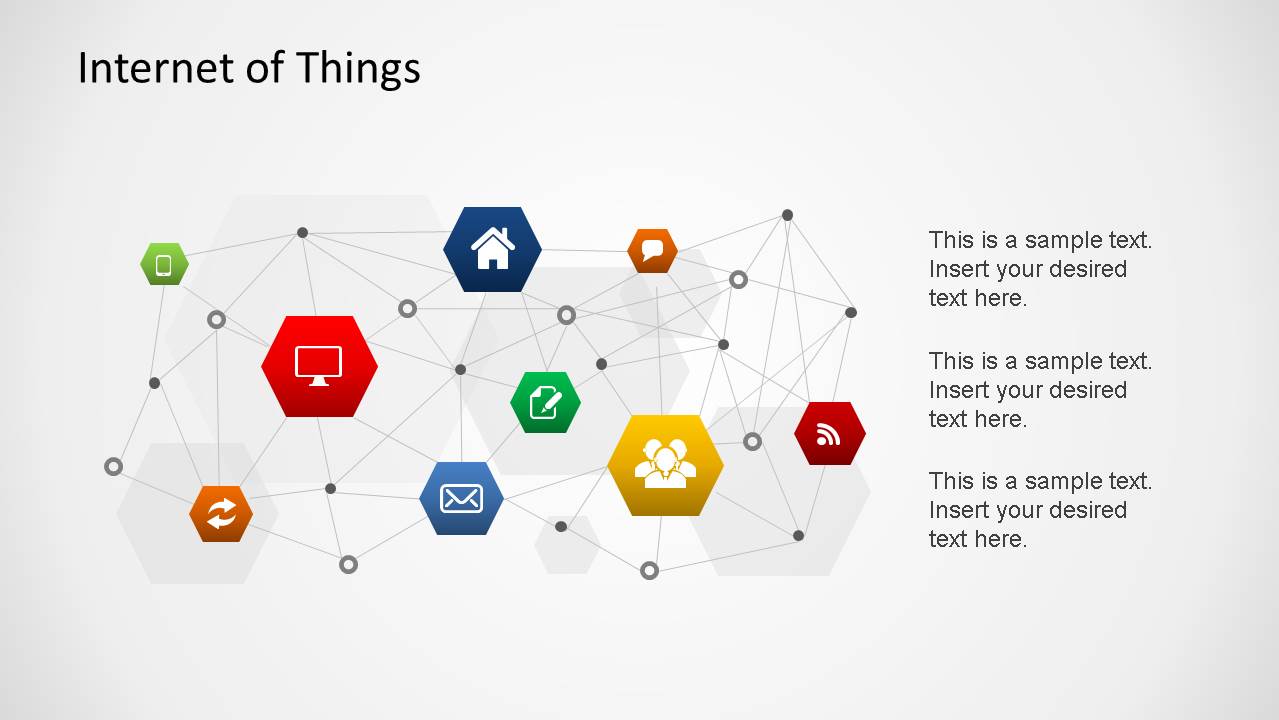
- An IT consultant can brief a client on connected infrastructure using the hexagon network diagram to show devices, messages, homes, and wireless services as part of one network.
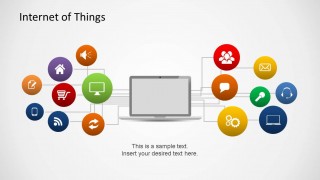
- An operations leader can explain connected supply chain monitoring by adapting the circular device icons, cart symbol, connector lines, and side callouts to describe tracked assets and control points.
- A technology sales presenter can introduce an IoT solution using the icon cluster cover for context and the three-callout network slide to organize benefits, architecture, and deployment notes.
Features
- 100% editable presentation template
- Compatible with Microsoft PowerPoint and Google Slides
- 16:9 aspect ratio slides
- Scalable vector shapes, icons and illustrations
- AI-Ready for Microsoft Copilot and Claude
- Instant access and download
Frequently asked questions
Q: How should a presenter organize the message with these IoT diagrams?
A: Start with the icon cluster cover to establish the connected ecosystem, then move to the hexagon network diagram for architecture, and use the laptop hub layouts to explain user or device interaction. Keep each icon tied to one clear role, such as sensor, app, platform, user, or service, so the audience can follow the system logic.
Q: Who is this template best suited for in a business presentation?
A: This template fits presenters explaining IoT concepts before detailed engineering or financial analysis. Product managers, IT consultants, solution architects, and operations leaders can use the visible device icons, network mesh, and laptop hub diagrams to translate connected systems into a simple business narrative for non-specialist stakeholders.
Q: Why do the connected icons and laptop metaphors work for IoT topics?
A: The design uses familiar metaphors: a laptop as the system interface, circles as device categories, and mesh lines as network relationships. That combination helps audiences see IoT as an ecosystem instead of a list of parts. The repeated connection lines also reinforce the idea that value comes from communication between devices and services.


Internet of Things PowerPoint Shapes
6-slide IoT presentation template with connected device icons, network diagrams, and laptop hub layouts
Internet of Things PowerPoint Shapes is a 6-slide presentation template for explaining connected devices, systems, and data exchange. It includes an IoT icon cluster cover, a hexagon network diagram, laptop hub layouts, and side text callouts for IT teams, product managers, and operations presenters in PowerPoint and Google Slides.
- Category
- Shapes
- Rating


 Loading...
- Aspect ratio
- 16:9
- Item ID
- 6443
- Colors
 Microsoft PowerPoint
  Microsoft Copilot
  Claude for PowerPoint
 Other formats supported
Subscribe today and get immediate
access to download our PowerPoint templates.