The Internet of Things PowerPoint Template – Professional Presentation Template featuring PowerPoint Shapes and PowerPoint Diagrams related to the internet of the things.
Create presentations to answer the question What is the Internet of Things? Technology focus is now placed in the Billions of intelligent and sensing devices connected together with the ability of exchanging data between them. Presenters can apply the PowerPoint shapes provided in this template to explain the concept without the need of paragraphs or bullet points.
In order to deep dive into the Internet of Things concept, the audience needs to understand the three trends which are pillars for its development:
- Connectivity: Universalization of Internet. Everyone is able to connect to high bandwidth internet through mobile bands or wireless networks.
- Sensing Devices: Universalization of cheap devices with sensing capabilities. There are sensors for any of the five human senses. As an example, smartphones can sense in which position they are, if the user is looking at them, if the user is speaking to them, how fast the user is moving and where in the world it is placed. Add this sense capabilities to additional more sophisticated sensor that can tell smells and flavor aside.
- Computational Power: Not only today’s devices (like smartphones) have the same computational power of IBM’s 80’s computers of the size of a room, but any device is able to access additional computational power through the Cloud and its virtual services.
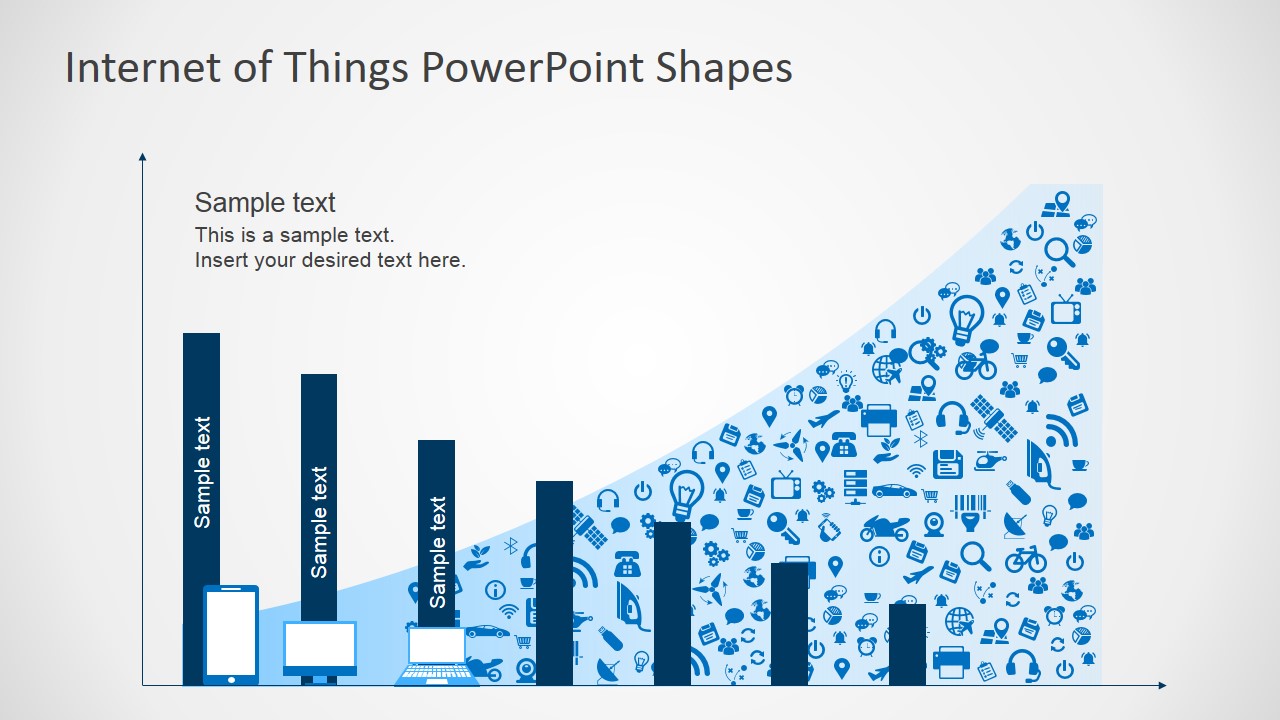
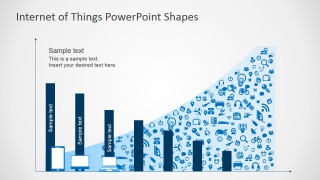
To improve the presentation and show the audience the growth of the internet of things, the presenter can show statistics through charts and infographics provided in the Internet of Things PowerPoint Template.
Finally, the presenter needs to describe applications of the internet of things. Using the provided clipart users can describe smart homes, smart bands, self driving cars, industrial robots and even their application for in industrial chains as food or logistics.
Impress your audience with a modern presentations featuring the future in devices and their capabilities.
What’s inside this template
Example presentation scenarios
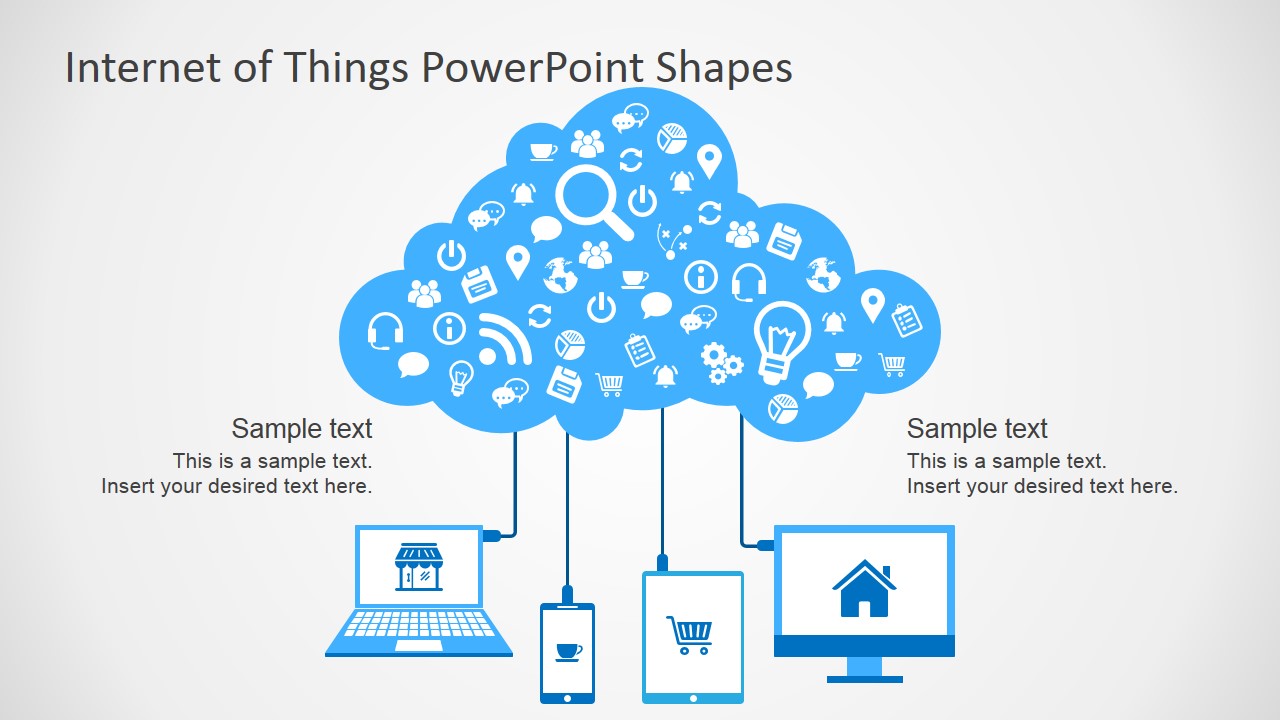
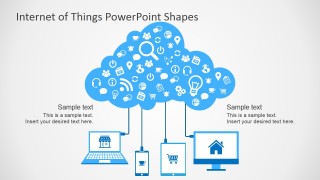
- A technology consultant can use the cloud-connected device diagram to explain how smartphones, laptops, tablets, and monitors exchange information through an IoT platform.
- An IT manager can use the growth bar chart to brief leadership on rising connected-device activity and connect the visual trend to infrastructure planning.
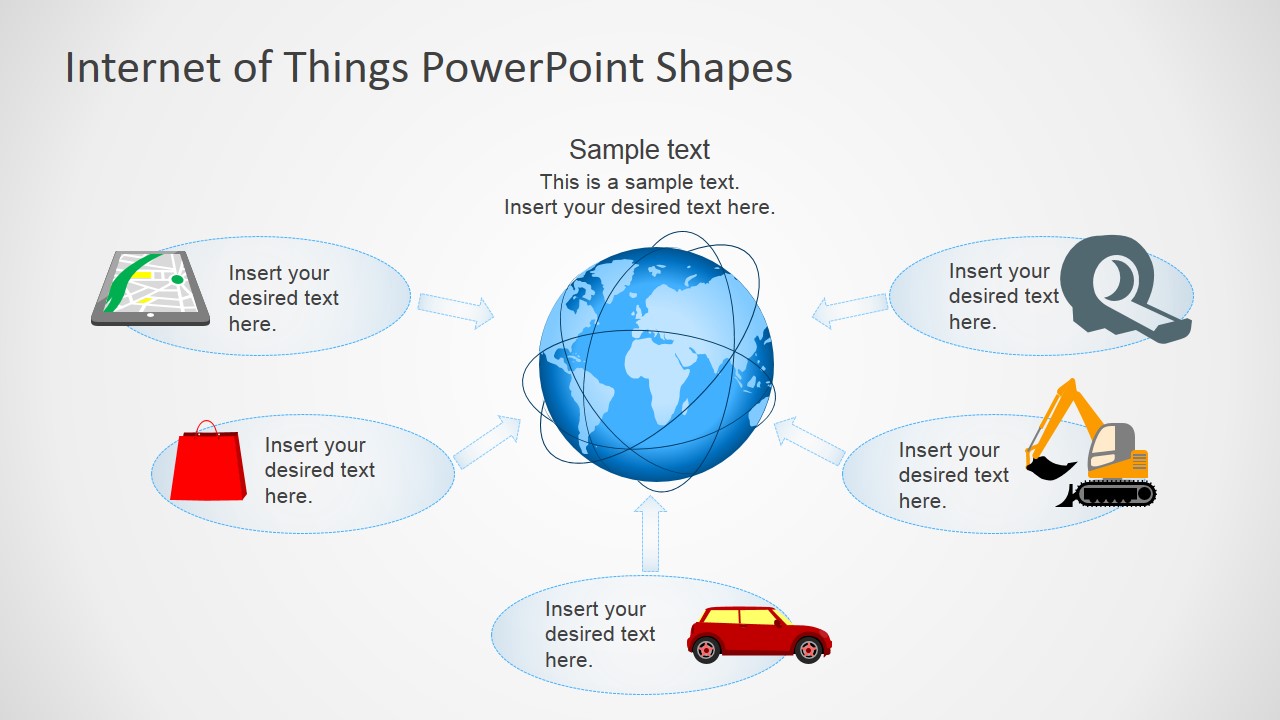
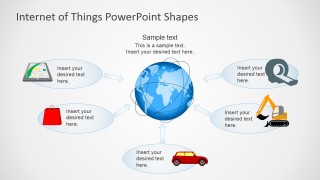
- A product manager can use the connected world hub diagram to show how smart devices, vehicles, retail tools, and equipment fit into one IoT ecosystem.
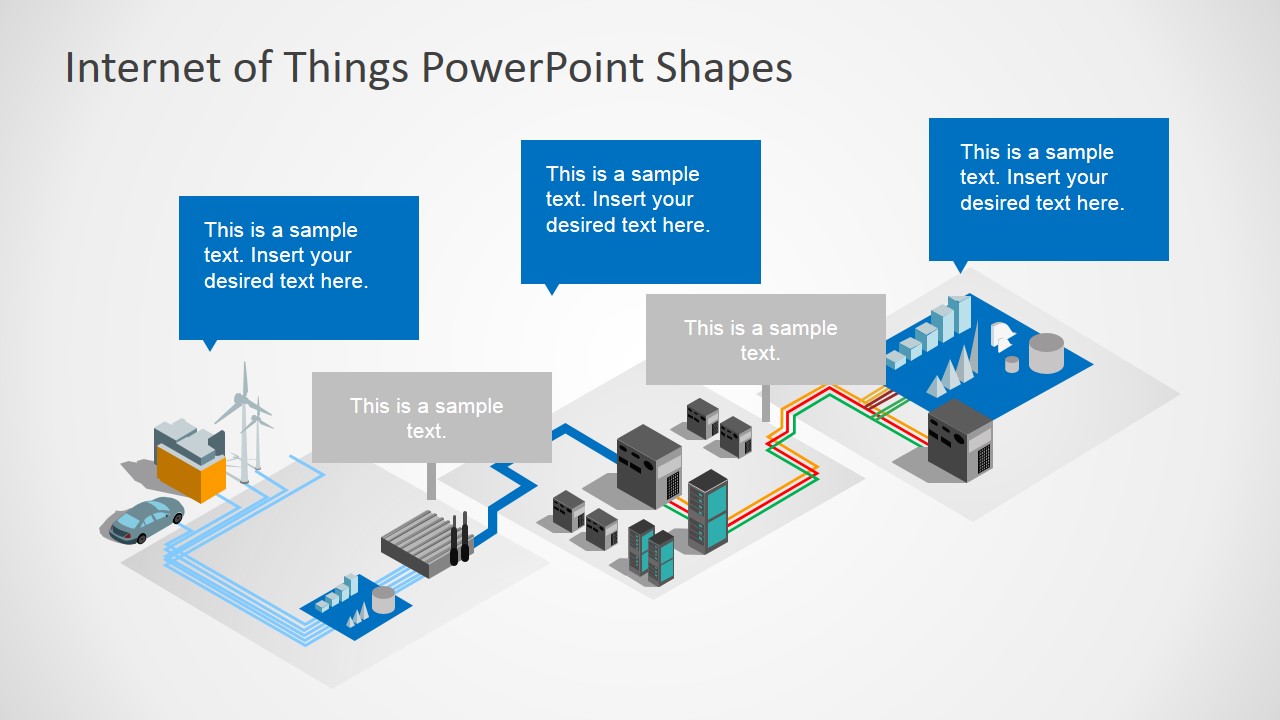
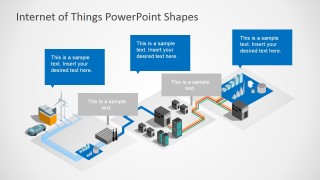
- An operations or manufacturing presenter can use the industrial network schematic to explain how factories, servers, energy sources, and connected machines interact.
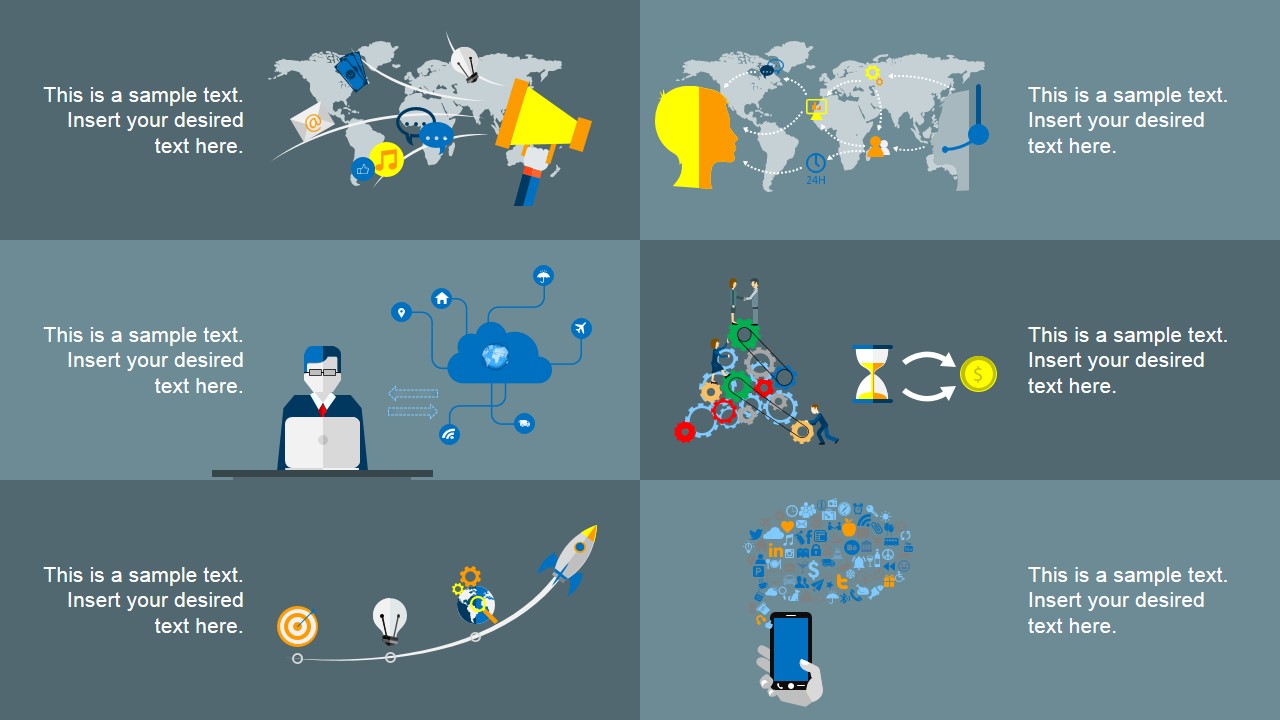
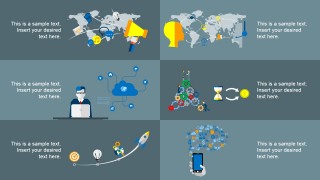
- A trainer can use the application overview panel to introduce common IoT use cases, including cloud services, global communication, process automation, and mobile device monitoring.
Features
- 100% editable presentation template
- Compatible with Microsoft PowerPoint and Google Slides
- 16:9 aspect ratio slides
- Scalable vector shapes, icons and illustrations
- AI-Ready for Microsoft Copilot and Claude
- Instant access and download
Frequently asked questions
Q: How should a presenter explain IoT clearly with this template?
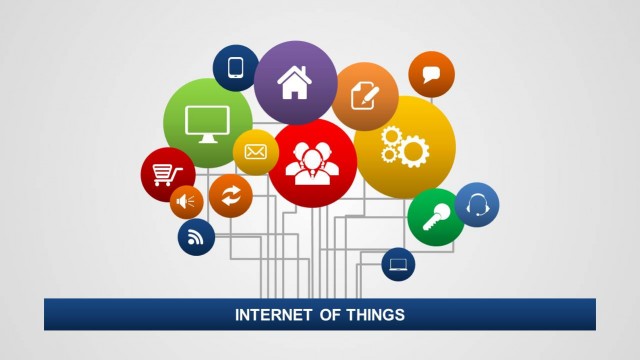
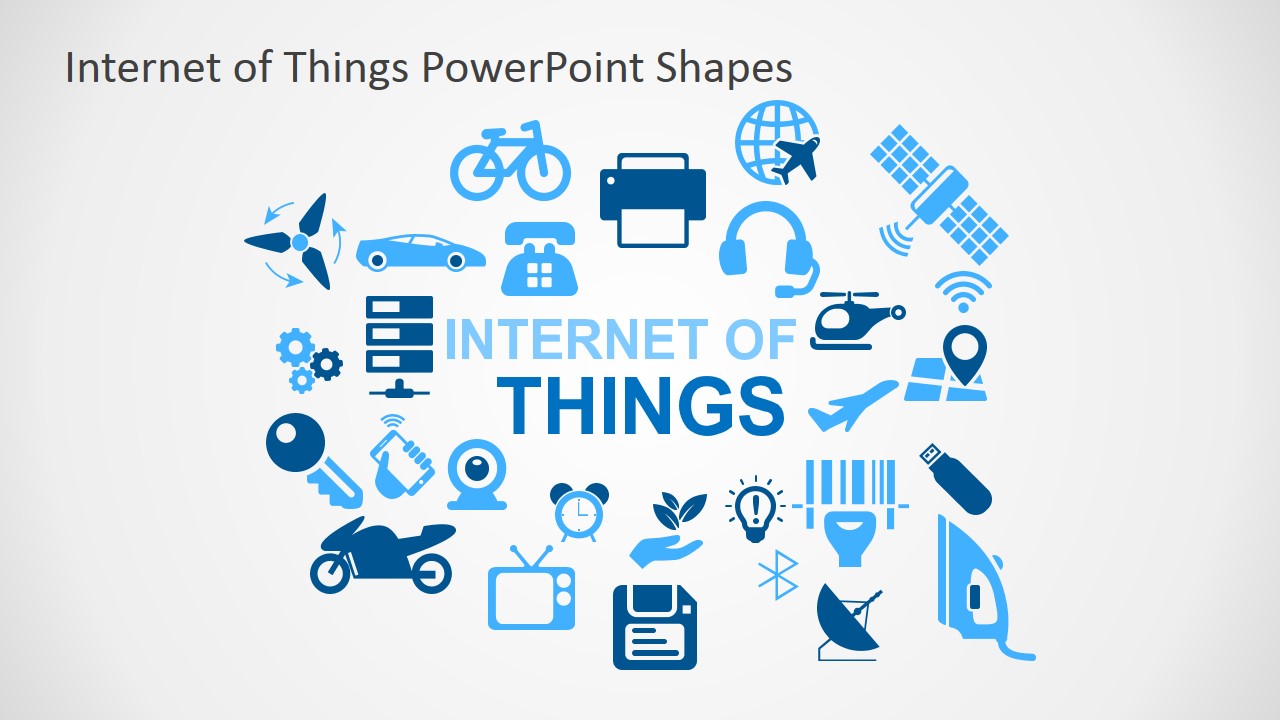
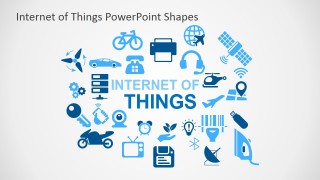
A: Start with the icon cover to define Internet of Things in simple terms, then move to the cloud-connected device diagram to show the core relationship between sensors, devices, and services. Use the bar chart as the change driver, then close with the world hub and industrial schematic to make the concept concrete.
Q: Who is this IoT template best suited for?
A: This deck fits presenters who need to introduce IoT to business or technical audiences without overloading them with specifications. IT leaders, product managers, consultants, and trainers can use the device icons, global hub, and factory network views to connect strategy, operations, and customer-facing applications.
Q: Why do the cloud and connected device metaphors work for this topic?
A: The cloud shape groups many small icons into one shared environment, which helps the audience see IoT as a networked system rather than a list of devices. The globe, bar chart, and factory schematic add scale, growth, and operations context, turning an abstract technology topic into visible relationships.
Internet of Things PowerPoint Template
6-slide Internet of Things presentation template with IoT icons, cloud diagram, bar chart, and connected device layouts.
The Internet of Things PowerPoint Template is a 6-slide slide deck for explaining IoT concepts, device connectivity, and connected systems. It includes an icon cover, cloud-connected device diagram, growth bar chart, global device hub, industrial network schematic, and application icons for technology presenters in Microsoft PowerPoint and Google Slides.
- Category
- Shapes
- Rating


 Loading...
- Aspect ratio
- 16:9, 4:3
- Item ID
- 7193-01
- Colors
 Microsoft PowerPoint
  Microsoft Copilot
  Claude for PowerPoint
 Other formats supported
Subscribe today and get immediate
access to download our PowerPoint templates.