Slide 10 of 13 from Free Meetup PowerPoint Template
Free Meetup Presentation Template
Key Takeaways Slide for Presentations
- Text Layout
- List Blocks
- Summary Slide
- 16:9
- 100% Editable
What’s on This Slide
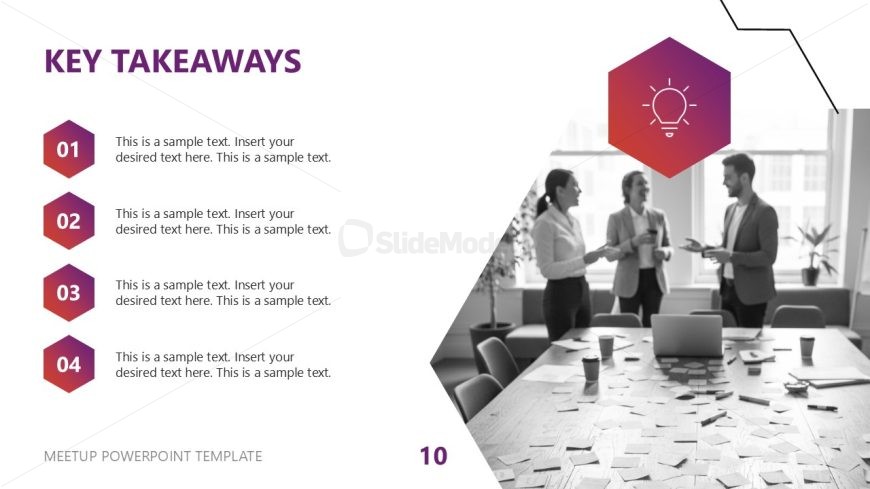
The layout features a vertical arrangement of four hexagonal nodes on the left side, each containing a number and placeholder text. The nodes are colored in shades of purple and pink, with the first node at the top and the last at the bottom. Each node is aligned to the left, with text placeholders positioned to the right. A prominent title, 'KEY TAKEAWAYS,' is centered at the top in bold purple text. An icon of a light bulb is placed within a larger hexagon above the nodes. The background is predominantly white with a subtle geometric design in the top right corner.
How to Use It
This layout serves as a summary or conclusion slide, effectively presenting key points or takeaways from a presentation. It fits well in the latter part of a presentation sequence, following problem statements or concept explanations. This structure is useful in business meetings, educational sessions, or any scenario where summarizing main ideas is essential. It allows for clear communication of important information in a visually organized manner.
Text Placeholders & Capacity
Keep your copy within these limits so it fits without resizing. Node body slots can accommodate roughly 15-20 words each.
| Placeholder | Count | Max characters (approx.) |
|---|---|---|
| Slide title | 1 | 20 |
| Item heading | 4 | 5 |
| Item body | 4 | 100 |
| Footer | 1 | 30 |
Slide Keywords
Download unlimited PowerPoint templates, charts and graphics for your presentations with our annual plan.
DOWNLOADReturn to Free Meetup PowerPoint Template.