Slide 13 of 17 from Infotainment PowerPoint Template
Before & After Comparison – Infotainment Presentation Layout
Before and After Comparison Slide
- Text Layout
- Other
- Comparison Slide
- 16:9
- 100% Editable
The Before and After Comparison slide from the Infotainment PowerPoint Template offers a clear visual structure to highlight product updates or process improvements. This slide layout uses editable shapes and vector icons to contrast two states effectively, making it a practical choice for business presentations or pitch deck templates that require a concise comparison.
What’s on This Slide
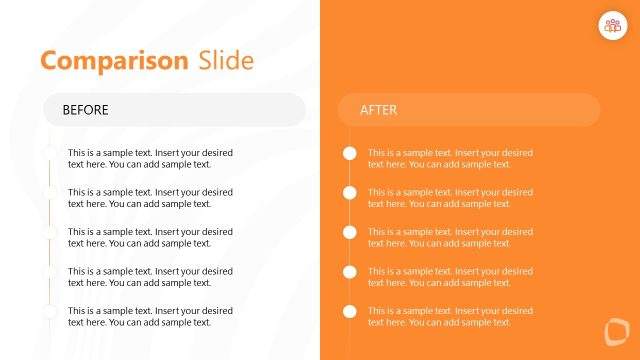
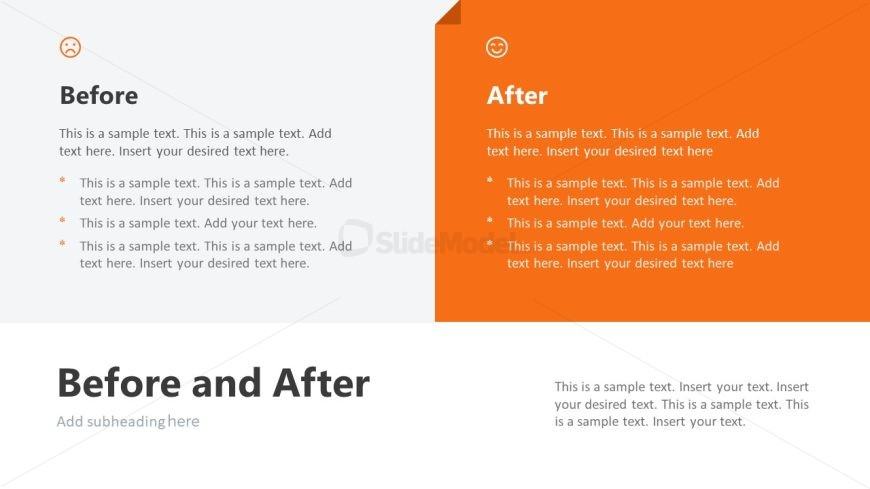
The layout features two distinct sections, left and right, labeled 'Before' and 'After.' The left section has a light gray background with a sad face icon at the top left. Below, there are multiple text placeholders aligned to the left, indicating a list format. The right section has a bright orange background with a happy face icon at the top right. It contains similar text placeholders aligned to the left, mirroring the structure of the left section. At the bottom, a large title placeholder spans both sections, indicating the overall theme.
How to Use It
This layout serves as a comparison tool, effectively illustrating changes or improvements between two states. It is suitable for presentations that need to highlight transformations, such as product updates, process improvements, or customer testimonials. In a sequence, it fits well after a problem statement, showcasing solutions or enhancements. This format is useful in business scenarios where visualizing before-and-after scenarios is essential for clarity.
Text Placeholders & Capacity
Keep your copy within these limits so it fits without resizing. Body slots can hold approximately 20-25 words each.
| Placeholder | Count | Max characters (approx.) |
|---|---|---|
| Slide title | 1 | 40 |
| Body paragraph | 6 | 120 |
| Subtitle | 1 | 40 |
Slide Keywords
Download unlimited PowerPoint templates, charts and graphics for your presentations with our annual plan.
DOWNLOADReturn to Infotainment PowerPoint Template.