Slide 1 of 2 from Before vs After PowerPoint Template
Before vs After Presentation Slide Template
Before vs After Comparison Slide
- Diagram
- Comparison Split
- Comparison Slide
- 16:9
- 100% Editable
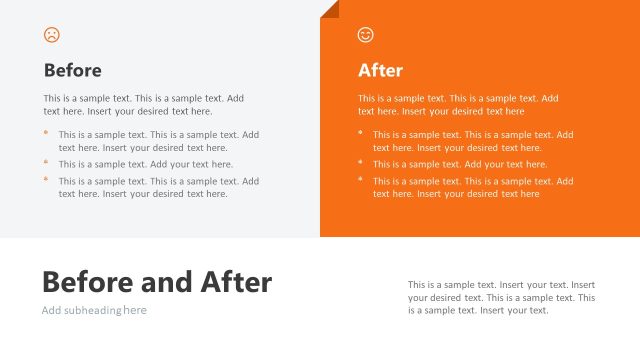
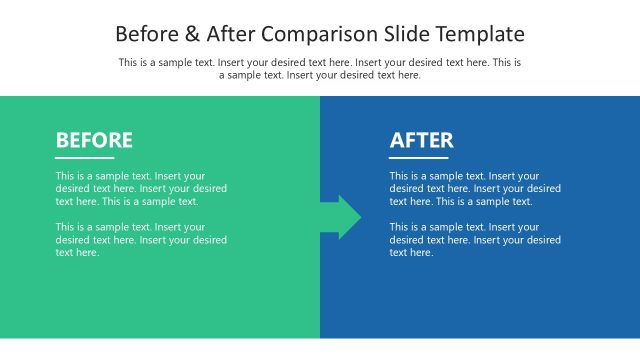
The Before vs After Comparison slide from the Before vs After PowerPoint Template provides a clear visual structure for contrasting two states side-by-side. This slide layout is designed for business presentations and pitch deck templates that require showcasing product evolution, performance comparison, or strategic shifts using editable slides with distinct color-coded sections for easy readability.
What’s on This Slide
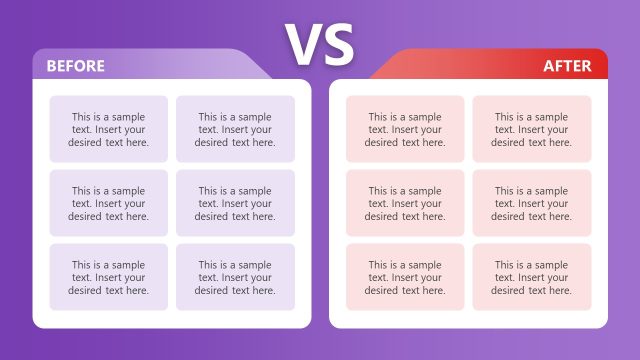
The layout features two main sections labeled 'Before' and 'After,' separated by a central 'VS' label. Each section contains a 2x2 grid of rectangular placeholders for text, with four placeholders in each section. The 'Before' section is colored in purple, while the 'After' section is in red, creating a clear visual distinction. The text placeholders are aligned centrally within each rectangle, allowing for easy readability. The overall composition emphasizes a side-by-side comparison, with a balanced visual hierarchy between the two sections.
How to Use It
This layout serves as a direct comparison tool, ideal for showcasing changes or improvements over time. It fits well in presentations discussing product evolution, performance enhancements, or strategic shifts. The structure allows for clear visual differentiation between two states, making it suitable for business scenarios such as marketing presentations or project updates. It can be used effectively to illustrate before-and-after scenarios in various contexts, ensuring clarity in communication.
Text Placeholders & Capacity
Keep your copy within these limits so it fits without resizing. Each text placeholder can hold around 8 words comfortably.
| Placeholder | Count | Max characters (approx.) |
|---|---|---|
| Item body | 8 | 40 |
Slide Keywords
Download unlimited PowerPoint templates, charts and graphics for your presentations with our annual plan.
DOWNLOADReturn to Before vs After PowerPoint Template.