Our Immersive Technology PowerPoint Template is a slide deck for presenting different concepts of immersive technology and its applications. Immersive technology merges the real world with computer-generated virtual world objects. This simulated experience is unique, as people can observe, touch, and feel the objects that they can’t experience in real life. Immersive technology has two types: AR (Augmented Reality), in which the real-life processes are enhanced by technology, and VR (Virtual Reality), where users experience a completely different world that is imaginative. This immersive technology PPT template carries visual elements that help describe the idea of immersive technology and its uses in our lives. Presenters can edit the slides and populate them with the necessary details to present before the audience.
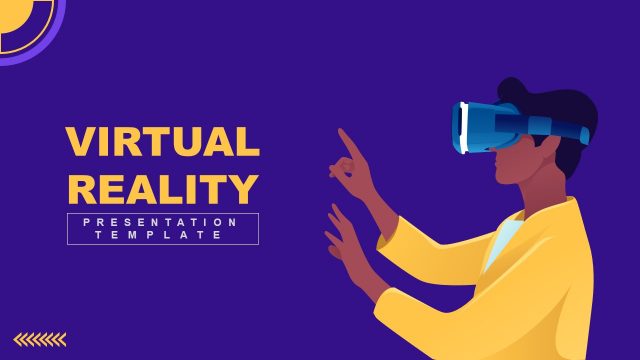
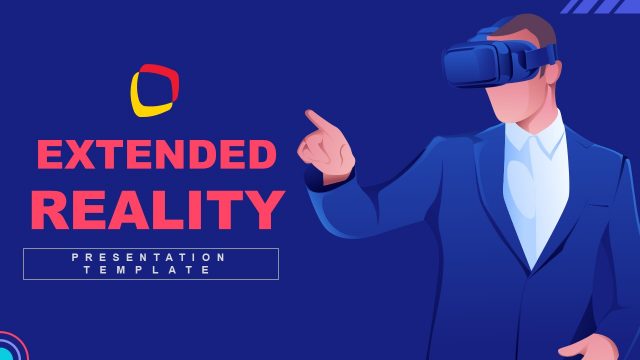
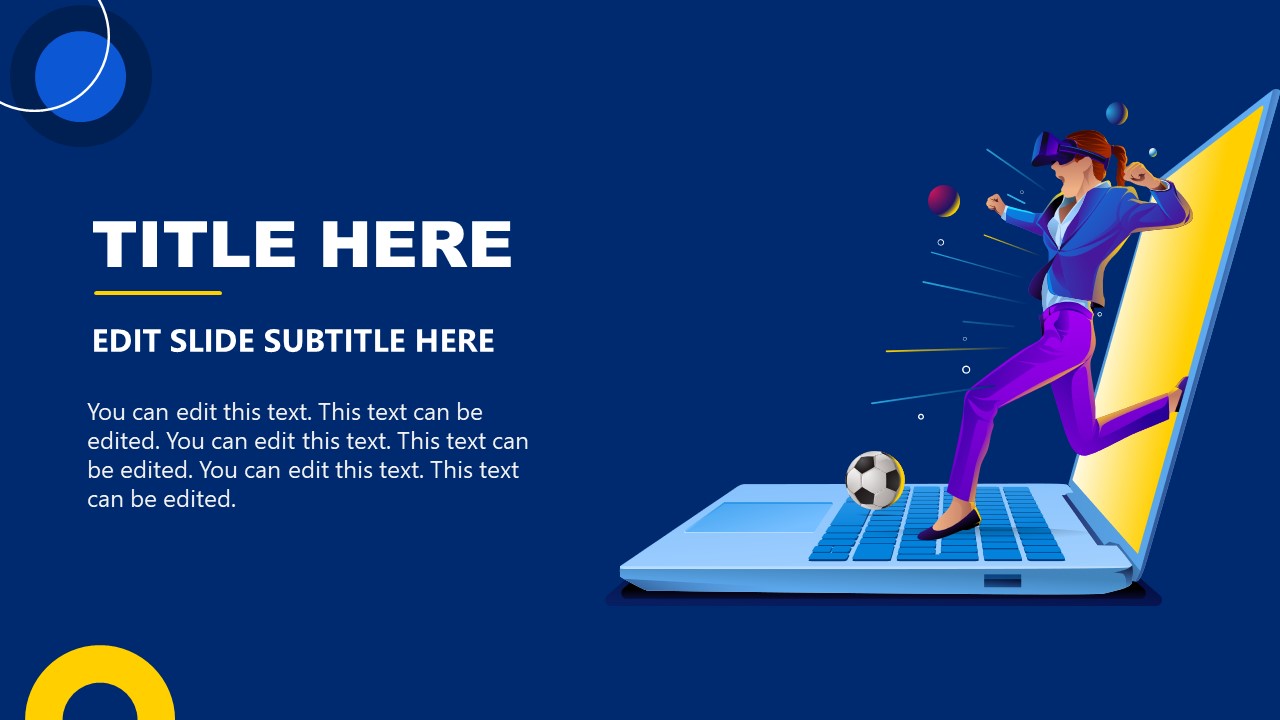
Human vector illustrations are used on each slide to portray specific concepts. The first slide, for instance, shows a female character wearing a VR headset jumping out of the laptop screen. This scene depicts how people can experience the acts that they can not have in their physical world. Similarly, in the following three slides, human characters with headsets are touching or observing the planets. These slides indicate an important virtual reality application, where students learn exciting concepts through these gadgets. A mobile phone infographic shows a 3D earth diagram on the next slide. It refers to how AR plays a vital role in improved identification and learning processes through graphics or other media aids.
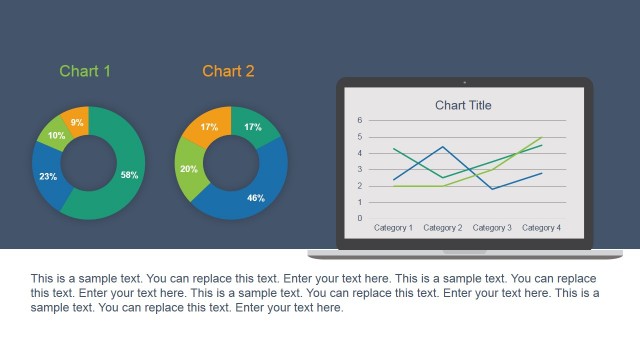
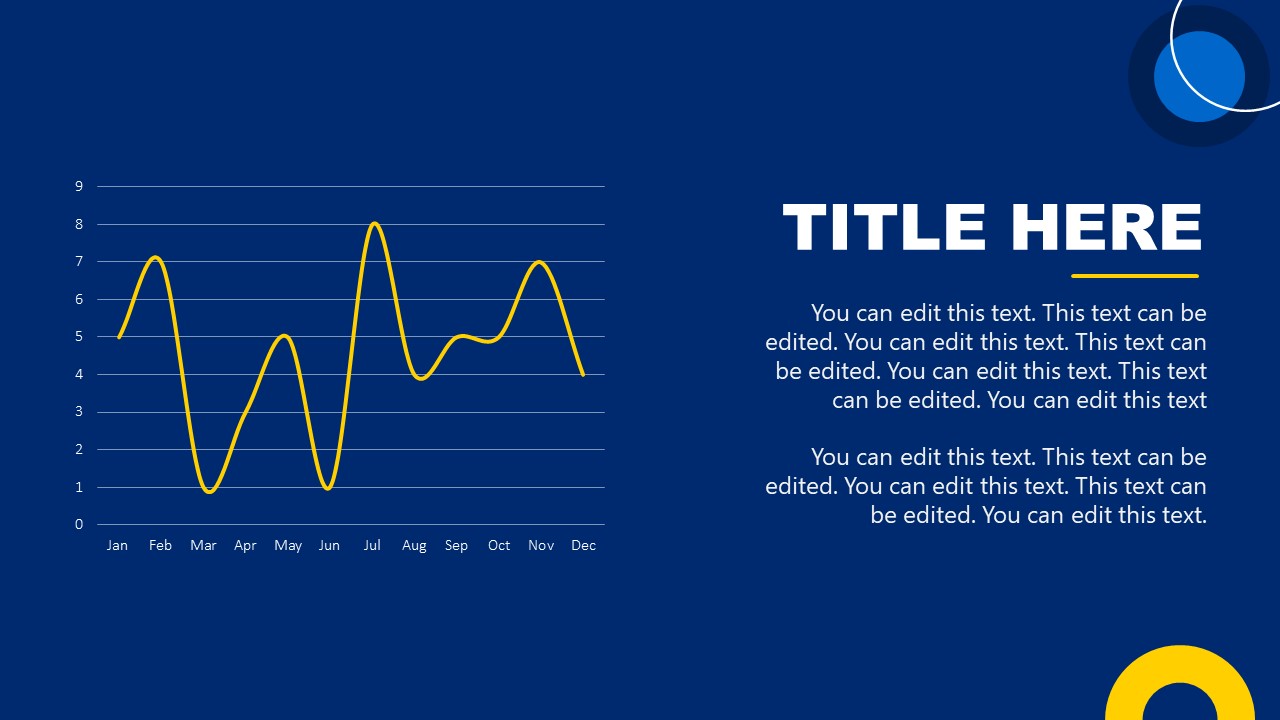
Presenters can also discuss the uses of virtual glasses and VR headsets in immersive technology applications using the creative visuals on the further slides. This Immersive Technology PowerPoint Template provides slides with data-driven charts, i.e., bar graphs and line charts, to discuss the trends of immersive technologies. An editable arrow diagram and infographic pie chart are added to the template for users to present their customized data and concepts in educational or technology presentations. In addition, our four-segment timeline diagram helps show the working of VR devices or immersive technology to the audience.
What’s inside this template
Example presentation scenarios
- An educator can introduce virtual reality learning experiences by using the VR headset character slides, mobile AR visual, and globe imagery to make abstract concepts easier to see.
- A product manager can brief stakeholders on an immersive technology concept by pairing the illustrated title slides with the four-step timeline to explain how the experience works.
- An innovation consultant can present adoption or market observations with the arrow bar infographic, segmented circular diagram, stacked column chart, and line chart.
- A science communicator can explain simulated environments by using the headset scenes, planet and globe visuals, and callout text areas to connect technology with real-world learning.
Features
- 100% editable presentation template
- Compatible with Microsoft PowerPoint and Google Slides
- 16:9 aspect ratio slides
- Scalable vector shapes, icons and illustrations
- AI-Ready for Microsoft Copilot and Claude
- Instant access and download
Frequently asked questions
Q: How should a presenter structure a clear story with this immersive technology deck?
A: Start with the cover and concept illustration slides to define the difference between AR, VR, and immersive experience. Use the mobile AR and headset visuals to show applications, then move to the timeline and circular infographic for process explanation. Finish with the bar and line charts only after the audience understands the context behind the data.
Q: Who is this template best suited for, and what message does it communicate well?
A: This template fits educators, product managers, innovation teams, and science presenters who need to make intangible AR and VR ideas visible. It works best for introductory briefings, classroom explanations, product concept overviews, and trend updates because the character illustrations show people interacting with virtual objects rather than only describing the technology in text.
Q: Why do the VR character illustrations and dark technology background help the presentation?
A: The slides use a consistent visual metaphor: people crossing into simulated spaces through laptops, phones, headsets, and screens. That metaphor helps the audience understand immersion as an experience, not just a device category. The dark blue background creates contrast, while yellow highlights draw attention to titles, data points, and focal objects.






Immersive Technology PowerPoint Template
15-slide presentation template for immersive technology, VR illustrations, AR concepts, timelines, and charts
The Immersive Technology PowerPoint Template is a 15-slide deck for explaining AR, VR, and immersive technology concepts. It includes VR headset illustration slides, a phone AR visual, a four-step timeline, arrow bar infographic, pie diagram, stacked column chart, and line chart for educators, technology teams, and business presenters in PowerPoint or Google Slides.
- Category
- Template Backgrounds
- Rating


 Loading...
- Aspect ratio
- 16:9
- Item ID
- 60563-01
- Colors
 Microsoft PowerPoint
 Microsoft Copilot
 Claude for PowerPoint
Other formats supported
Subscribe today and get immediate
access to download our PowerPoint templates.