Slide 3 of 5 from Iceberg PowerPoint Template
2 Iceberg Illustration Shapes for PowerPoint
Iceberg Illustrations with Measurement Lines
- Diagram
- Comparison Split
- Comparison Slide
- 16:9
- 100% Editable
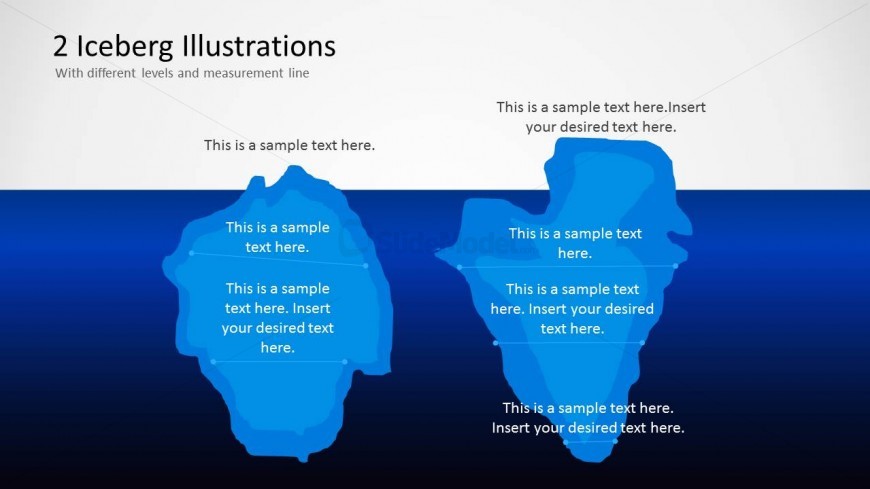
The Iceberg Illustrations with Measurements slide from the Iceberg PowerPoint Template offers a clear visual comparison using editable shapes to highlight contrasting concepts. Ideal for business presentations or pitch decks, this slide uses vector icons and measurement lines to illustrate hidden factors and visible differences effectively within a corporate presentation.
What’s on This Slide
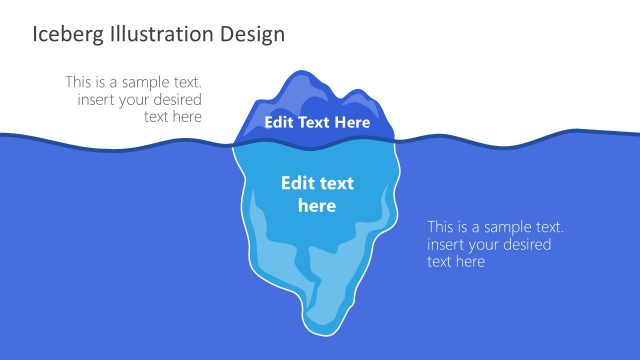
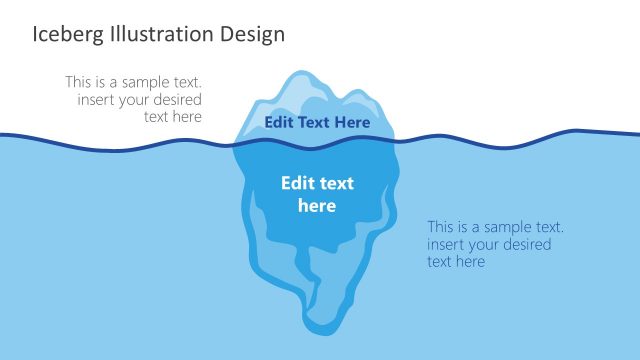
The slide features two iceberg illustrations positioned side by side, each with a measurement line. The left iceberg is slightly larger than the right, both depicted in shades of blue. Above the icebergs, there is a title area with placeholder text aligned to the left. Below each iceberg, there are multiple text placeholders for descriptions, arranged vertically. The background transitions from a light color at the top to a darker blue at the bottom, enhancing the visual depth. The overall layout is symmetrical, emphasizing the comparison between the two illustrations.
How to Use It
This layout serves as a visual comparison of two concepts or ideas, represented by iceberg illustrations. It is suitable for presentations discussing hidden depths or underlying factors in various contexts, such as psychology or business analysis. This slide can fit into a sequence following a problem statement, illustrating solutions or insights. It is effective for scenarios where contrasting elements need to be highlighted, such as advantages and disadvantages or visible versus hidden aspects of a topic.
Text Placeholders & Capacity
Keep your copy within these limits so it fits without resizing. Node body slots can accommodate roughly 8-10 words each.
| Placeholder | Count | Max characters (approx.) |
|---|---|---|
| Slide title | 1 | 30 |
| Item body | 4 | 50 |
Slide Keywords
Download unlimited PowerPoint templates, charts and graphics for your presentations with our annual plan.
DOWNLOADReturn to Iceberg PowerPoint Template.