Slide 1 of 2 from Human Resources Dashboard PowerPoint Template
Human Resources Dashboard Presentation Slide Layout
Human Resources Dashboard Overview
- Chart
- Dashboard Composite
- Context Slide
- 16:9
- 100% Editable
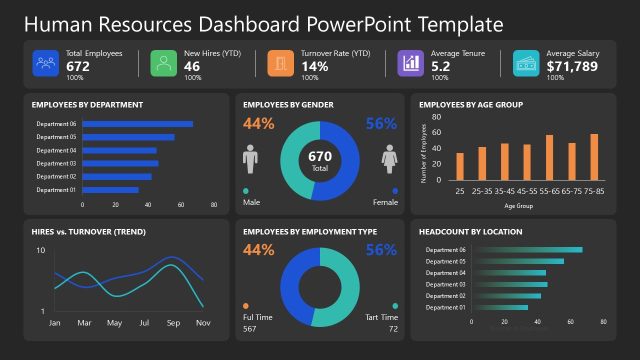
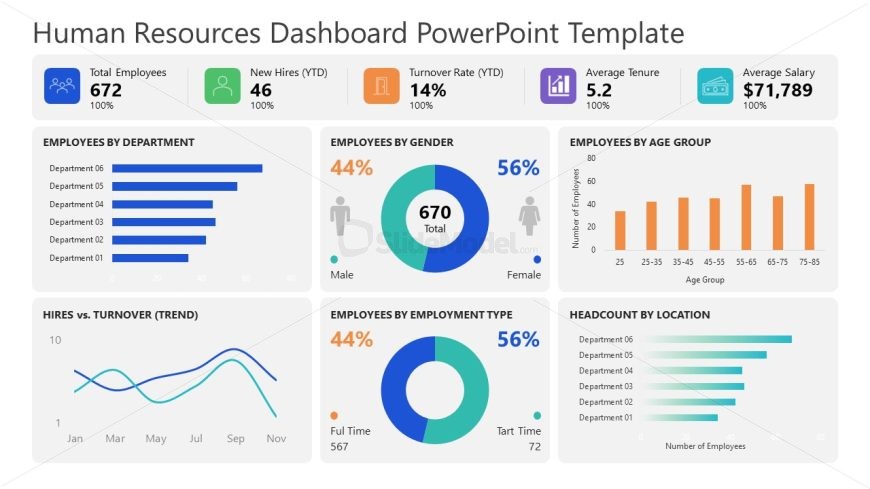
The Human Resources Dashboard Overview slide from the Human Resources Dashboard PowerPoint Template offers a structured layout ideal for presenting key HR metrics and employee statistics. This slide layout integrates editable shapes and vector icons within a clear grid format, making it suitable for business presentations focused on data-driven HR analysis. It supports effective communication of workforce demographics and trends using charts and concise data labels, enhancing any corporate presentation or slide deck.
What’s on This Slide
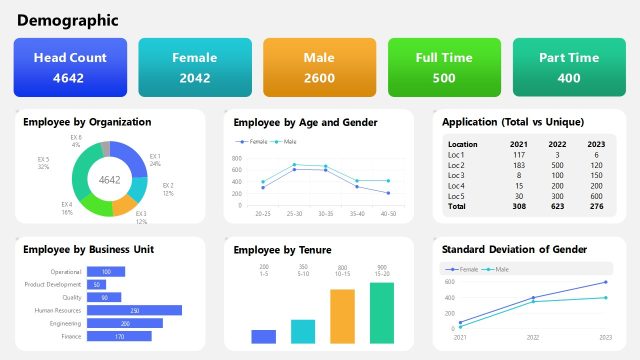
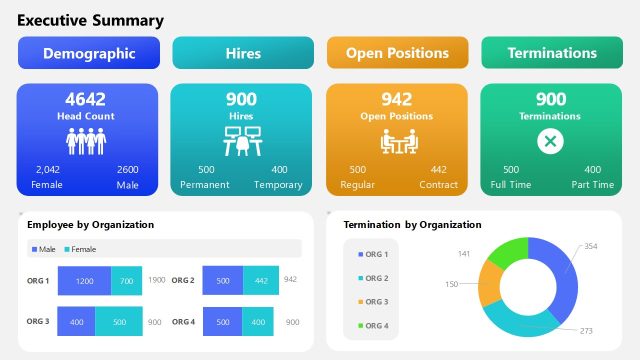
The layout features multiple sections arranged in a grid format. The top row contains four rectangular boxes displaying total employees, new hires, turnover rate, and average salary, each with icons. The second row includes four circular and bar charts showing employee demographics by department, gender, age group, and employment type. Each chart has a title and data labels. Text placeholders exist for titles and data in each section, aligned centrally. The overall color scheme is light with contrasting text for clarity.
How to Use It
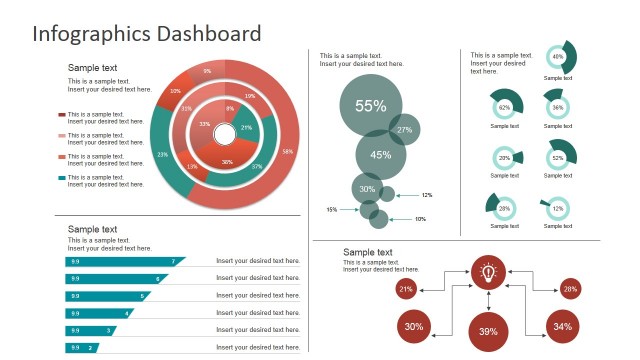
This layout serves as a comprehensive overview of human resources metrics, suitable for presenting key data in a dashboard format. It fits well at the beginning of a presentation to set the context for HR discussions. Use it to summarize employee statistics, trends, and demographics, making it ideal for HR managers and analysts to communicate insights effectively.
Text Placeholders & Capacity
Keep your copy within these limits so it fits without resizing. Node labels can accommodate around 10 characters each.
| Placeholder | Count | Max characters (approx.) |
|---|---|---|
| Slide title | 1 | 30 |
| Item heading | 8 | 20 |
| Item body | 8 | 10 |
| Chart title | 4 | 30 |
Slide Keywords
Download unlimited PowerPoint templates, charts and graphics for your presentations with our annual plan.
DOWNLOAD