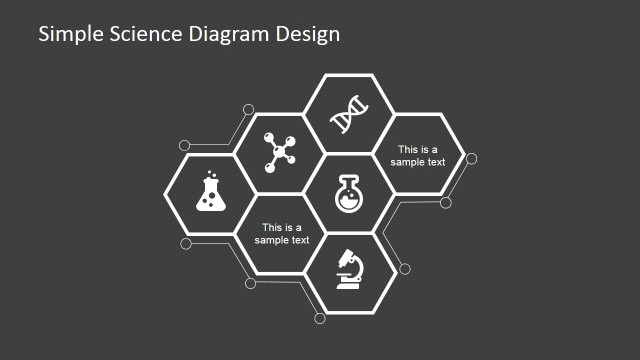
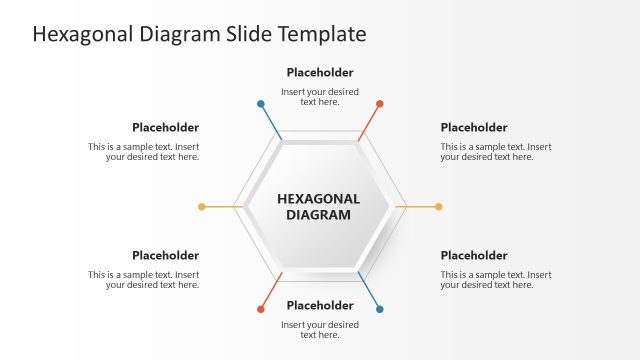
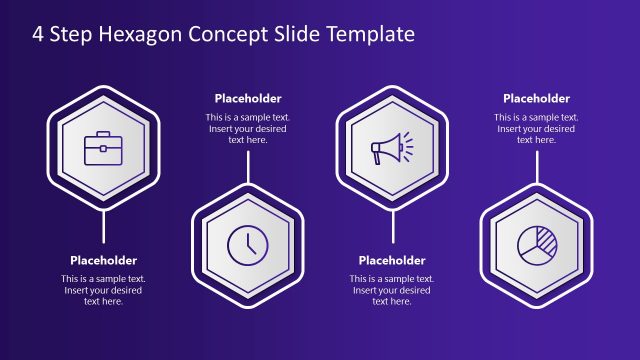
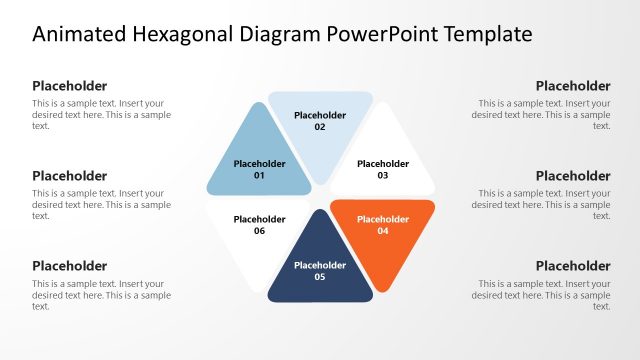
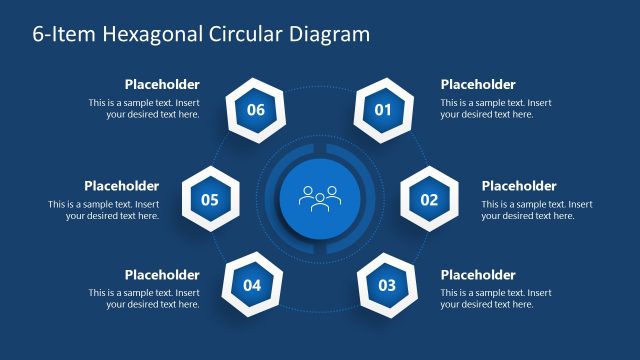
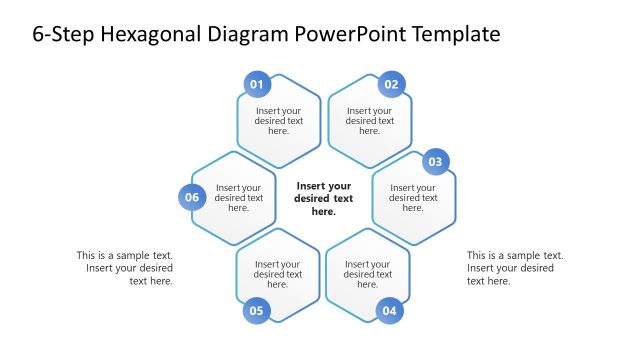
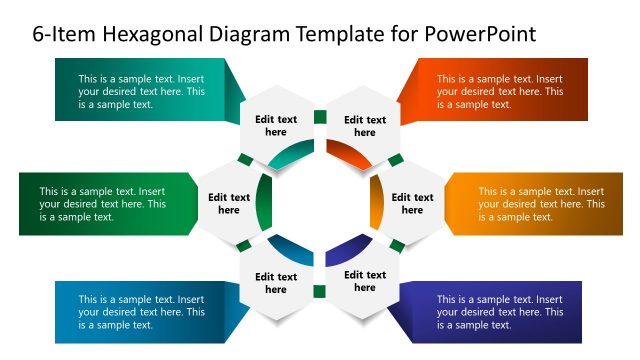
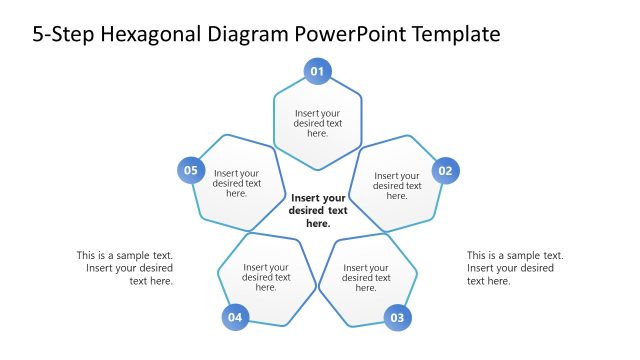
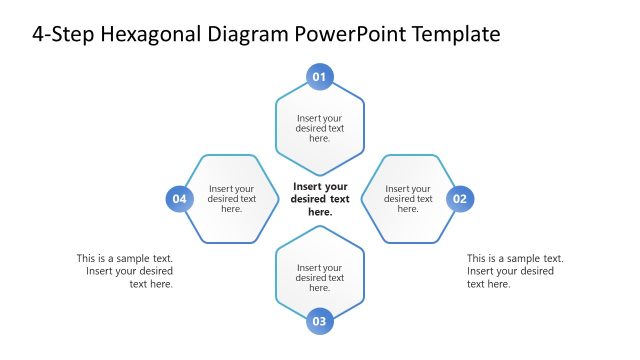
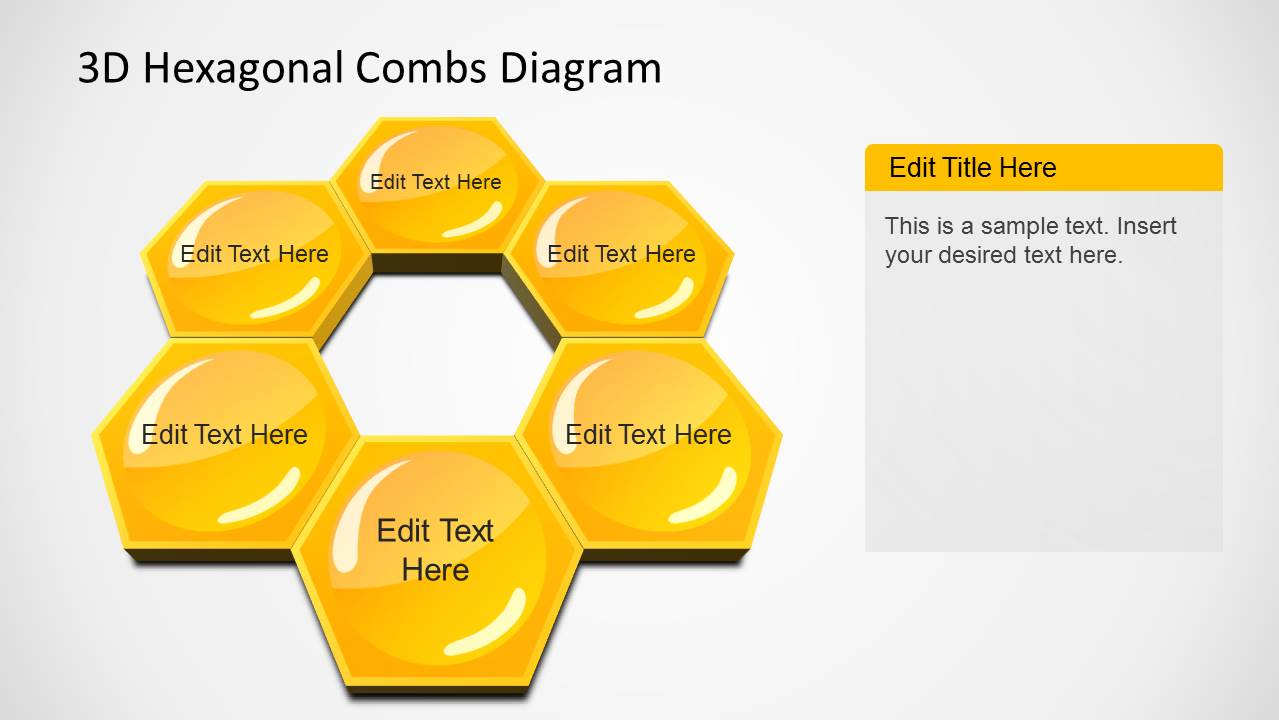
Hexagonal Combs Diagrams Template for PowerPoint is a creative presentation using the bee comb hexagonal graphics to represent a business diagram. You can use this template for different presentations as circular processes, numerical sequences, lines of products or just to enumerate a list of topics using an astonishing design.
This presentation applies for different industries as food & beverages, healthcare, beauty, organic food, medicine, beekeeping and cosmetics. This slides are also ideal for representing different metaphors in your presentations, as teamwork, cohesive thought, structural strength and collective thinking. Impress your audience during a Strategy presentation or Marketing lecture with this professional Hexagonal Combs Diagrams Template for PowerPoint and experience high engagement and attention to your message.
This presentations and themes are created with PowerPoint objects, enabling the user to customize each property, as color, size, positioning, shading, etc. This flexibility allows the user to customize each piece of the PowerPoint presentation according to its needs.
Alternatively, you can download other core diagram PPT templates for presentations.
What’s inside this template
Example presentation scenarios
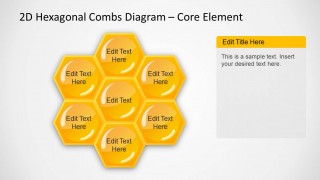
- A strategy consultant can use the core element diagram to place a central initiative in the middle and show the surrounding capabilities that support it.
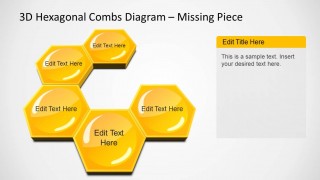
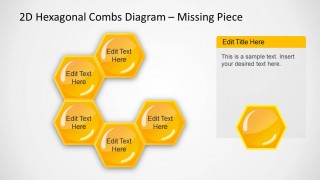
- A marketing manager can use the missing piece diagram to explain a campaign gap, then show which message, channel, or audience segment must be added.
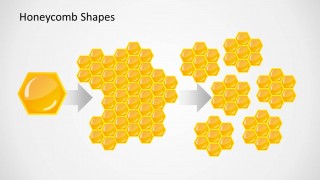
- A product manager can use the honeycomb cluster flow to show how individual features group into product modules or service bundles.
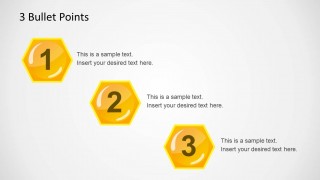
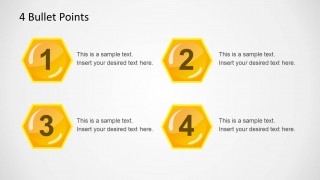
- A trainer can use the three, four, or six bullet point slides to teach ordered principles while keeping each idea tied to a memorable numbered hexagon.
Features
- 100% editable presentation template
- Compatible with Microsoft PowerPoint and Google Slides
- 16:9 aspect ratio slides
- Scalable vector shapes, icons and illustrations
- AI-Ready for Microsoft Copilot and Claude
- Instant access and download
Frequently asked questions
Q: How should a presenter structure a message with the honeycomb diagrams?
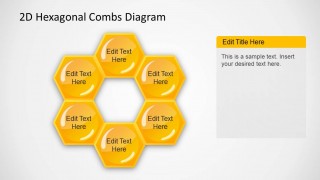
A: Start with the ring or core element slide to define the system, idea, or strategy. Then use a missing piece slide to name the gap or dependency. Finish with a numbered bullet slide to turn the concept into actions, priorities, or next steps. This sequence keeps the honeycomb metaphor tied to a clear business message.
Q: Who benefits most from using this hexagonal comb template?
A: This template is strongest for presenters explaining interdependent ideas rather than isolated facts. Strategy teams, marketers, product managers, educators, and industry presenters can use the core, missing piece, and cluster layouts to show how components fit together, where a gap exists, and what sequence of actions follows.
Q: Why does the honeycomb metaphor work for business communication?
A: Honeycomb shapes suggest structure, teamwork, efficiency, and connected strength. The repeated hexagons make related points look like parts of one system, while the missing piece layouts create a visual cue for incompleteness. This helps audiences understand both cohesion and gaps without relying only on text.



Hexagonal Combs Diagrams Template for PowerPoint
12-slide presentation template with honeycomb hexagon diagrams, core elements, missing pieces, and numbered lists
Hexagonal Combs Diagrams Template for PowerPoint is a 12-slide diagram set for presenting connected ideas with honeycomb visuals. It includes 3D and 2D core element layouts, missing piece diagrams, honeycomb cluster flow, column text slides, and numbered bullet points for Microsoft PowerPoint and Google Slides.
- Category
- Diagrams
- Rating

 Loading...
- Aspect ratio
- 16:9
- Item ID
- 8101-he
- Colors
 Microsoft PowerPoint
  Microsoft Copilot
  Claude for PowerPoint
 Other formats supported
Subscribe today and get immediate
access to download our PowerPoint templates.