Slide 3 of 4 from Global Corporate Slide Design for PowerPoint
8060-globe-corporate-slide-3
Globe Shapes Presentation Slide
- Media Layout
- Other
- Context Slide
- 16:9
- 100% Editable
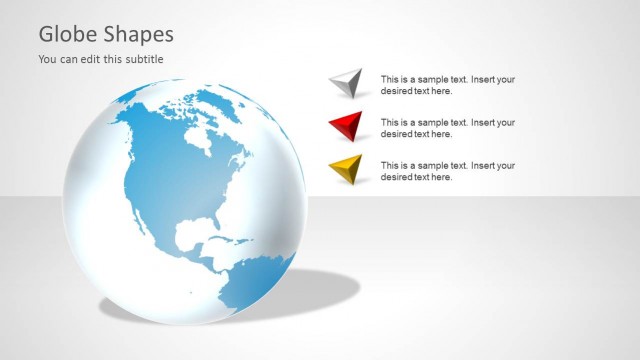
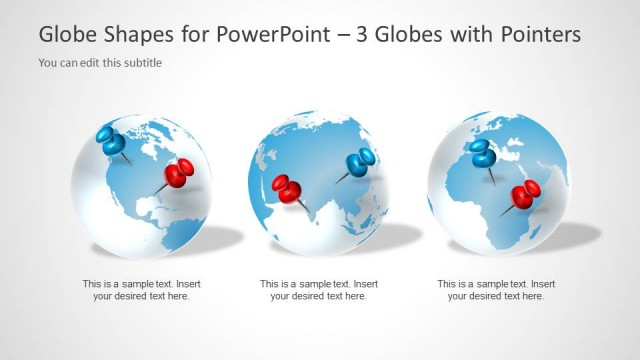
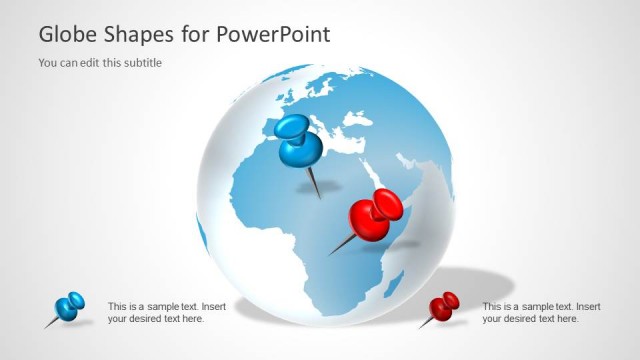
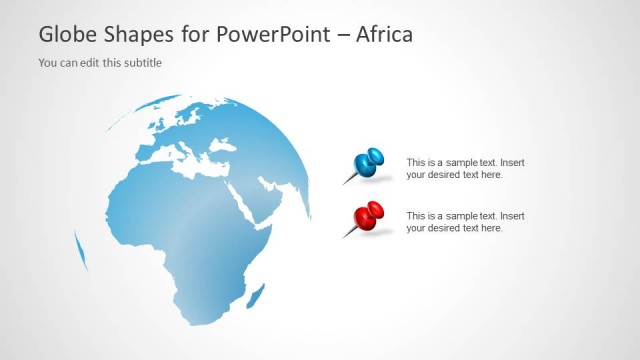
The Globe Shapes slide from the Global Corporate Slide Design for PowerPoint template offers a clear layout for presenting international market analysis and global strategy discussions. Featuring editable shapes and text placeholders aligned with three distinct globe icons, this slide supports business presentations that require geographical context and visual clarity. It integrates seamlessly into corporate presentation slide decks focused on worldwide operations.
What’s on This Slide
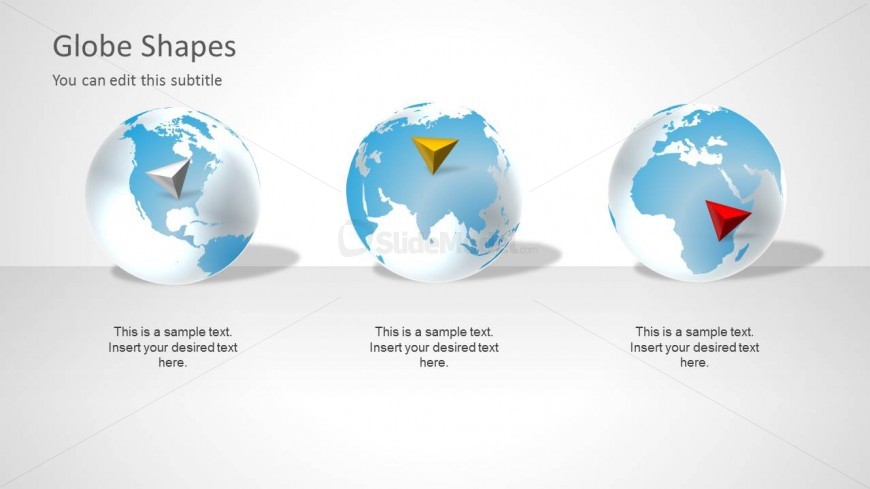
The layout features three globe shapes arranged horizontally across the slide. Each globe is positioned in the center, with a distinct colored shape (triangle) placed on top of each globe. The left globe has a gray triangle, the middle globe has a yellow triangle, and the right globe has a red triangle. Below each globe, there are text placeholders aligned centrally, indicating where sample text can be inserted. The background is a light gradient, enhancing the visibility of the globes and shapes. The overall composition is balanced and clear.
How to Use It
This layout serves as a visual representation of globe shapes, suitable for illustrating global concepts or geographical data. It fits well in a presentation sequence after introducing a topic and before discussing specific details or examples. Real-world scenarios include discussing international markets, global strategies, or geographical analysis. The structure allows for easy customization of text to convey specific messages related to each globe.
Text Placeholders & Capacity
Keep your copy within these limits so it fits without resizing. Node body slots can hold about 8-10 words each.
| Placeholder | Count | Max characters (approx.) |
|---|---|---|
| Slide title | 1 | 30 |
| Subtitle | 1 | 50 |
| Item body | 3 | 50 |
Slide Keywords
Download unlimited PowerPoint templates, charts and graphics for your presentations with our annual plan.
DOWNLOADReturn to Global Corporate Slide Design for PowerPoint.