Are you running a logistics company and want to scale it globally? Try our Global Shipping PowerPoint Template to create a convincing pitch deck for your investors. The global shipping template is built around the figures a logistics audience checks first: fleet size, route coverage, on-time percentage, office counts by region, all paired with a modern blue-and-white color scheme. This slide deck is useful for supply chain managers to share high-level solutions to investors. It presents an innovative approach to global shipping that builds credibility and trust to secure funds for business expansion.
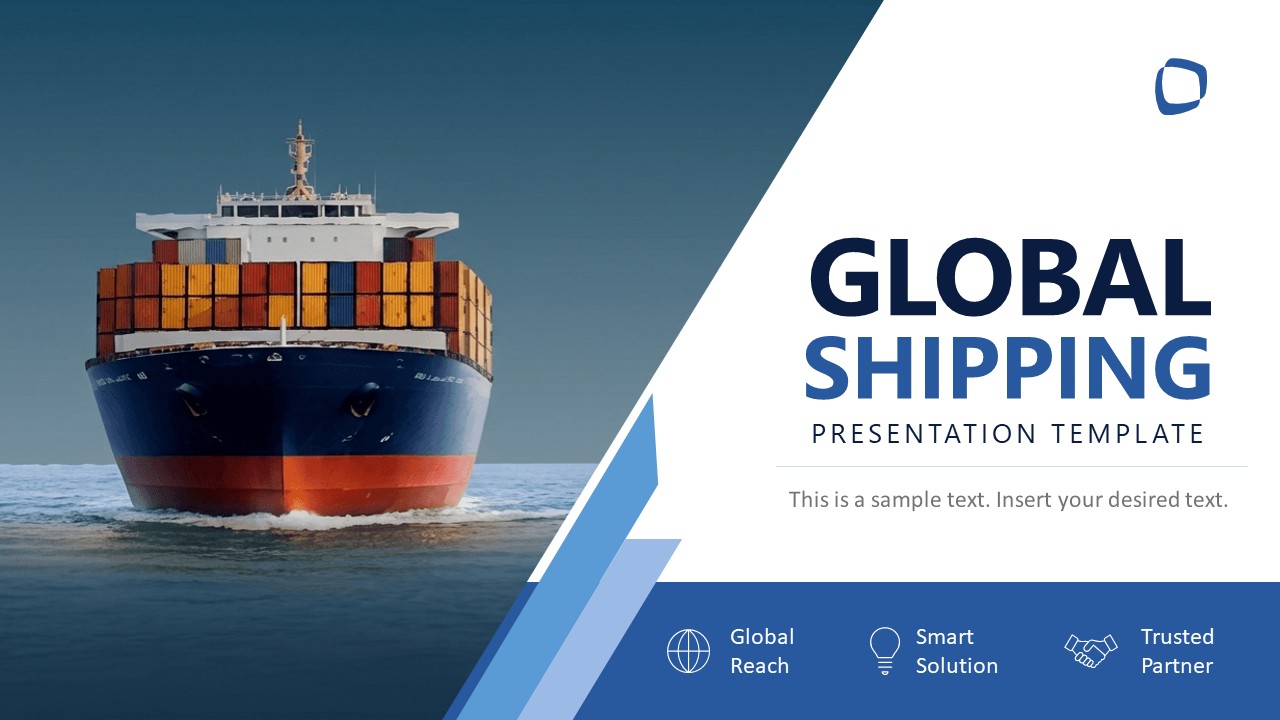
Twelve slides, opening on a container ship cover with a sample-text subtitle and a label strip along the base. The sequence runs:
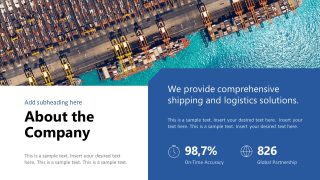
- About the Company, with two headline statistics over an aerial port photograph
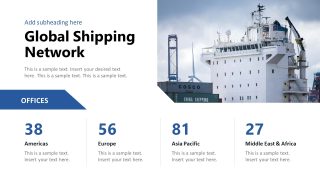
- Global Shipping Network, office counts split across four regional markets
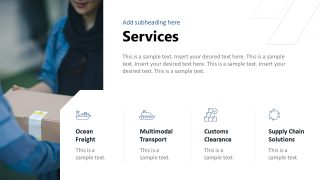
- Services, four freight and customs categories
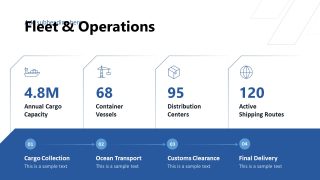
- Fleet & Operations, four capacity metrics plus a movement sequence from cargo collection to final delivery
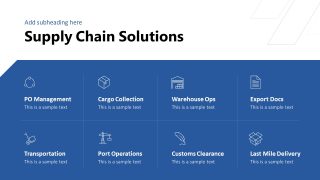
- Supply Chain Solutions, an eight-cell operational grid
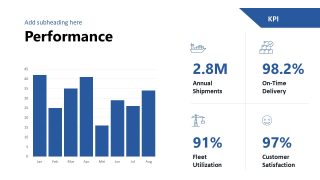
- Performance, a column chart with four KPI callouts
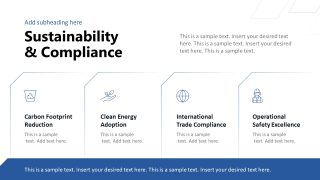
- Technology & Innovation and Sustainability & Compliance
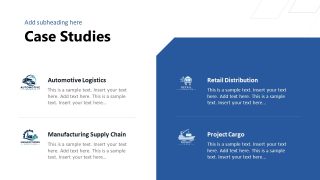
- Case Studies, four sector examples
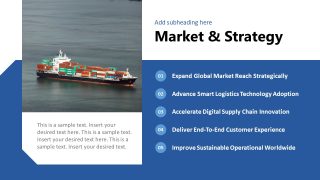
- Market & Strategy, five strategic priorities
- A closing contact slide with space for a QR code
Every figure in this template sits in a regular text box, so you can replace the sample numbers with your own fleet size, annual capacity, or on-time rate without opening a chart editor. The Performance slide holds the only column chart in the deck, and the four KPI figures next to it are plain text like the rest.
Freight forwarders can use this deck to respond to a manufacturer’s tender. Fill the Global Shipping Network slide with your office counts by region, list what you handle on the Services slide (from ocean freight to customs clearance), and pick the case study closest to your prospect’s industry. Logistics operators preparing a quarterly board update can start at the Performance slide instead, swapping the sample figures for last quarter’s shipment volume and on-time rate, then using the Market & Strategy slide to show where the company is heading next.
You can edit the colors and icons to match your brand, and every metric slot keeps its position when you type over it, so the layout holds together while you work. Download the Global Shipping PPT template to present your operation with a distinctive aesthetic and clear data.
What’s inside this template
Example presentation scenarios
- A freight forwarding sales team can present a tender response to a manufacturer by showing service coverage on the Services slide and route capability on the Global Shipping Network slide.
- A logistics CEO can pitch expansion plans to investors by opening with the company overview, then connecting fleet metrics, performance KPIs, and market strategy into one growth story.
- A supply chain manager can brief regional stakeholders on operational scope by using the Supply Chain Solutions grid and the Fleet & Operations process flow to explain handoffs.
- A business development presenter can tailor the Case Studies slide to a prospect's industry and use the Thank You slide with map, QR code, and contact fields for follow-up.
Features
- 100% editable presentation template
- Compatible with Microsoft PowerPoint
- 16:9 aspect ratio slides
- Scalable vector shapes, icons and illustrations
- AI-Ready for Microsoft Copilot and Claude
- Instant access and download
Frequently asked questions
Q: How should a presenter structure the story with this shipping template?
A: Start with the company promise, then show reach, services, fleet capacity, and operational workflow before moving to KPIs and proof. The strongest sequence is Slide 2 through Slide 7 because it answers the buyer's key questions: who you are, where you operate, what you handle, and how reliably you perform.
Q: Who is this template best suited for in a business presentation?
A: It is best for logistics providers, freight forwarders, port service companies, and supply chain teams that need to prove operational capacity quickly. The Global Shipping Network, Fleet & Operations, Performance, and Case Studies slides help presenters speak to investors, procurement teams, or executive stakeholders without turning the meeting into a technical manual.
Q: Why does the design use ship photos, blue bands, metrics, and grid-based sections?
A: The ship and port imagery anchor the deck in global transportation, while the blue bands create stable zones for operational data. Grids and metric cards make capacity, routes, services, and compliance points easier to scan. This is useful for logistics audiences because decisions often depend on reach, reliability, and repeatable process.




Global Shipping PowerPoint Template
12-slide global shipping presentation template with network metrics, fleet operations, and logistics KPI layouts
The Global Shipping PowerPoint Template is a 12-slide company profile deck for logistics and freight presentations in Microsoft PowerPoint. It includes a ship cover, global network metrics, services grid, fleet operations process, KPI performance chart, sustainability section, case studies, market strategy, and contact slide. The chart data can be edited as an Excel spreadsheet in PowerPoint.
- Category
- Business PowerPoint Templates
- Rating

 Loading...
- Aspect ratio
- 16:9
- Item ID
- 94257-01
- Colors
 Microsoft PowerPoint
  Microsoft Copilot
  Claude for PowerPoint
 Other formats supported
Subscribe today and get immediate
access to download our PowerPoint templates.