Slide 1 of 15 from Global Company Profile PowerPoint Template
Company Profile Slide Design for PowerPoint
Company Profile Slide Overview
- Text Layout
- Single Statement
- Context Slide
- 16:9
- 100% Editable
The Company Profile slide from the Global Company Profile PowerPoint Template offers a professional introduction for corporate presentations, featuring editable shapes and a world map to highlight global presence. This slide layout is ideal for investor presentations and client meetings, providing clear visual hierarchy and customizable placeholders within a business presentation or pitch deck template.
About This Slide
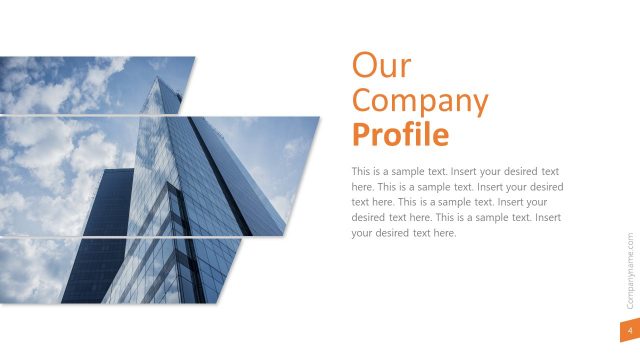
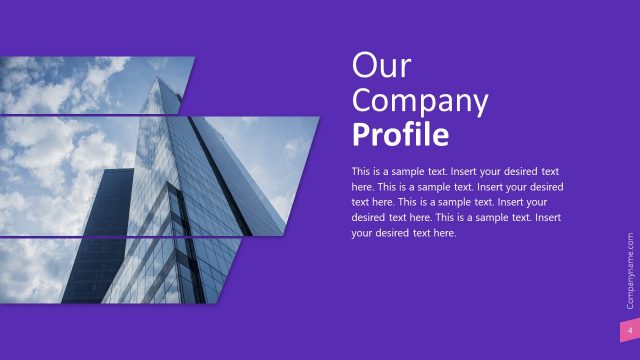
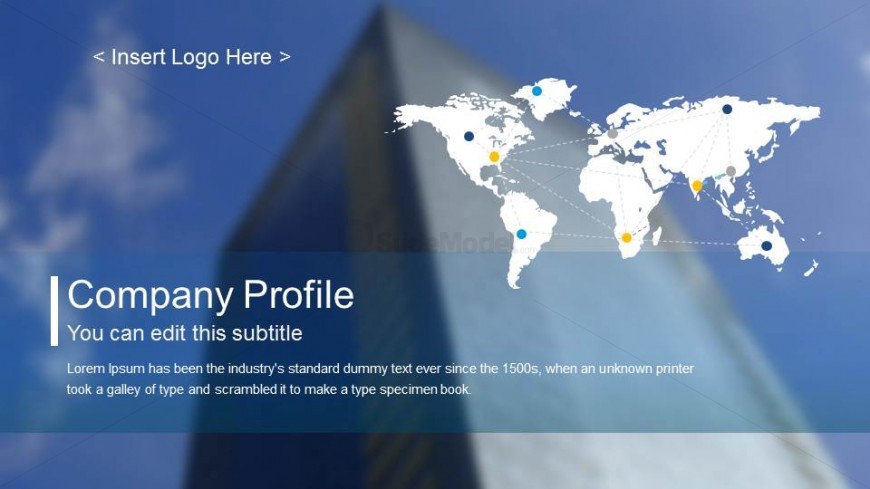
The slides presents a skyscraper blurred images as the background. With an horizontal layout, the PPT Template displays a transparent overlay, with the Presentation Title and subtitle. Over the right pane of the slide, a worldmap PowerPoint Icon decorates the scene with location markers and routes connecting the graph.
What’s on This Slide
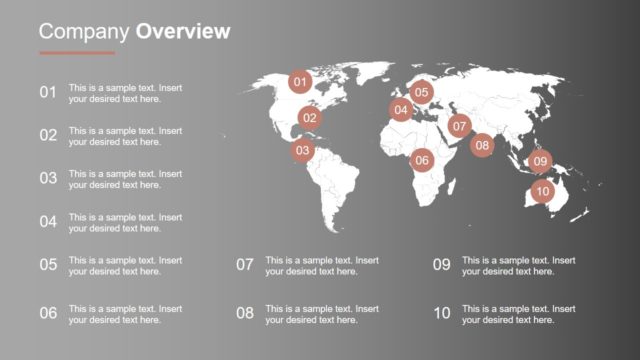
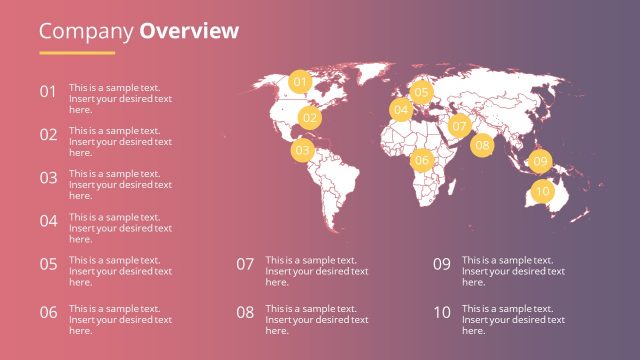
The slide features a world map positioned on the right side, displaying various locations marked with colored dots. A translucent blue overlay occupies the lower half, containing a title placeholder aligned left, labeled 'Company Profile,' and a subtitle placeholder directly beneath it. Below the subtitle, a body text placeholder provides space for additional information. The logo placeholder is located at the top left corner. The background showcases a blurred image of a building, contributing to a professional aesthetic. The overall layout emphasizes the title and map while maintaining a clear visual hierarchy.
How to Use It
This layout serves as an introductory slide for a company profile presentation, effectively setting the stage for subsequent content. It is suitable for business contexts where an overview of the company is required, such as investor meetings or client presentations. The world map visually represents the company's global reach, while the title and subtitle placeholders allow for customization. This slide is typically positioned at the beginning of a presentation to establish context and engage the audience.
Text Placeholders & Capacity
Keep your copy within these limits so it fits without resizing. Body slots can accommodate roughly 30-35 words each.
| Placeholder | Count | Max characters (approx.) |
|---|---|---|
| Slide title | 1 | 20 |
| Subtitle | 1 | 40 |
| Body paragraph | 1 | 180 |
| Footer | 1 | 100 |
Slide Keywords
Download unlimited PowerPoint templates, charts and graphics for your presentations with our annual plan.
DOWNLOADReturn to Global Company Profile PowerPoint Template.