Slide 10 of 15 from Global Company Profile PowerPoint Template
6085-01-company-profile-template-10
Line Chart Slide for Company Profile Presentation
- Chart
- Line Chart
- Evaluation Slide
- 16:9
- 100% Editable
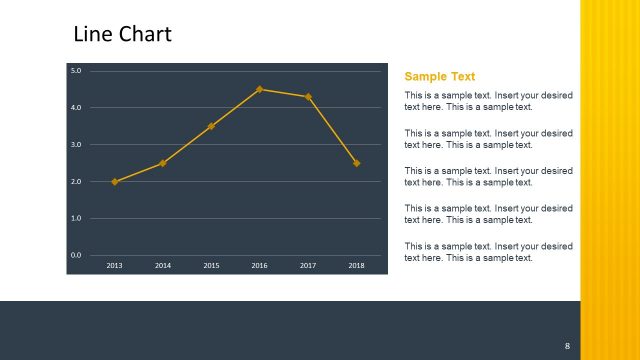
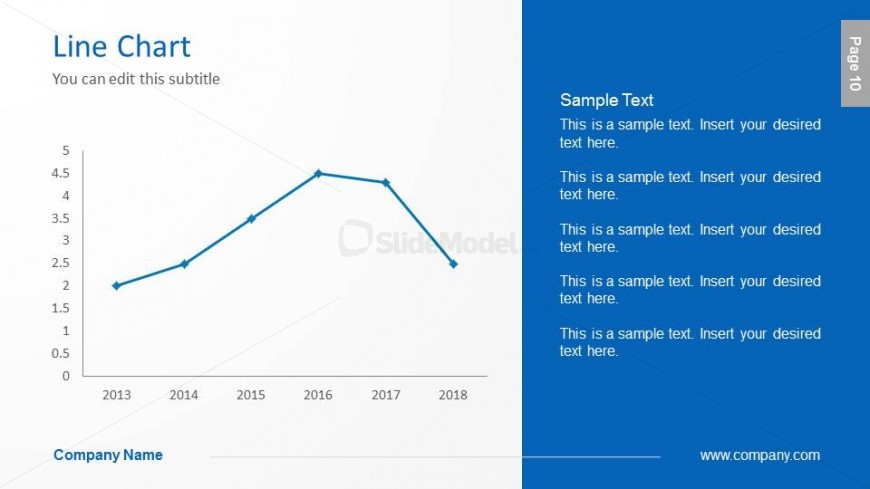
The Line Chart with Text slide from the Global Company Profile PowerPoint Template offers a clear layout for showcasing performance data and trends over time. This slide template combines editable shapes and a line chart to highlight key metrics effectively, making it suitable for business presentations and pitch deck templates that require data visualization alongside explanatory text.
What’s on This Slide
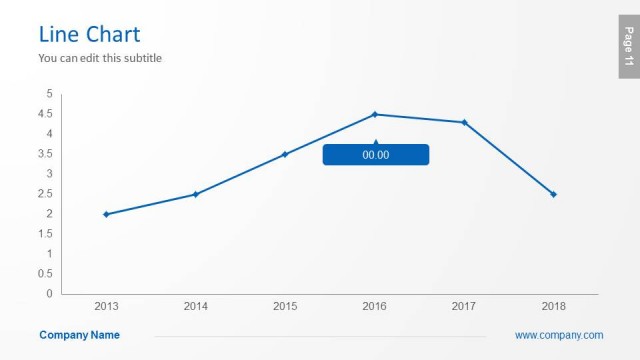
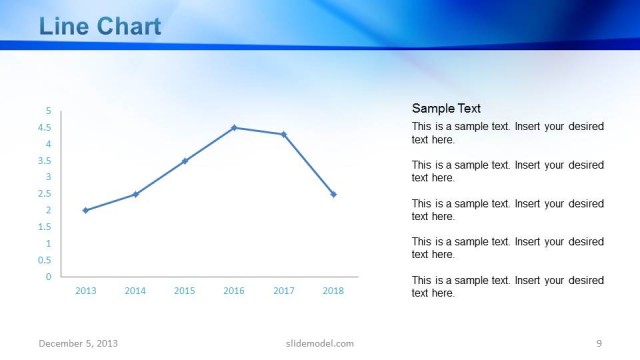
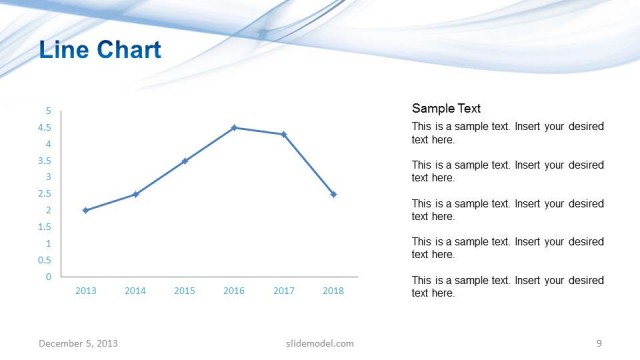
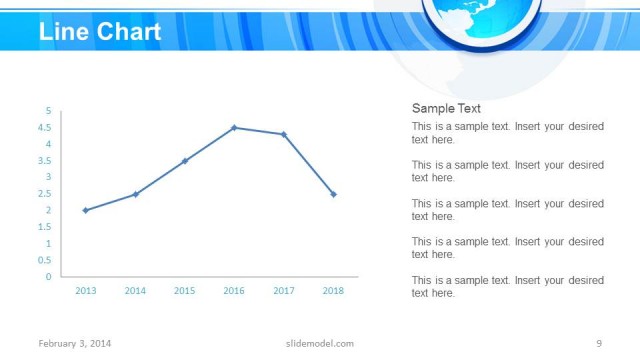
The slide features a line chart positioned on the left side, displaying data points across the years 2013 to 2018. The chart includes a vertical axis labeled with numerical values and a horizontal axis indicating years. The line is blue, with data points marked clearly. To the right, there is a text area containing multiple placeholders for sample text, aligned vertically. The title 'Line Chart' is at the top left, with a subtitle placeholder directly below it. The overall layout is split between the chart and the text area, creating a balanced composition.
How to Use It
This layout serves as a data visualization tool, ideal for presenting trends over time. It fits well after sections discussing company performance or market analysis. In real-world scenarios, it can be used to showcase sales growth, customer acquisition trends, or other key metrics. This slide is effective in highlighting data-driven insights within a company profile, making it suitable for investor presentations or team meetings focused on performance review.
Text Placeholders & Capacity
Keep your copy within these limits so it fits without resizing. Body slots can accommodate roughly 15-20 words each.
| Placeholder | Count | Max characters (approx.) |
|---|---|---|
| Slide title | 1 | 30 |
| Subtitle | 1 | 50 |
| Body paragraph | 5 | 100 |
Slide Keywords
Download unlimited PowerPoint templates, charts and graphics for your presentations with our annual plan.
DOWNLOADReturn to Global Company Profile PowerPoint Template.