Ghana Map Editable PowerPoint Template is a set of eight slides containing political and outline maps of the Republic of Ghana. Ghana is located in Africa and it borders with Ivory Coast, Burkina Faso, Togo, the Gulf of Guinea and the Atlantic Ocean.
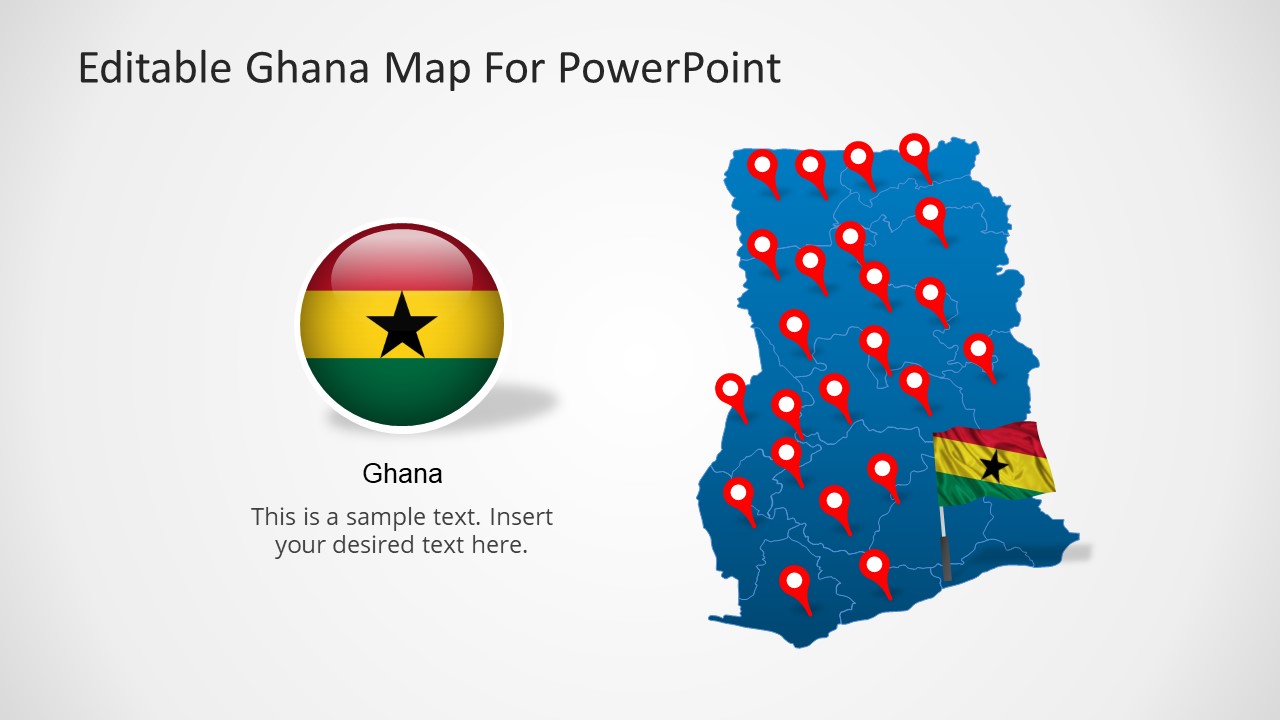
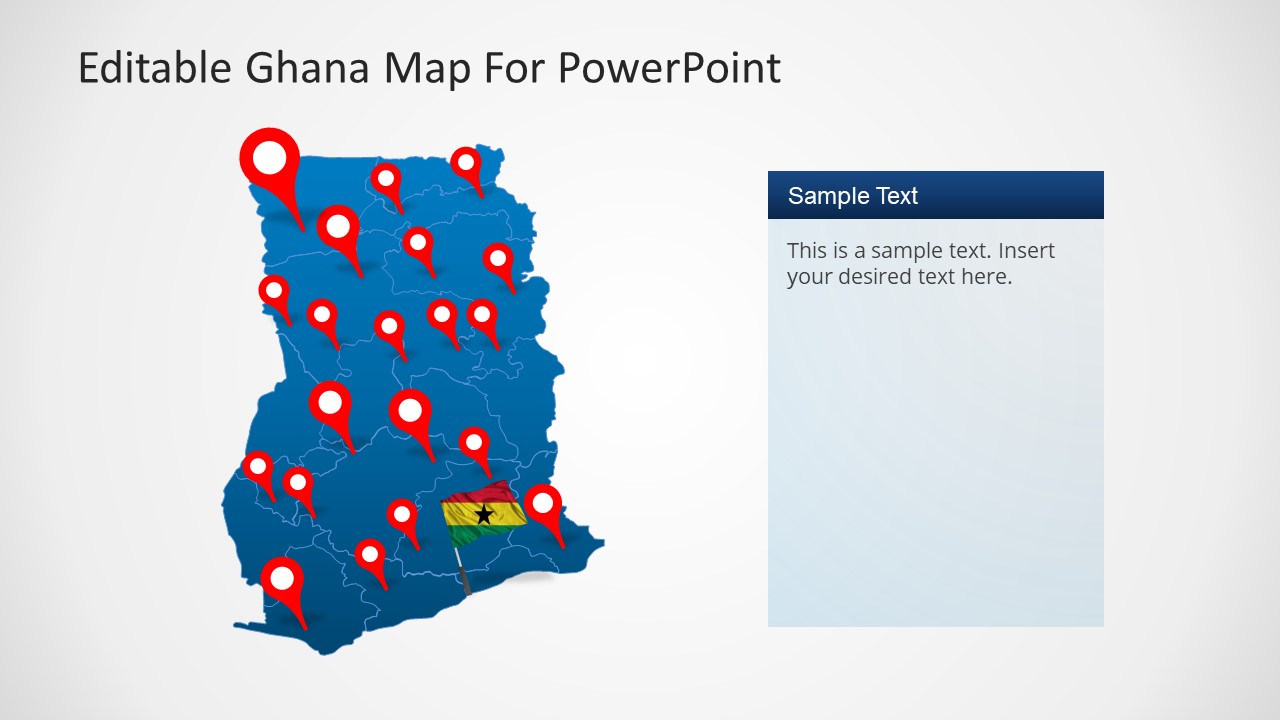
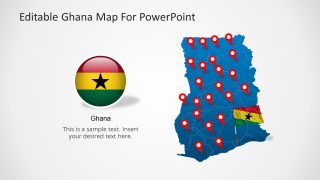
The maps are divided in editable states and the grate Lake Votla is clearly defined . The user can move the states into highlight zones and use GPS markers icons to identify geographical places in the map. The Ghana Map Editable PowerPoint Template also provides the flag of Ghana, and an icon with the national colors. This flexible Ghana Map Editable PowerPoint Template can be used for Geography or History lectures, or simply to describe a high level trip route over the country.
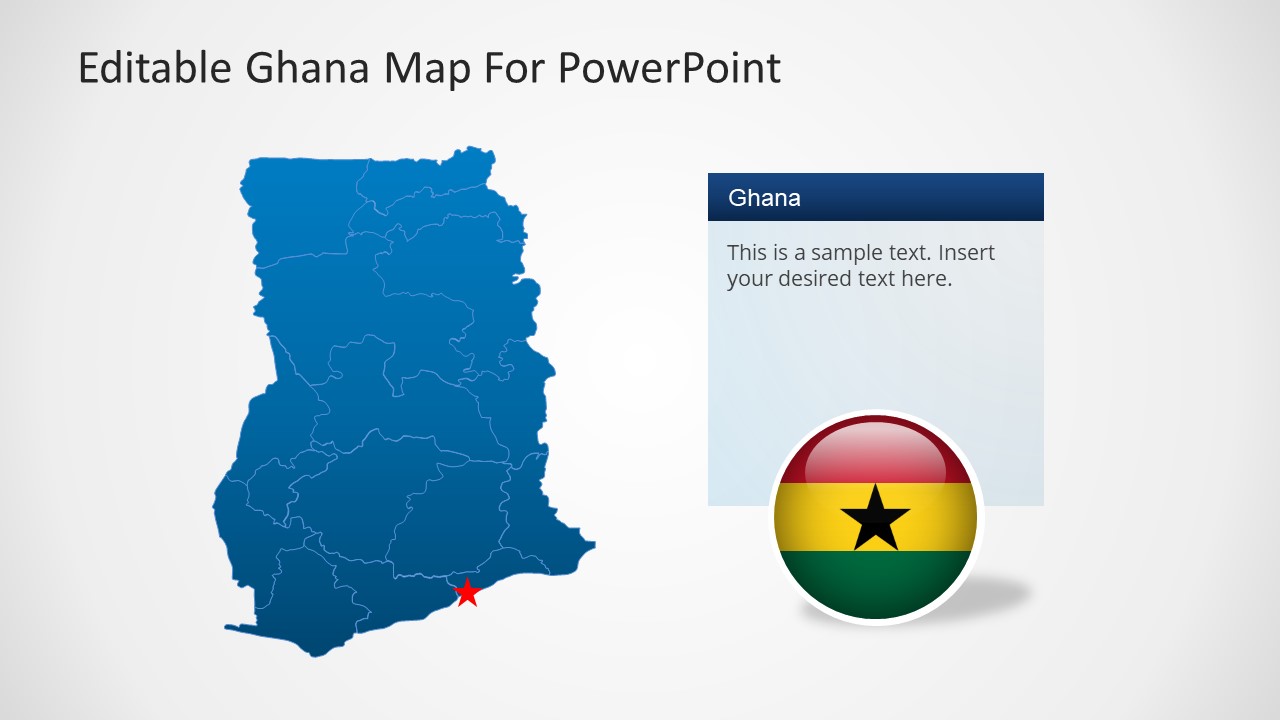
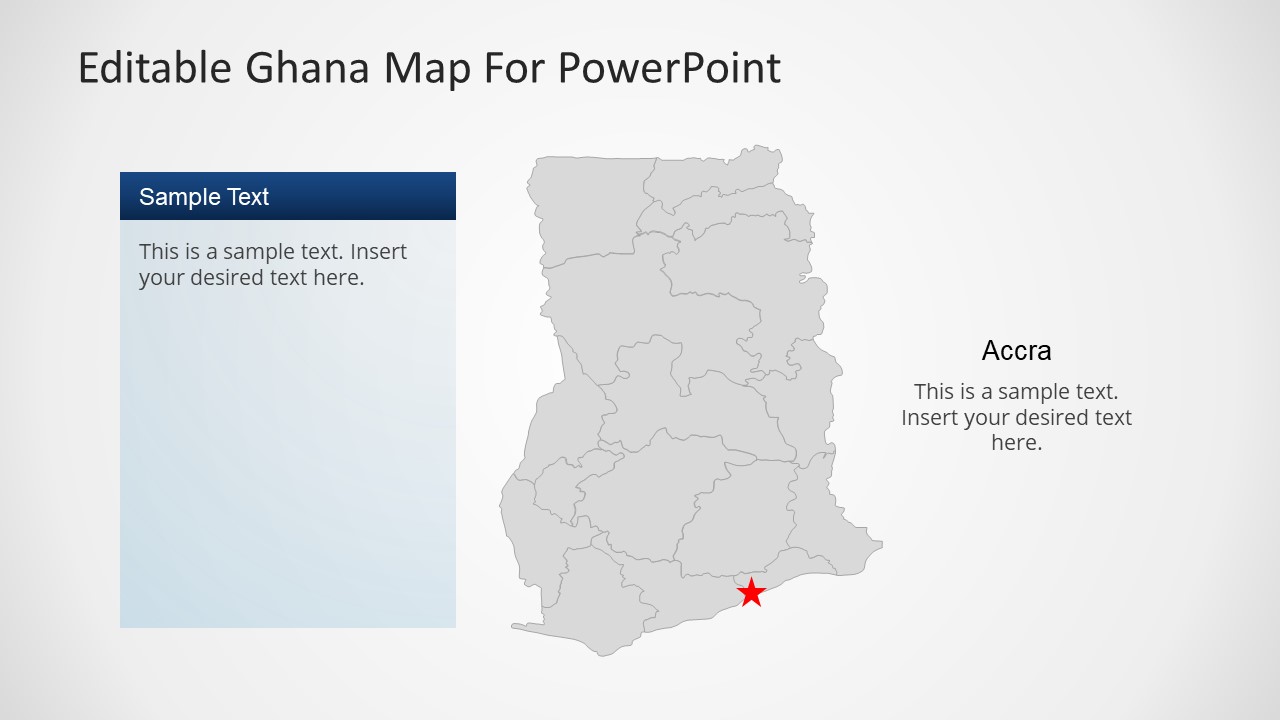
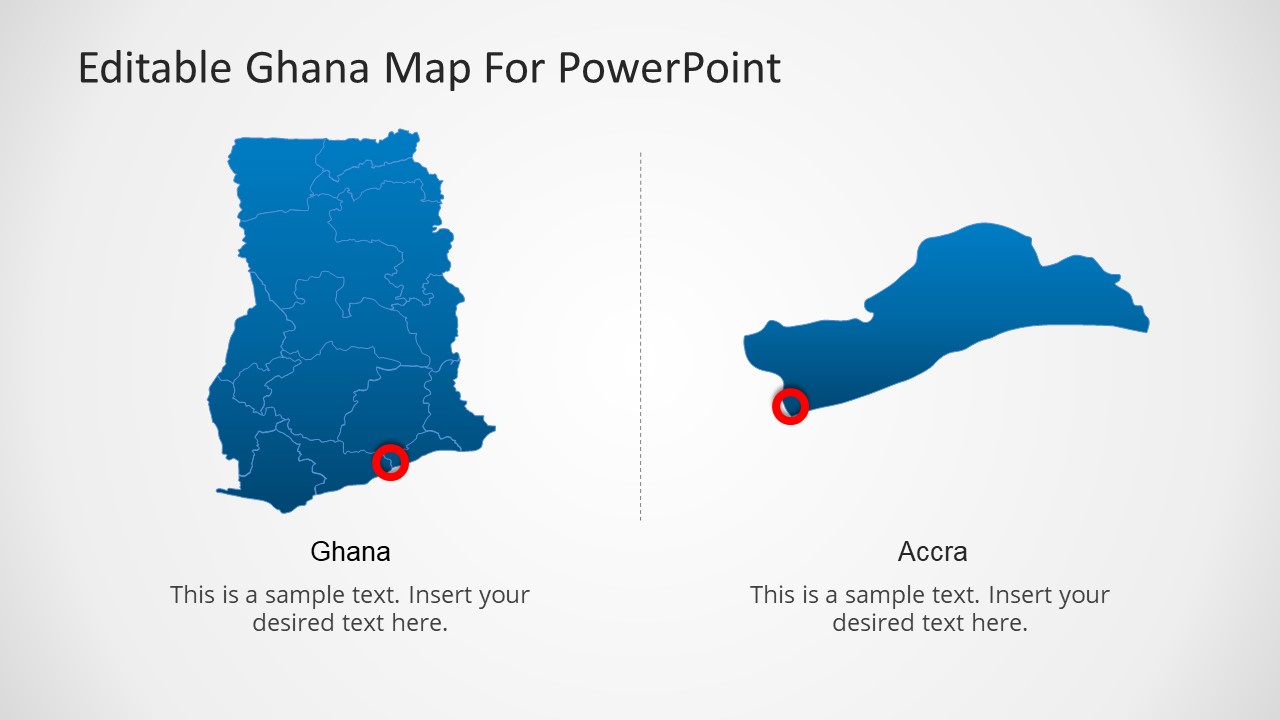
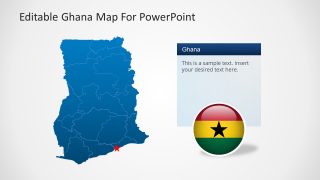
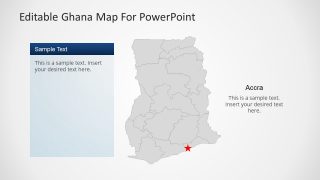
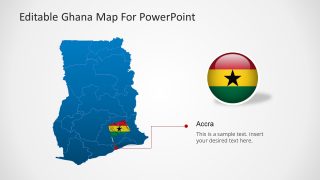
Each of the slides provides fully customizable maps built as a composite of PowerPoint objects, with icons and text boxes with combining palette. This presentation provides a Ghana Map Editable PowerPoint Template slide with Accra marked as capital city star.
Create professional presentations that appeal to Global audiences with this flexible Ghana Map Editable PowerPoint Template.
What’s inside this template
Example presentation scenarios
- An educator can use the political map, Accra marker, and flag graphics to introduce Ghana's location, capital city, and internal territory boundaries in a geography or history lesson.
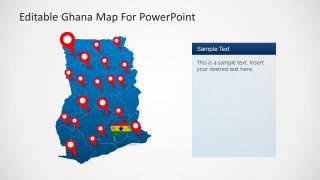
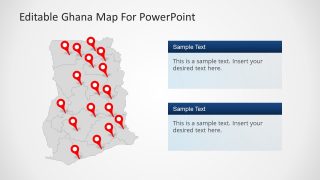
- A market analyst can present Ghana entry opportunities by placing site notes in the information panels and using the red location pin maps to show target cities or operating areas.
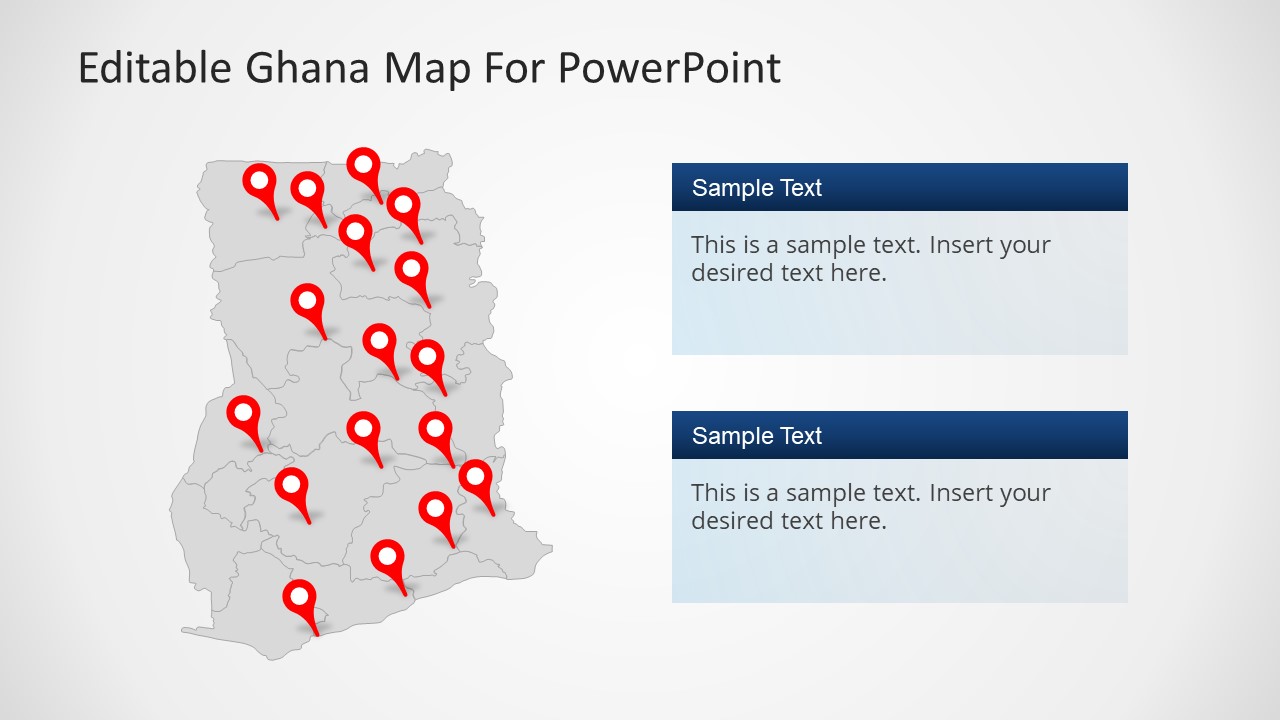
- An NGO program manager can brief stakeholders on field activity coverage by combining the gray outline map, multiple red pins, and two right-side text panels for regional status notes.
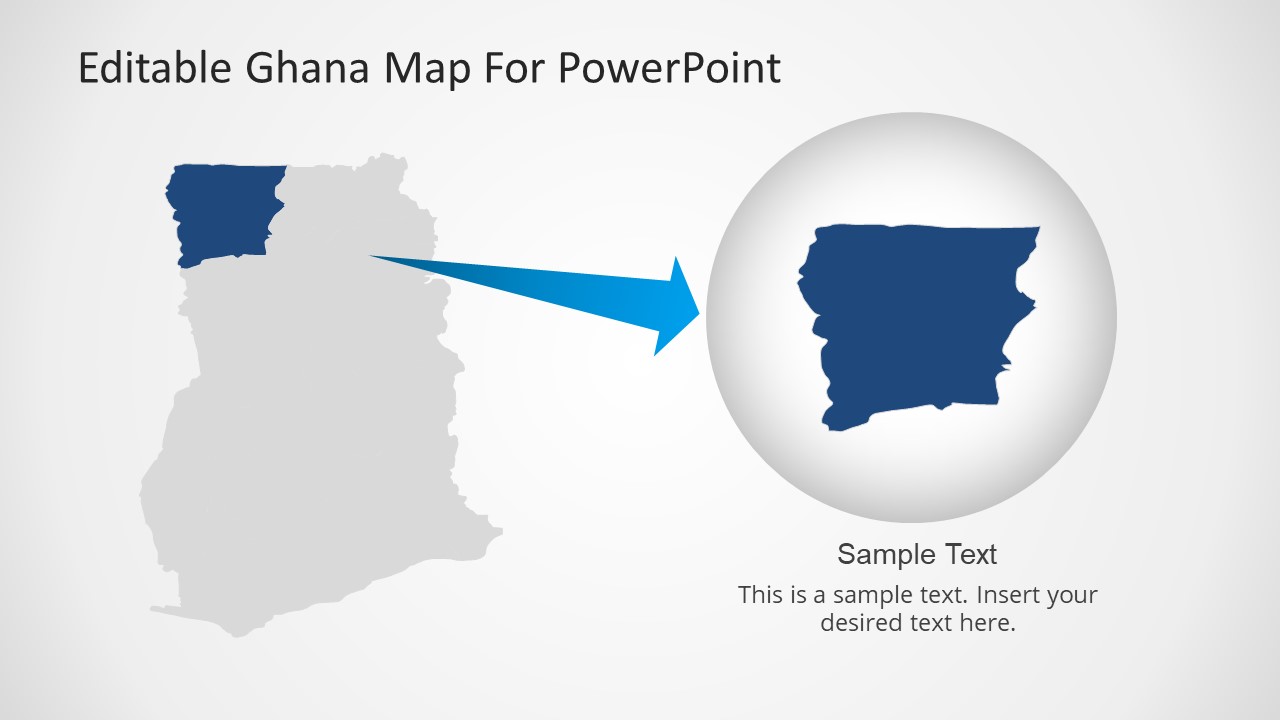
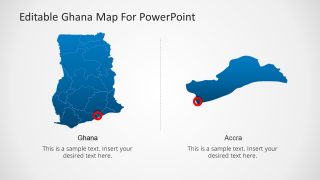
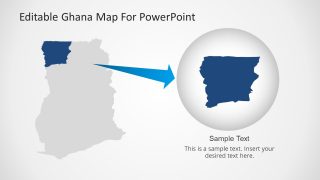
- A travel planner can explain a Ghana itinerary with the full-country map, Accra callout, and regional focus slide that isolates one selected area for closer discussion.
Features
- 100% editable presentation template
- Compatible with Microsoft PowerPoint and Google Slides
- 16:9 aspect ratio slides
- Scalable vector shapes, icons and illustrations
- AI-Ready for Microsoft Copilot and Claude
- Instant access and download
Frequently asked questions
Q: How should a presenter structure a clear Ghana location briefing with this template?
A: Start with the full blue Ghana political map to orient the audience, then use the Accra callout or star marker to establish the capital reference point. Move to the pin maps only after the geography is clear. Reserve the regional zoom slide for the one area that needs extra explanation, rather than making every region equally important.
Q: Who is this Ghana map template best suited for?
A: This template fits presenters who need a Ghana-specific visual frame instead of a generic Africa map. Educators can explain territory and capital context, business teams can discuss site distribution, and NGO or public sector teams can show field coverage with the pin maps, text panels, and highlighted regional shapes.
Q: Why do the pins, callouts, and zoomed territory views help communication?
A: The design separates three map-reading tasks: recognizing Ghana, finding specific locations, and focusing on one territory. Red pins create quick visual anchors, text panels hold explanation outside the map, and the circular zoom metaphor on Slide 8 signals a closer look without losing the national context.

Ghana Map Editable PowerPoint Template
8-slide Ghana map presentation template with editable territories, location pins, and flag markers
This 8-slide Ghana map presentation template provides editable political maps, outline maps, location pin maps, regional highlight callouts, and a zoomed territory view. It is built for geography, travel, business, public sector, and market presentations that need Ghana-specific visual context in Microsoft PowerPoint or Google Slides.
- Category
- Maps
- Rating


 Loading...
- Aspect ratio
- 16:9
- Item ID
- 6459-01
- Colors
 Microsoft PowerPoint
  Microsoft Copilot
  Claude for PowerPoint
 Other formats supported
Subscribe today and get immediate
access to download our PowerPoint templates.