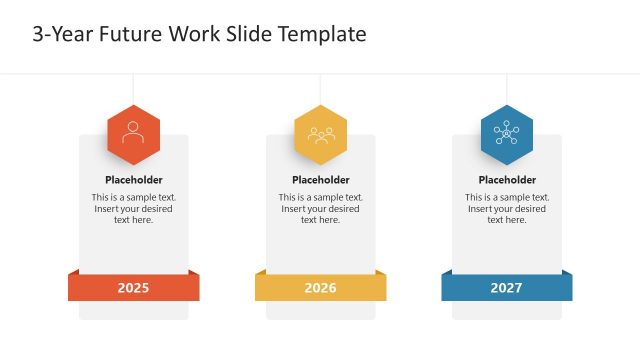
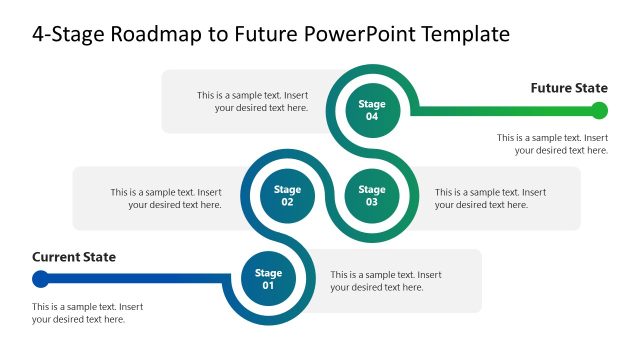
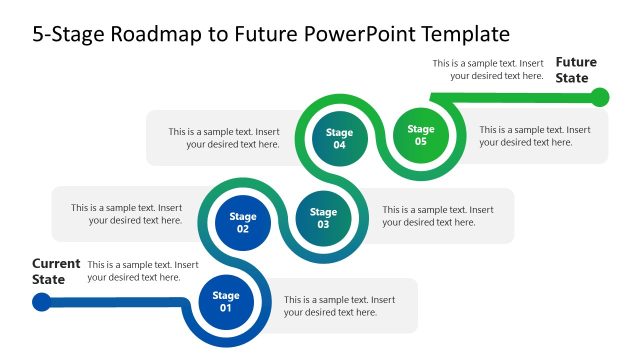
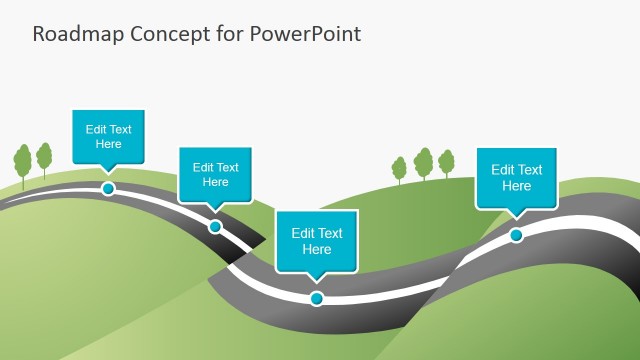
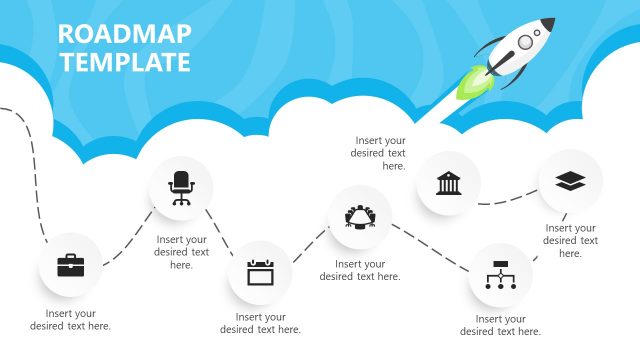
The Future Work Slide Template Roadmap for PowerPoint features an editable roadmap design for presenting events and milestones. Planning is the key to maintaining high morals. Companies focus on making applicable plans and discuss those with their team to bring alignment into practice. This roadmap template can help executives share their ideas and future goals through its creative visuals. Further, the segregated milestones make it clear to achieve the milestones gradually according to the roadmap. Our future work slide template has multiple graphical icons and an editable text area to manage discussion points. Professionals can conveniently download and use these slides online and in meeting presentations.
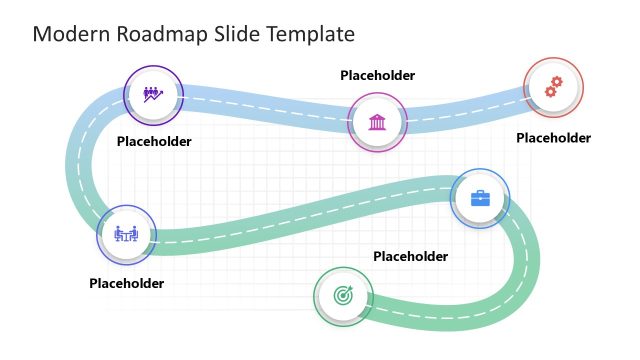
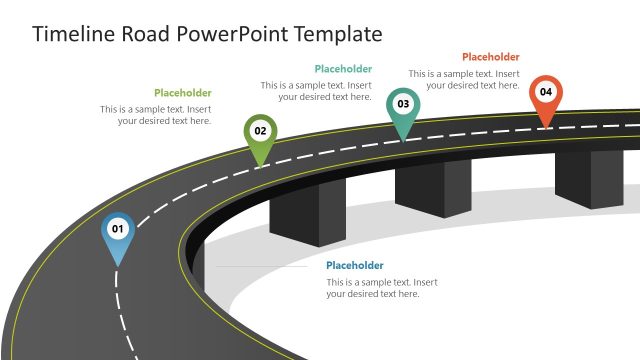
Both sides of the Future Work Slide Template Roadmap for PowerPoint have a curved diagonal arrow beginning at the lower left corner. This dotted line carries circular shapes in its curved spaces. The first slide shows four circles with colored boundaries having clipart icons. Each shape has a placeholder text area for adding a title and description. Users can hold or replace the graphical elements according to their presentation topic. This slide is useful for displaying yearly goals, events, or milestones. Presenters can edit the year numbers or change them for specific use cases. The other slide is designed to present quarterly events, i.e., the circular shapes carry the Q1, Q2, Q3, and Q4 titles in the space. However, by editing the text, our users can easily make the slides fit their purpose and theme. The shapes’ multiple shading effects are used to make them attractive to attendees.
In addition to its application in corporate planning presentations, the slides are useful for yearly or quarterly details of any field. The rising arrow shape can be associated with growth concepts such as team expansion and global reach increment. Presenters can discuss their achievements and success stories with this editable design. So, download and try this future work template to create engaging presentations!
What’s inside this template
Example presentation scenarios
- An executive can present a future work agenda to leadership by using the year-based roadmap to connect 2025 through 2028 milestones with short explanatory callouts.
- A project manager can brief a team on quarterly deliverables by using the Q1 to Q4 roadmap and replacing each placeholder with decisions, owners, or expected outputs.
- A strategy consultant can summarize a client planning workshop by mapping major initiatives along the curved path and using the colored circles as sequential discussion points.
- An operations leader can explain phased improvements to department managers by assigning each circular marker to a process milestone and using the adjacent text areas for impact notes.
Features
- 100% editable presentation template
- Compatible with Microsoft PowerPoint and Google Slides
- 16:9 aspect ratio slides
- Scalable vector shapes, icons and illustrations
- AI-Ready for Microsoft Copilot and Claude
- Instant access and download
Frequently asked questions
Q: How should a presenter use this roadmap to communicate future work clearly?
A: Start with the first marker as the current planning horizon, then move along the dotted curve one milestone at a time. Keep each text block to the decision, action, or outcome tied to that point. The circular markers work best when they are treated as checkpoints, not as paragraphs or task lists.
Q: Who is this template best suited for in a planning conversation?
A: This template fits executives, project managers, and strategy teams who need to explain a high-level work plan without showing detailed scheduling mechanics. The year-based slide is useful for multi-year direction, while the Q1 to Q4 slide helps teams discuss near-term execution, priorities, and phased delivery.
Q: Why does the curved rising arrow work well for milestone planning?
A: The upward dotted path gives the audience a visual sense of movement from one stage to the next. The circular markers create clear stopping points, while the adjacent text blocks separate explanation from the timeline itself. This reduces clutter and makes the roadmap feel sequential and goal oriented.


Future Work Slide Template Roadmap for PowerPoint
2-slide roadmap presentation template for future work milestones and quarterly planning in 16:9 format
Future Work Slide Template Roadmap for PowerPoint is a 2-slide planning template for milestone communication. It includes a curved dotted roadmap with circular year markers, a quarterly Q1 to Q4 roadmap, icon placeholders, and short text callouts. It is designed for business planning in Microsoft PowerPoint and Google Slides.
- Category
- Timelines & Planning
- Rating

 Loading...
- Aspect ratio
- 16:9
- Item ID
- 21615-01
- Colors
 Microsoft PowerPoint
 Microsoft Copilot
 Claude for PowerPoint
Other formats supported
Subscribe today and get immediate
access to download our PowerPoint templates.