Future Outlook Slide Template for PowerPoint
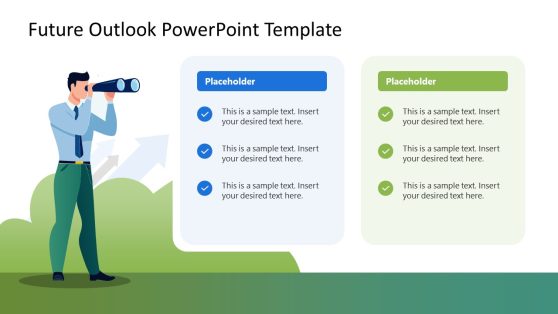
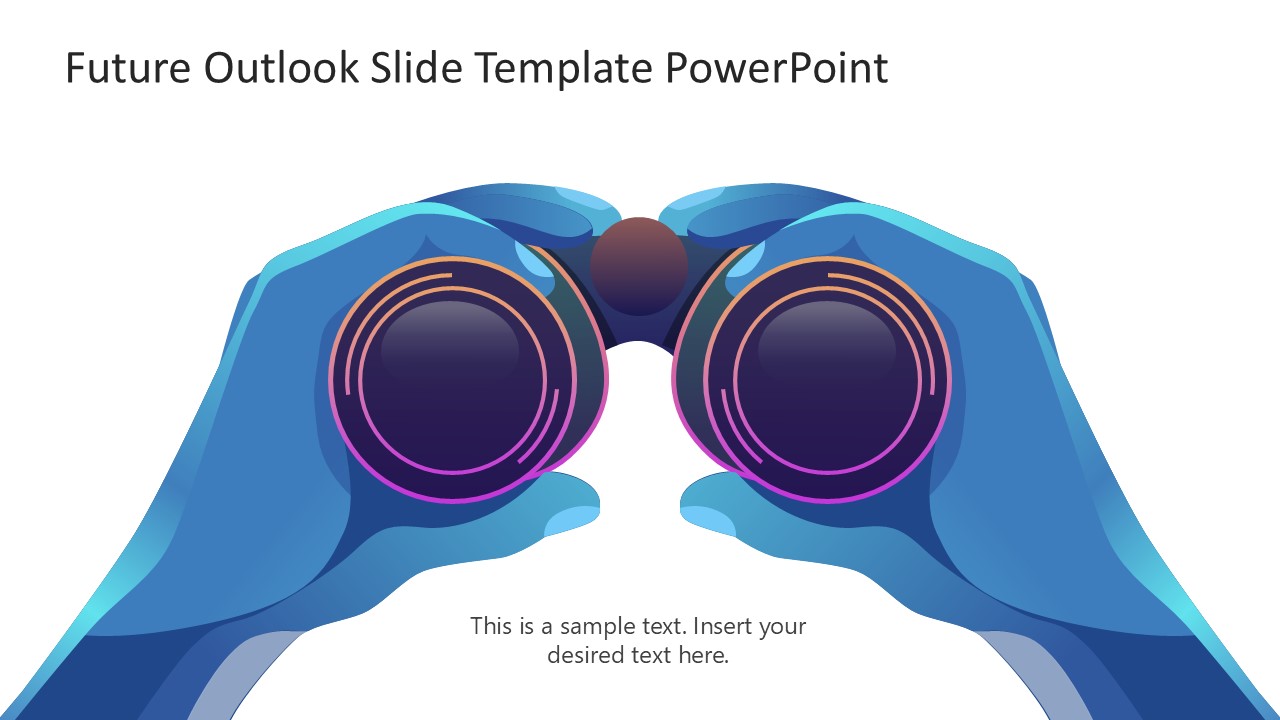
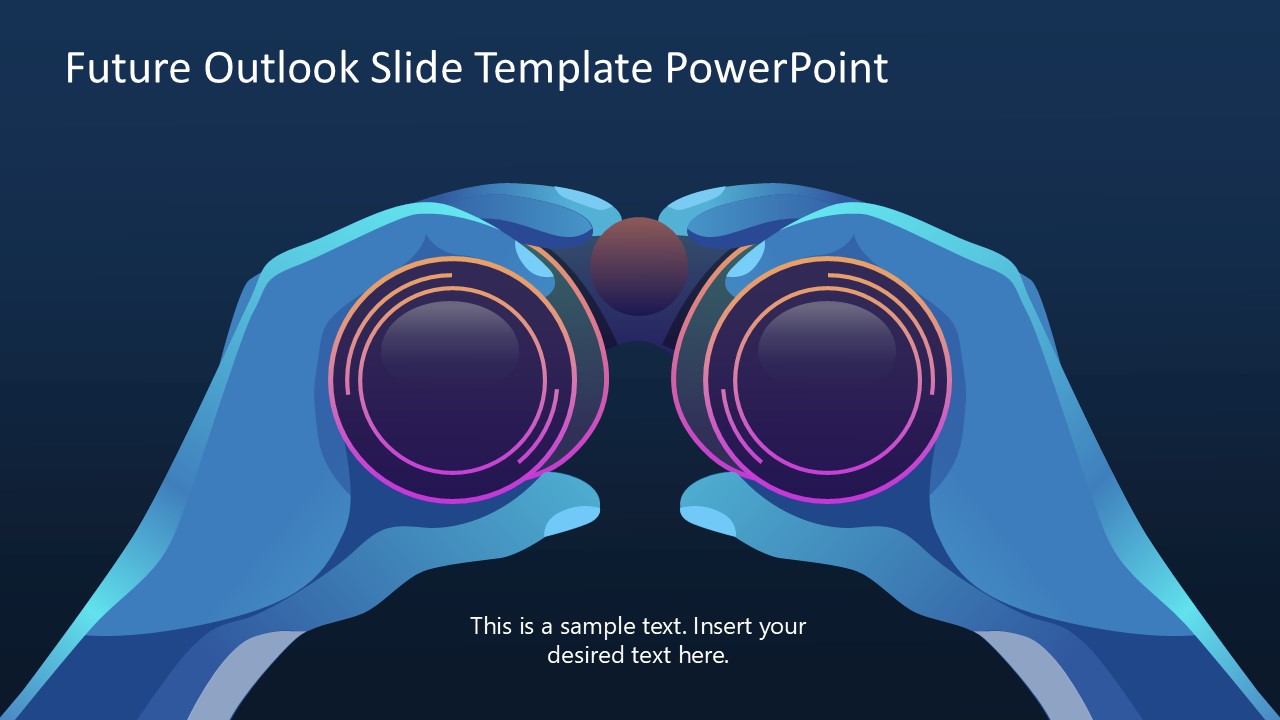
Showcase your company’s vision in the client meetings using our editable Future Outlook Slide Template for PowerPoint. The template features a graphic of a pair of hands holding binoculars. The diagram shows many curves, giving it a 3D appearance. At the bottom, we have provided placeholder text lines so professionals can include the key details in the presentation. In consulting sessions or strategy workshops, our diagrams help users mention where they see the company in the next three to four years. The binoculars diagram is helpful for business leaders to present their missions and objectives in the executive sessions. Moreover, project managers can use the future outlook template to demonstrate how the specific project will create a positive impact on their system.
Mentors in career motivation sessions can use this layout to envision students’ final career achievements or to present a motivational quote with a pair of binoculars to demonstrate the roadmap to success. Users can repurpose the layout to visualize their ideas accurately. The Future Outlook Slide Template for PowerPoint is built with 100% editable PowerPoint elements that can be customized in Google Slides. You can adjust the color scheme or other PPT elements, such as fonts, text, and layout arrangement, to fit your requirements perfectly. Professionals can copy this slide and use it in their pitch decks or project proposals to illustratethe organization’s vision in an attractive style.
Download the future outlook slide template for presentation and edit it for your academic meetups or business discussions. And visit our collection of templates to find the perfect infographic diagram best fit for your presentation needs. Grab our impressive template today!
You must have an active subscription to download this file.
- Category
- Diagrams
- Rating
-

 Loading...
 - Size
- 16x9
- Item ID
- 23391-01
- Colors
Subscribe today and get immediate
access to download our PowerPoint templates.