Slide 5 of 5 from Four Steps Square Cycle Chevron PowerPoint Diagram
PPT Chevron Diagram – Four Step Presentation Template
Four Steps Cycle Chevron Diagram
- Diagram
- Chevron Sequence
- Process Slide
- 16:9
- 100% Editable
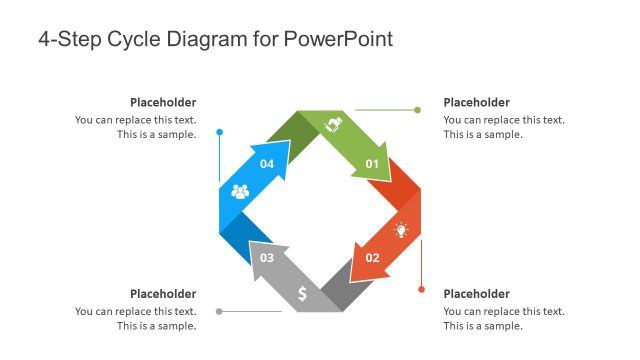
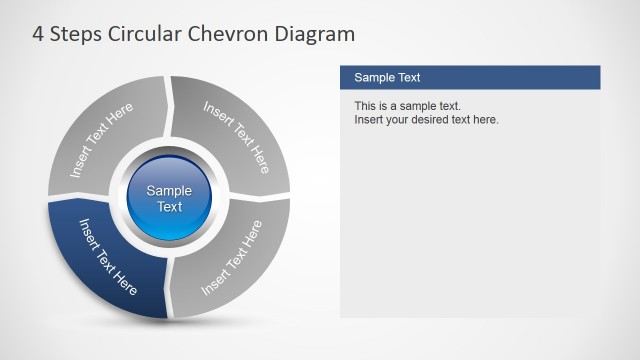
The Four Steps Cycle Diagram from the Four Steps Square Cycle Chevron PowerPoint Diagram template provides a clear visual representation of sequential processes using editable shapes and vector icons. This slide layout is suitable for business presentations and project management overviews, offering a structured approach to illustrate cyclical workflows in slide decks with professional slide templates.
What’s on This Slide
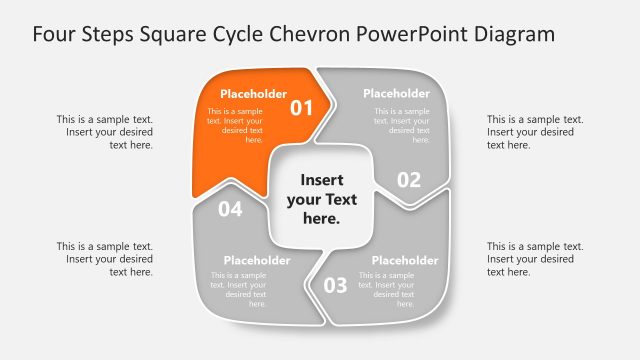
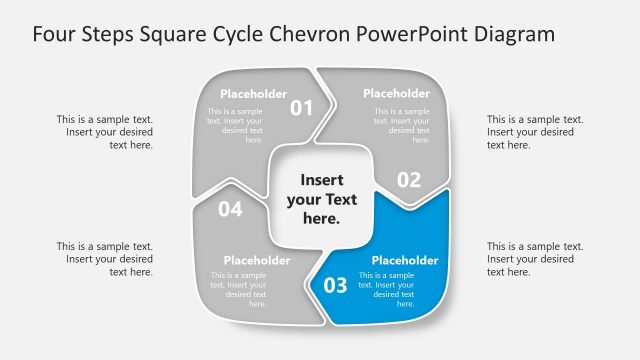
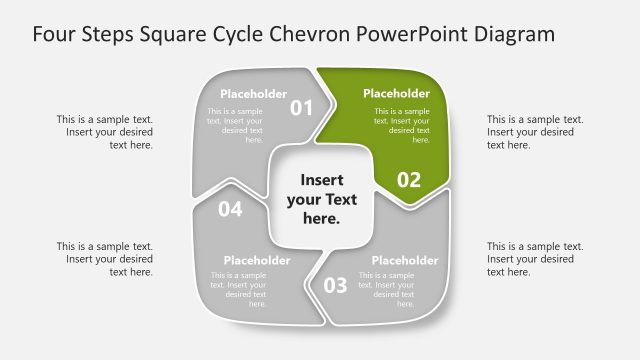
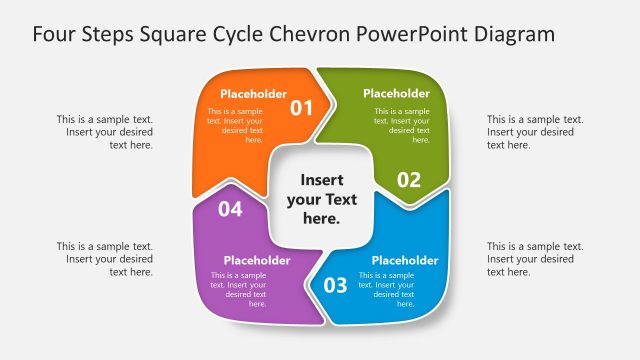
The layout features a central square shape surrounded by four chevron segments. Each segment is labeled with numbers 01, 02, 03, and 04, indicating the sequence of steps. The segments are arranged in a clockwise direction, with the fourth segment highlighted in purple. Text placeholders are present in each segment, aligned centrally, with additional text placeholders located in the center square. The background is light with subtle vertical stripes, enhancing the visual separation of elements. The overall composition is symmetrical, emphasizing the cyclical nature of the process.
How to Use It
This layout serves as a cyclical process diagram, ideal for illustrating four sequential steps in a process. It fits well in presentations that require a clear depiction of process flows, such as project management, product development, or training sessions. This structure can be used to visually communicate stages of a workflow or to summarize key points in a structured manner. It is effective in both team meetings and client presentations, where clarity and organization are essential.
Text Placeholders & Capacity
Keep your copy within these limits so it fits without resizing. Node body slots can accommodate roughly 15-20 words each.
| Placeholder | Count | Max characters (approx.) |
|---|---|---|
| Item heading | 4 | 30 |
| Item body | 4 | 100 |
| Item body | 1 | 100 |
Slide Keywords
Download unlimited PowerPoint templates, charts and graphics for your presentations with our annual plan.
DOWNLOADReturn to Four Steps Square Cycle Chevron PowerPoint Diagram.