Slide 1 of 5 from 4-Step Cycle Diagram PowerPoint Template
4 Steps Process cycle Diagram PowerPoint
4-Step Cycle Diagram for PowerPoint
- Diagram
- Circular Cycle
- Process Slide
- 16:9
- 100% Editable
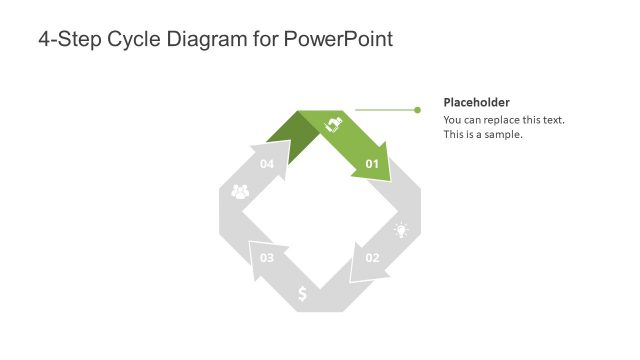
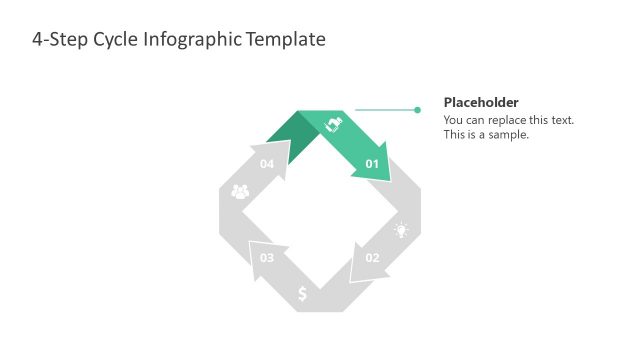
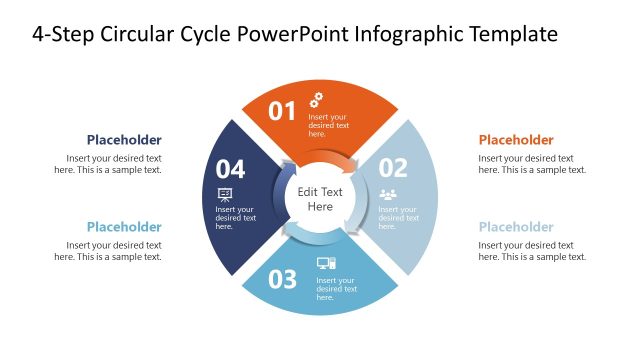
The 4-Step Cycle Diagram slide from the 4-Step Cycle Diagram PowerPoint Template offers a clear visual for illustrating cyclical processes in business presentations. This slide layout uses editable shapes and vector icons arranged in a circular flow to depict project management or product development workflows. It is designed for easy customization within slide decks, making it suitable for corporate presentations and pitch deck templates requiring process visualization.
What’s on This Slide
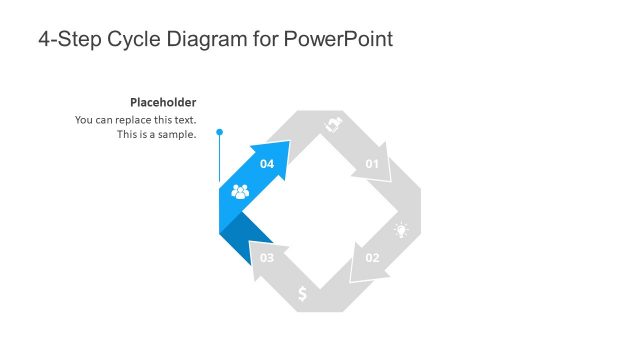
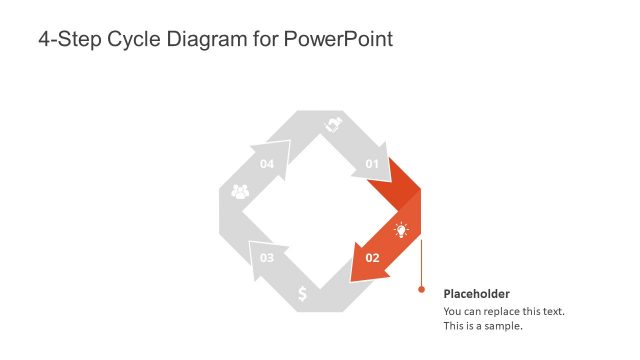
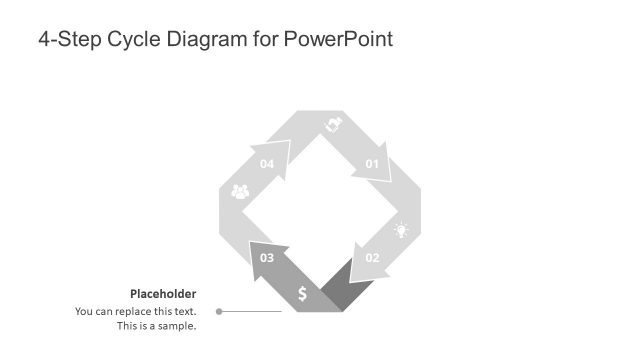
The layout features a circular cycle diagram with four colored arrows arranged in a clockwise direction. Each arrow points to a rhombus-shaped node containing a number and an icon, with the nodes labeled 01, 02, 03, and 04. The arrows are colored green, red, blue, and gray, creating a distinct visual hierarchy. Text placeholders are positioned adjacent to each node, aligned to the left or right, allowing for easy content replacement. The background is white, enhancing the diagram's clarity and focus.
How to Use It
This layout serves as a process flow diagram, ideal for illustrating cyclical processes or workflows. It fits well in presentations that require a visual representation of sequential steps or stages in a project. Common scenarios include project management, business processes, or product development cycles. It can effectively communicate the interrelated nature of steps in a process, making it suitable for both team discussions and stakeholder presentations.
Text Placeholders & Capacity
Keep your copy within these limits so it fits without resizing. Node body slots can hold approximately 10 words each.
| Placeholder | Count | Max characters (approx.) |
|---|---|---|
| Item heading | 4 | 20 |
| Item body | 4 | 50 |
| Slide title | 1 | 40 |
Slide Keywords
Download unlimited PowerPoint templates, charts and graphics for your presentations with our annual plan.
DOWNLOADReturn to 4-Step Cycle Diagram PowerPoint Template.