Slide 4 of 5 from Four Steps Circular Badge PowerPoint Infographics
PowerPoint Diagram Slide of Four Step
Four Steps Circular Process Infographic
- Diagram
- Arrow Sequence
- Process Slide
- 16:9
- 100% Editable
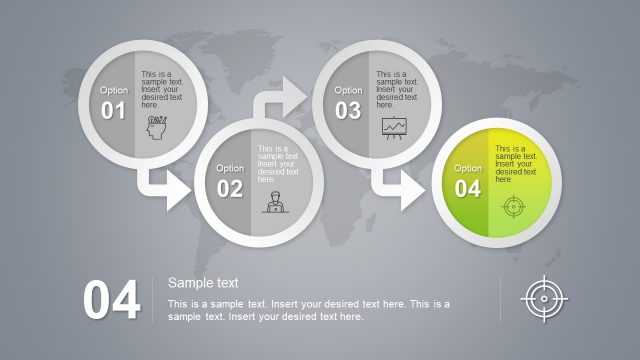
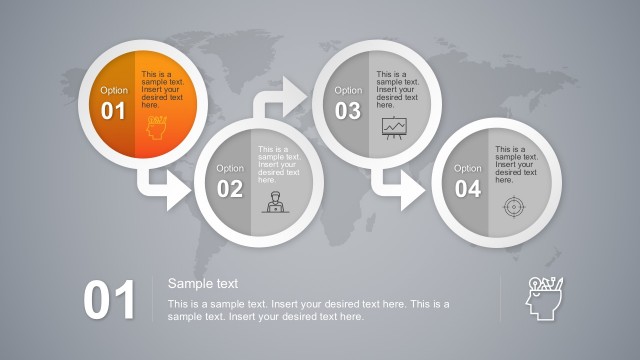
The Four Steps Circular Process slide from the Four Steps Circular Badge PowerPoint Infographics template visually represents sequential workflow steps using editable shapes and vector icons. This slide layout is designed for business presentations and strategic planning, providing a clear depiction of project phases through interconnected circular nodes and directional arrows. Its subtle world map background and gradient color scheme enhance the slide deck's professional appearance, making it suitable for corporate presentations and pitch deck templates.
What’s on This Slide
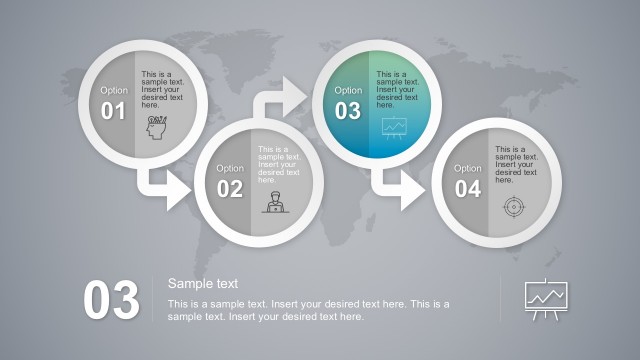
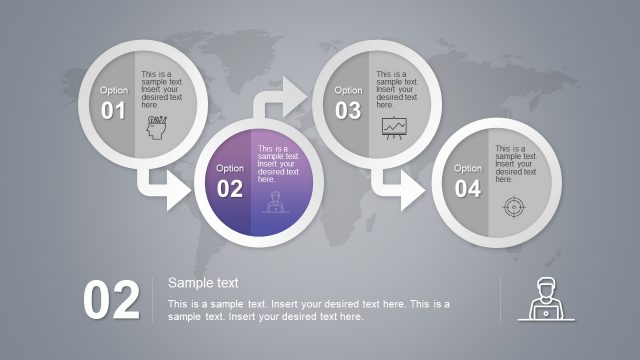
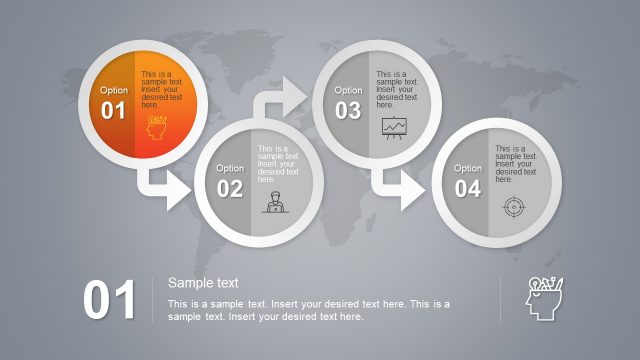
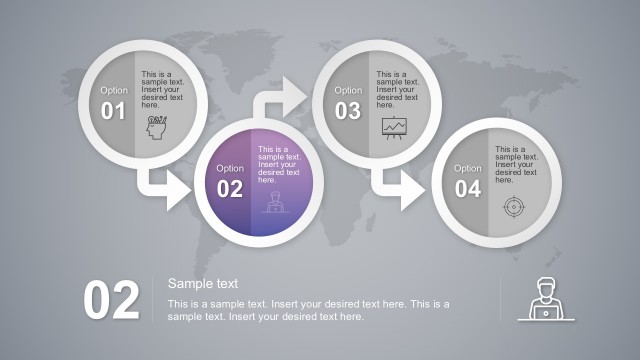
The layout features four circular nodes arranged horizontally with arrows connecting them. The first node is on the left, labeled 'Option 01,' followed by 'Option 02' in the second node. The third node, highlighted in blue, is labeled 'Option 03,' and the fourth node, 'Option 04,' is on the far right. Each node contains a text placeholder for descriptions, with the central area featuring a larger text placeholder for additional information. A subtle world map serves as the background, enhancing the overall structure. The color scheme includes gradients for visual differentiation.
How to Use It
This layout serves as a process diagram, ideal for illustrating sequential steps or options in a workflow. It fits well in presentations discussing project phases, decision-making processes, or strategic plans. It can be used to highlight key actions or milestones in a business context, making it suitable for team meetings, project updates, or training sessions. The layout effectively communicates a clear progression from one step to the next, enhancing audience understanding.
Text Placeholders & Capacity
Keep your copy within these limits so it fits without resizing. Body slots can accommodate around 30-40 words each.
| Placeholder | Count | Max characters (approx.) |
|---|---|---|
| Item heading | 4 | 30 |
| Body paragraph | 1 | 200 |
| Slide title | 1 | 20 |
Slide Keywords
Download unlimited PowerPoint templates, charts and graphics for your presentations with our annual plan.
DOWNLOADReturn to Four Steps Circular Badge PowerPoint Infographics.