Slide 1 of 2 from Flyer Brochure PowerPoint Template
Digital Brochure PowerPoint Templates
Tri-Fold Brochure Layout for Presentations
- Text Layout
- Other
- Product Overview Slide
- 16:9
- 100% Editable
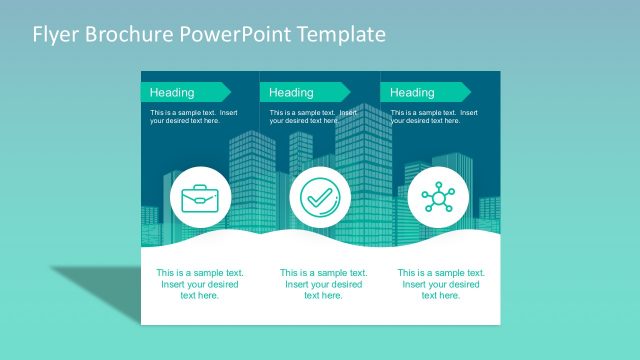
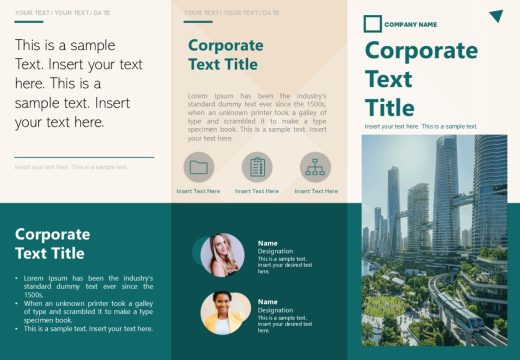
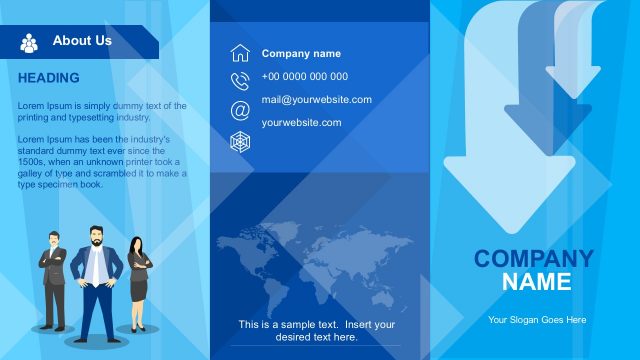
The Tri-Fold Brochure Layout from the Flyer Brochure PowerPoint Template offers a structured design ideal for business presentations and marketing materials. This slide template features three vertical sections with icons and text placeholders, providing a clear overview of company services or products. Its balanced composition and editable shapes make it a practical choice for creating professional slide decks and corporate presentations that require concise, visually engaging content.
What’s on This Slide
The layout features three vertical sections, each containing a heading and a text placeholder. The left section includes an icon of coins, the center section has a globe icon, and the right section displays a handshake icon. Each section has a curved bottom edge, creating a wave effect. The background transitions from light to dark teal, enhancing visual appeal. Text placeholders are centrally aligned within each section. The overall composition is balanced, with icons sized uniformly and positioned above the text, creating a clear visual hierarchy.
How to Use It
This layout serves as a tri-fold brochure format, suitable for presenting company information or services. It fits well at the beginning of a presentation to introduce key offerings or concepts. In business contexts, it can be used for marketing materials, informational brochures, or service overviews. The structure allows for easy navigation between sections, making it effective for summarizing multiple points succinctly.
Text Placeholders & Capacity
Keep your copy within these limits so it fits without resizing. Node body slots can hold approximately 15-20 words each.
| Placeholder | Count | Max characters (approx.) |
|---|---|---|
| Slide title | 1 | 30 |
| Item heading | 3 | 20 |
| Item body | 3 | 100 |
| Footer | 1 | 50 |
Slide Keywords
Download unlimited PowerPoint templates, charts and graphics for your presentations with our annual plan.
DOWNLOADReturn to Flyer Brochure PowerPoint Template.