Slide 2 of 3 from Free Business Brochure PowerPoint Template
Free Business Brochure Presentation Slide
Corporate Text Layout for Business Presentations
- Text Layout
- Other
- Context Slide
- 100% Editable
What’s on This Slide
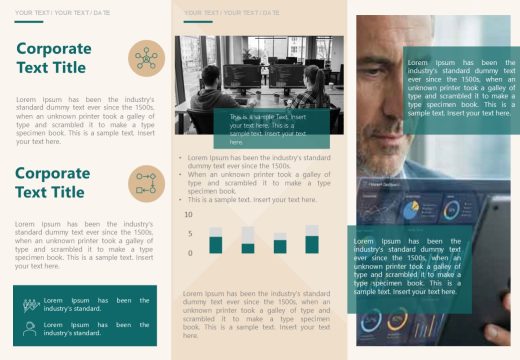
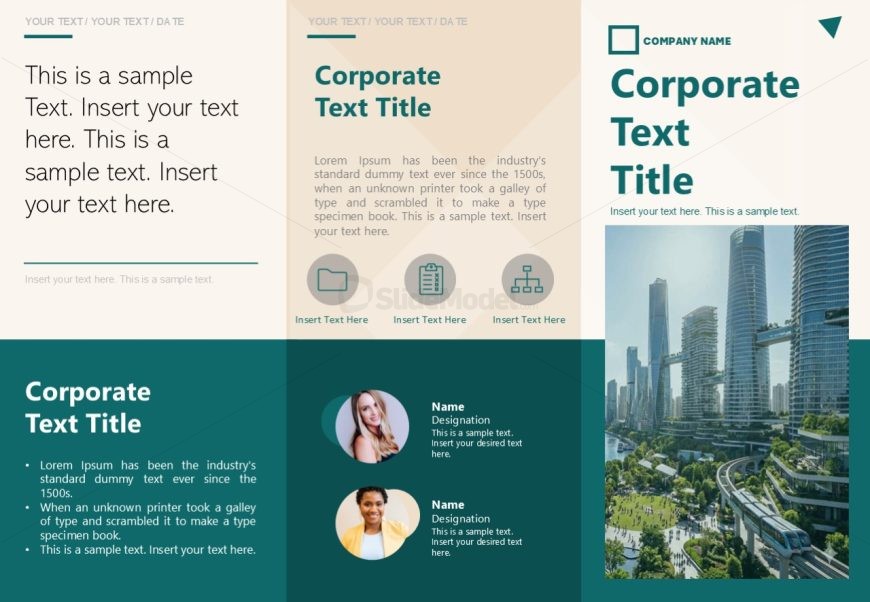
The layout features a three-column design with a prominent title at the top center. The left column contains a text placeholder for a date and introductory text, while the middle column has a larger text area for a corporate title and detailed description. Below this, there are four circular icons with corresponding text placeholders arranged in a row. The right column includes a large image placeholder, enhancing visual interest. Text placeholders are aligned consistently, maintaining a clear visual hierarchy across the slide.
How to Use It
This layout serves as an introduction or overview slide, suitable for presenting corporate information or team introductions. It fits well in a business brochure or presentation sequence, following a title slide and leading into detailed content. Use it to summarize key points or introduce team members in a professional context, ensuring clarity and engagement with the audience.
Text Placeholders & Capacity
Keep your copy within these limits so it fits without resizing. Body slots can accommodate roughly 25-30 words each.
| Placeholder | Count | Max characters (approx.) |
|---|---|---|
| Slide title | 1 | 30 |
| Body paragraph | 3 | 150 |
| Item heading | 4 | 20 |
| Item body | 4 | 100 |
| Image caption | 1 | 30 |
Slide Keywords
Download unlimited PowerPoint templates, charts and graphics for your presentations with our annual plan.
DOWNLOADReturn to Free Business Brochure PowerPoint Template.